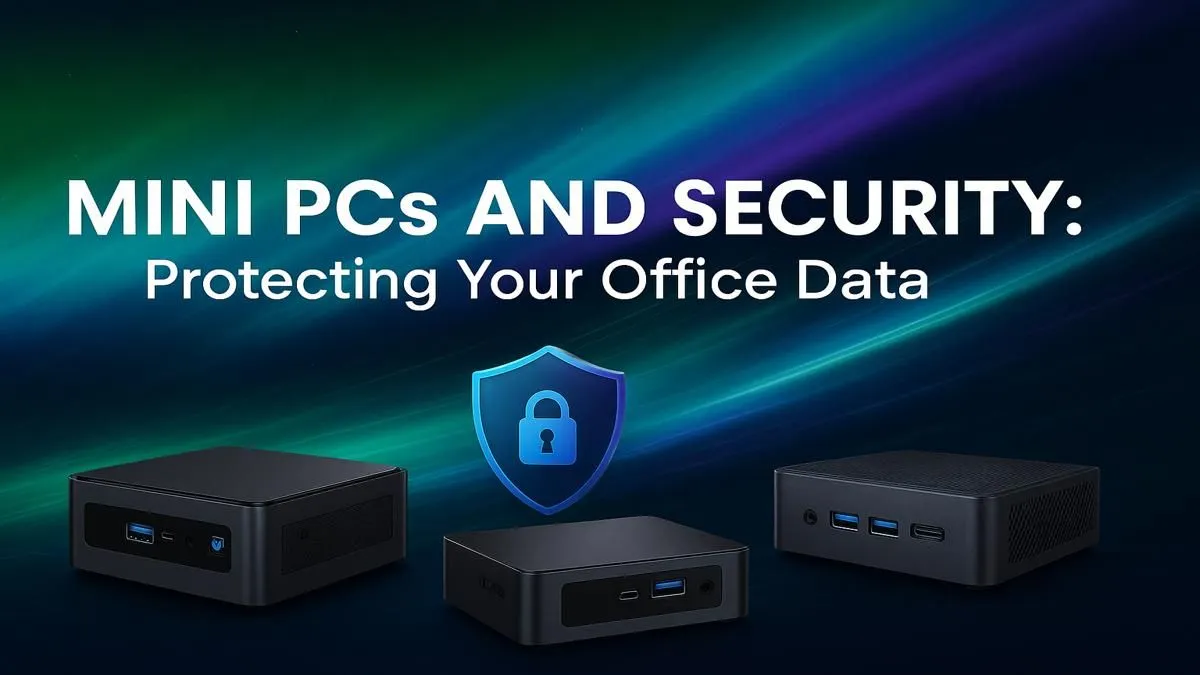
Mini PCs are taking over South African offices. They're compact, power-efficient, and surprisingly mighty. But their small size is also their biggest weakness. This guide covers everything you need to know about mini PC security, ensuring your sensitive business data stays locked down, whether your office is in Sandton or your spare room.
Why Mini PC Security Is a Critical Blind Spot
We love the clean, minimalist look a mini PC brings to a desk. But their convenience introduces unique security challenges that a standard desktop tower doesn't face. Because they are small and lightweight, physical theft becomes a much more significant threat. An entire office computer, containing sensitive invoices, client lists, and financial records, could easily be slipped into a backpack.
Furthermore, these devices often operate in less-controlled environments like home offices or co-working spaces, exposing them to unsecured networks and greater physical access risks. Proper mini PC security isn't just about software; it's a comprehensive strategy that starts with acknowledging the unique vulnerabilities of these compact and capable mini PCs.
Essential Physical Security Measures 🔧
Before you even think about software, you need to lock down the hardware itself. Protecting your office data begins with preventing unauthorised physical access.
Secure the Chassis
The most straightforward defence is a Kensington Security Slot, found on most business-oriented mini PCs. Using a compatible cable lock, you can tether the device to a desk or an immovable object. It’s a simple, effective deterrent against a casual walk-by theft.
Smart Placement
Don't just leave your mini PC sitting on the desk. Take advantage of its size! Many models come with a VESA mount, allowing you to attach the PC directly to the back of a monitor. This not only saves space but also keeps the device out of sight and out of easy reach. For ultimate protection, consider placing it in a locked cabinet or enclosure, ensuring adequate ventilation. Reviewing the physical ports and mounting options on many of the mini PCs available can help you plan the most secure setup for your office.
Fortifying Your Digital Defences 🛡️
Once the physical device is secure, it's time to harden its digital perimeter. Strong digital mini PC data protection ensures that even if the hardware is compromised, your information remains safe.
Lock Down the BIOS/UEFI
The first line of digital defence is at the boot level. By setting a BIOS or UEFI password, you can prevent unauthorised users from changing boot settings or booting from an external drive to bypass operating system security. This is a crucial step that is often overlooked.
Harden the Operating System
Your OS is the gateway to your data. Make it as tough as possible to breach:
- Full-Disk Encryption: This is non-negotiable. For Windows users, BitLocker (available in Pro editions) encrypts the entire drive. If the mini PC is stolen and the drive is removed, the data on it will be unreadable without the encryption key.
- Strong Passwords & User Accounts: Enforce a strong password policy for all users. Critically, create a standard (non-administrator) user account for daily work. This limits the potential damage malware can cause.
- Regular Updates: Keep your operating system and all software up to date. These updates frequently contain critical security patches that protect against the latest threats.
Data Lockdown Pro Tip ⚡
On any Windows Pro device, enabling BitLocker is a must. It encrypts your entire drive, making your data unreadable even if the PC is stolen and the storage is removed. To turn it on, just search for "Manage BitLocker" in your Start Menu and follow the simple on-screen instructions. It's one of the most powerful tools for mini PC security.
Choosing a Secure Mini PC for Your Business
Not all mini PCs are created equal when it comes to security. When purchasing a new device for your office, prioritise models with built-in security features. Look for a system with a TPM 2.0 (Trusted Platform Module) chip. This dedicated micro-controller provides hardware-based security functions and is a core requirement for robust encryption features like BitLocker and for running Windows 11 securely.
Thankfully, you don't need a massive budget to get these enterprise-grade features. You can find many powerful and secure options under R22,000 that include TPM 2.0 and processors with advanced security technologies, giving you peace of mind without breaking the bank.
Ready to Secure Your Workspace?
A small footprint shouldn't mean big risks. From basic office tasks to demanding workloads, there's a mini PC built to protect your data and boost your productivity. Explore our wide range of secure Mini PCs and find the perfect machine for your business needs.