Quick Answer
Monitor specs come down to five things that actually matter: panel type, resolution, refresh rate, response time, and connectivity. Get those right for your use case and you'll have a screen that looks great for years, whether you're gaming, studying from a Stellenbosch res, or working from home in SA.
Panel Type: IPS, VA, or TN
IPS panels give you the best colours and viewing angles, which is why they dominate the under R5,000 bracket for general use and entry gaming. VA panels deliver deeper blacks and stronger contrast, great for movies and single-player titles in a dim lounge. TN is the old-school speed king but it's mostly faded out unless you're chasing rock-bottom pricing on a competitive 1080p panel. For most first-time buyers in SA, IPS is the safe pick because it forgives off-axis viewing when flatmates crowd round to watch a stream.
Resolution and Refresh Rate
Resolution is how sharp the picture is. 1080p is still the sweet spot for SA buyers under R4,000, 1440p is where the value lives between R5,000 and R8,000, and 4K starts making sense above that for creative work or premium gaming rigs. Refresh rate is how many frames the screen draws per second. 75Hz feels noticeably smoother than 60Hz for everyday use, 144Hz is the gaming default, and 165Hz to 240Hz is for competitive play in titles like Valorant or CS2.
Response Time and Adaptive Sync
Response time is measured in milliseconds and tells you how fast pixels switch colours. Anything at 5ms or under is fine for casual gaming, while 1ms GtG keeps fast shooters tear-free. Pair that with FreeSync or G-Sync compatibility and you'll cut screen tearing without a hard frame rate cap, which is especially useful when frame rates dip during heavy team fights.
Connectivity and Stand Quality
Look for at least one HDMI 2.0 and one DisplayPort 1.4. A USB-C port that delivers power is gold if you also use a laptop. Stands with height, tilt, and pivot adjustment beat fixed stands every time, especially for long varsity assignment sessions.
Frequently Asked Questions
Do I need HDR on my first monitor?
Proper HDR needs HDR600 certification or higher, which lifts the price quickly. For a beginner buy under R5,000, skip HDR and put that budget into a better panel or higher refresh rate.
What ports should a beginner monitor have?
Look for at least one HDMI 2.0 and one DisplayPort 1.4. DisplayPort matters if you're running 144Hz at 1440p, and HDMI keeps you compatible with consoles and laptops.
Is curved worth it for a first screen?
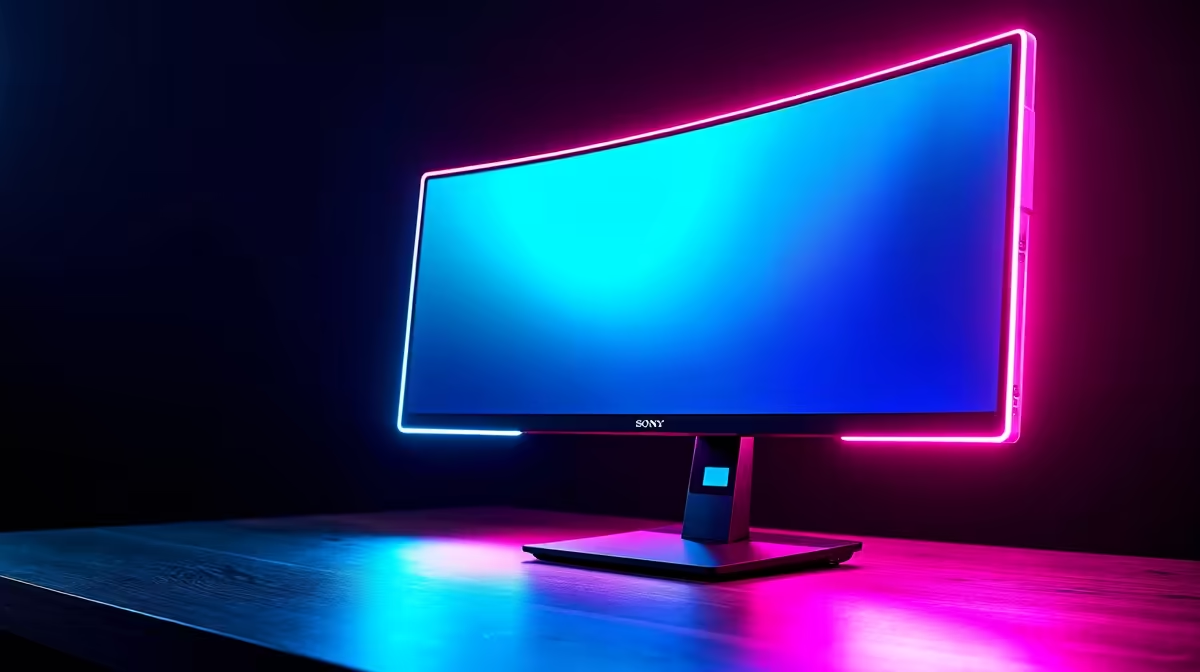
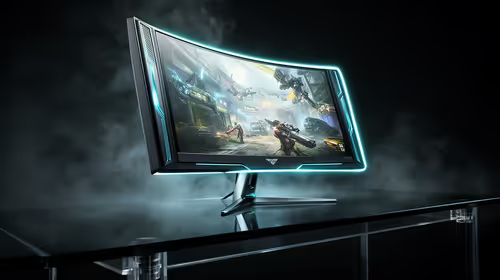
Curved is nice on 32-inch and bigger panels, especially for immersive single-player gaming. On 24 or 27-inch, flat is usually the smarter call.
Ready to Find Your Perfect Match?
Compare beginner-friendly screens with full SA warranty and Joburg dispatch. Browse monitors at Evetech