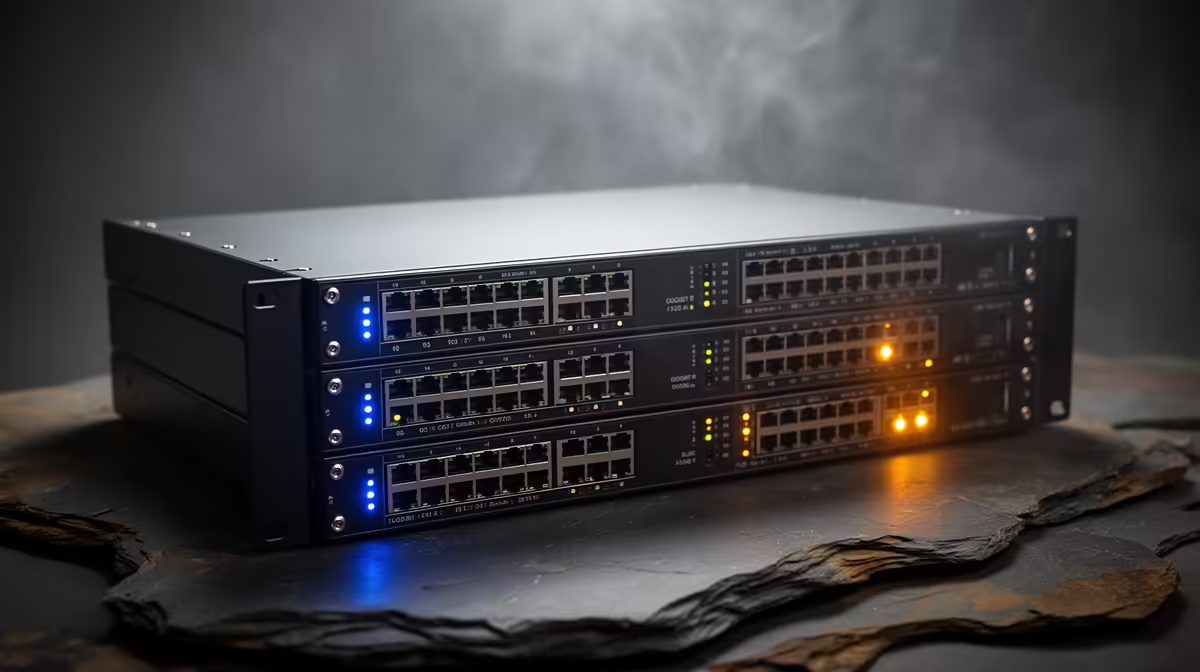
A PoE switch needs enough compatible ports, total power and uplink speed for the planned cameras, access points or network phones. Extra wattage does not improve ordinary computers that use separate adaptors. Start with an endpoint schedule, then add modest expansion room instead of buying the largest switch available.
Calculate power by device
No PoE switch appears in the verified product material, so requirements must be established before comparing current stock. Record the PoE standard, maximum draw and port speed for each endpoint. Add the watts and check whether the switch supplies that load across all ports at once. A unit can have enough sockets while lacking enough power to start several cameras or access points together. Confirm whether any device needs a proprietary injector.
Size uplink and management needs
Choose uplink speed from the combined traffic to the router, recorder or storage system. Managed features help when the network needs VLANs, monitoring or controlled restarts; a small unmanaged switch may suit a simpler installation. Keep the switch dry, secure and ventilated. Label every port and save a basic diagram. Use qualified advice for outdoor cable routes, surge protection and earthing.
Power-cycle the finished network and confirm that each difficult-to-reach endpoint returns without manual access.
Leave spare powered ports for one realistic expansion, and confirm the total power budget at the intended cable lengths before cameras or access points are mounted.
Sizing a PoE network? > Explore Evetech access points and routers, then source a switch matched to the verified endpoint schedule.