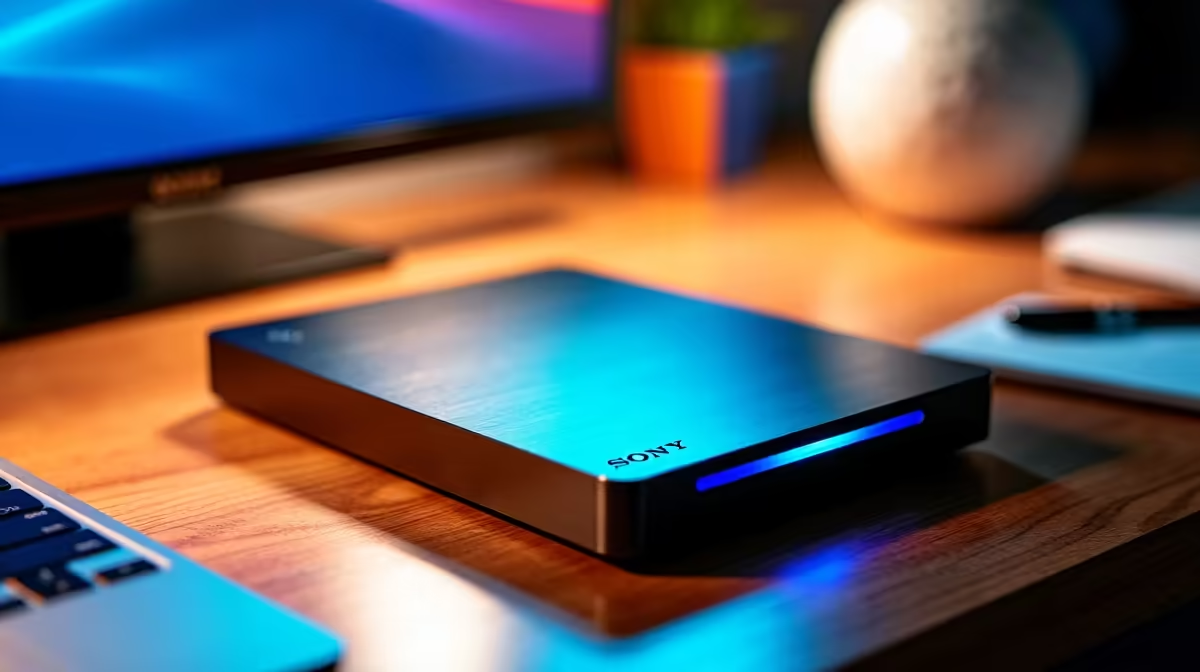
The CUDY AC1200 4G LTE at R1,396 suits a family learning corner that needs a router for homework tablets, shared files, and a neat small-office network feel without turning the space into a full server setup. A network drive can be worth it when children need one place for PDFs, school projects, and media, but the router choice matters first because weak WiFi makes even simple file sharing feel broken.
Start With The Router Before The Drive
For most homes, the CUDY AC1200 4G LTE at R1,396 is the more sensible anchor because AC1200 gives the learning corner a stronger wireless base than a tiny travel unit. The 4G LTE detail also makes it useful where the desk needs flexible internet access rather than depending only on one fixed line point.
The CUDY N300 Travel at R450 is better for a temporary study table, weekend family visit, or a small bag setup. Its N300 spec is modest, so it is best for lighter browsing, document access, and one or two devices rather than several children streaming, downloading, and opening files at once.
Kids Learning Corner In A South African Home
A shared drive only becomes useful when the connection is predictable. If the main PC near the study area needs a stronger wireless link, the ASUS PCE-AX1800 adapter at R147 adds AX1800 WiFi support to that machine, helping it reach the router more cleanly for school folders, saved worksheets, and shared media.
Ready to choose the right router?
Use CUDY AC1200 4G LTE at R1,396 as the router shortlist benchmark, then check whether its listed spec matches the space, workload, and upgrade path.