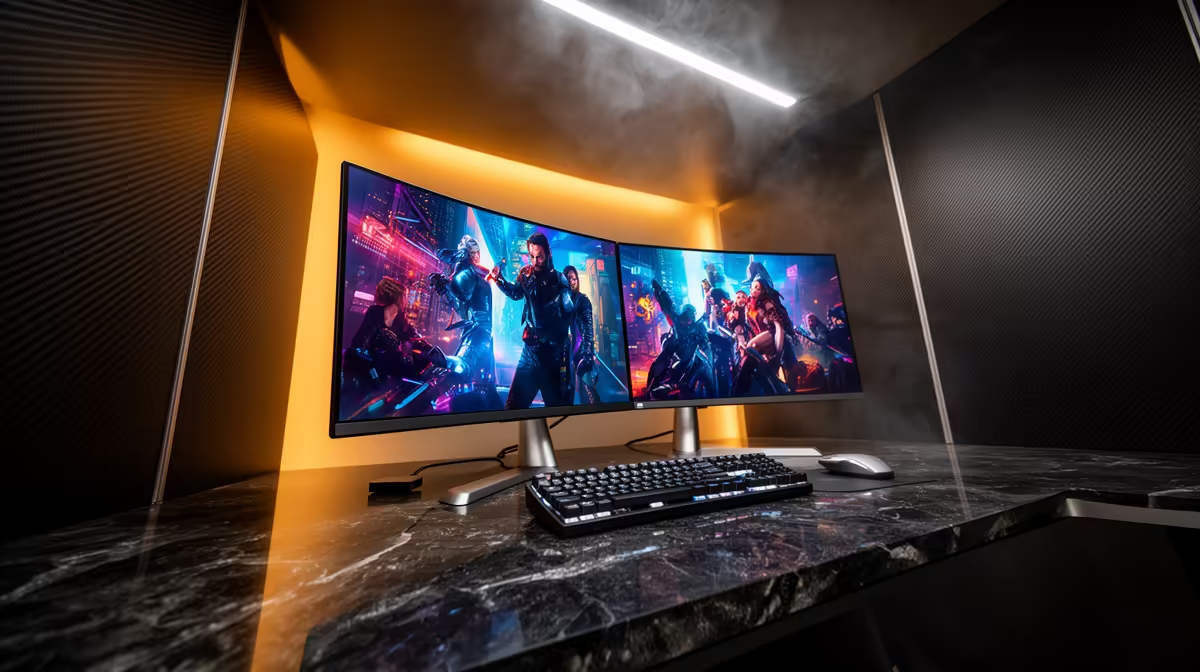
Alienware 27 240Hz QD-OLED Gaming Monitor- AW2726DM at R6731 suits a neat two-screen desk where the main display must feel fast, sharp and premium without swallowing the whole budget. A OLED gaming monitor makes sense when one screen is for play, editing or media, while the second handles chat, browser tabs or work tools.
Best OLED monitor picks for a two-screen setup
The Alienware 27 240Hz QD-OLED Gaming Monitor- AW2726DM at R6731 is the strongest value anchor here because its 27-inch class size is easy to pair beside another display, and the 240Hz QD-OLED panel gives the main screen the speed and contrast upgrade that makes OLED feel worthwhile.
For a more enthusiast-focused centre screen, the Asus ROG Strix OLED XG27AQDMG gaming monitor at R8721 brings a 27-inch size with 26.5-inch viewable area. That is still desk-friendly, but it gives the primary monitor enough presence for gaming while a second screen stays useful for streams, Discord, notes or browser work.
If motion clarity is the priority, the LG UltraGear 27" QHD OLED Gaming 480Hz 0,03ms Monitor at R14000 is the sharper choice for high-refresh competitive play. The MSI MAG 272QP QD-OLED X50 MONITOR at R14400 is another OLED option, while the ASUS ROG Swift OLED PG27UCDM at R19300 adds 26.5-inch 3840 x 2160p 4K UHD, 240Hz and 0.03 response for a more premium main display.
SA tidy desk reality
On a compact home office or student desk, OLED is best used as the main monitor, not both screens. A lower-cost second display such as the MSI MAG 274F 200Hz at R3006 or ViewSonic VX2779A 240Hz at R2350 can handle side tasks, leaving the OLED panel for the content that benefits from contrast, speed and colour.
Ready to choose the right oled monitor?
Start the gaming room shortlist with Alienware 27 240Hz QD-OLED Gaming Monitor- AW2726DM at R6,731, especially if oled gaming monitor tidy screen points you toward (3 in stock).