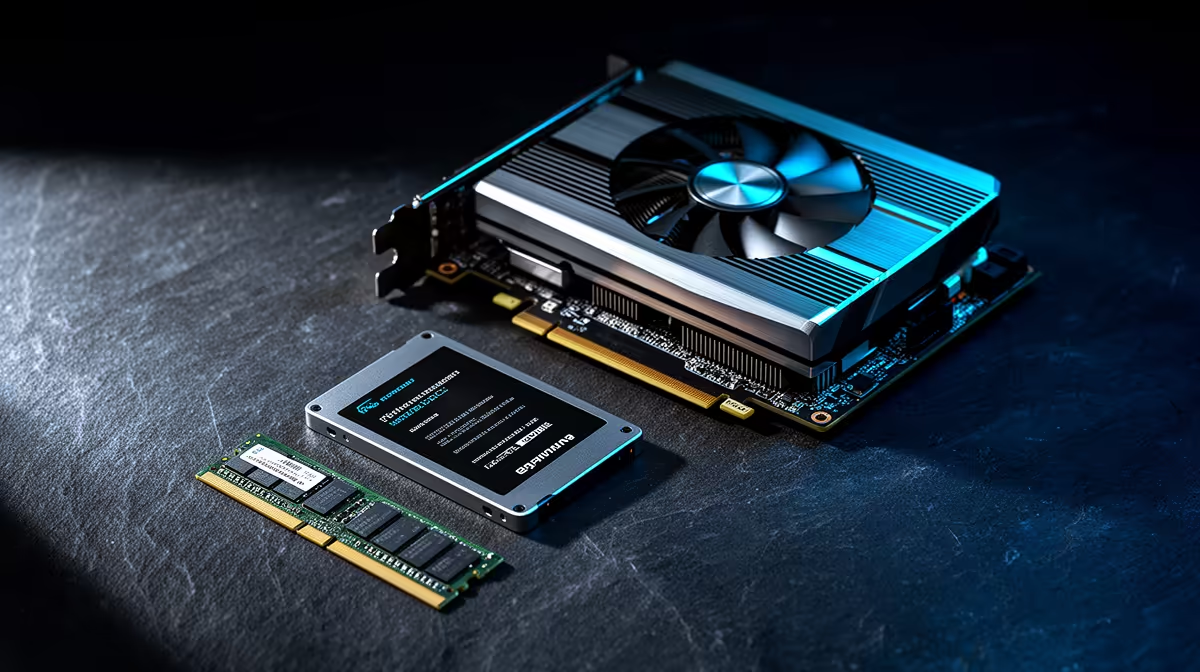
Phase a PC upgrade by fixing the measured bottleneck first and preserving parts that still meet the workload. Start with a health check, current specifications and target applications. Storage, memory, graphics and processor changes solve different problems, so a cheap part bought out of sequence can delay the upgrade that actually matters.
Establish a stable baseline
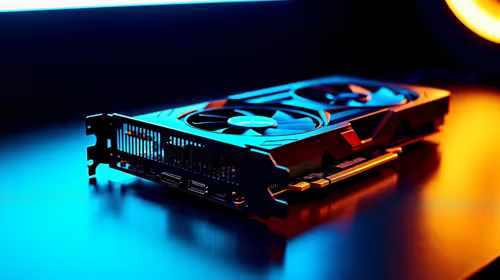
The WD Blue SN5000 1TB NVMe SSD at R998 is a verified storage option for a compatible M.2 slot. The AMD Ryzen 5 5500 at R1,100 and Ryzen 7 5700 at R2,150 are verified AM4 processors for supported motherboards. The GeForce RTX 5060 at R4,800 is a verified graphics option that also requires case, power and platform checks.
Upgrade in evidence-based stages
First resolve faults, overheating and full storage. Next add memory when monitoring shows sustained pressure, or an SSD when loading and file access dominate. Change the graphics card for game or accelerated-app limits. Replace the processor only after confirming motherboard support and showing that CPU performance is holding back the target task. Recheck the power supply, cooling and firmware before each stage. Benchmark the same workload after every change so the next purchase responds to new evidence rather than the original assumption.
Keep every removed working part labelled until the upgraded computer passes its stability checks.
Phasing a PC refresh? > Send Evetech the full current specification and the workload that feels slow.