Adobe Premiere Pro editing rewards a build that prioritises sustained airflow and drive space over flashy extras, and the case sets the ceiling for both. Buying case features in the wrong order leaves you with poor cooling or no room for the scratch drives editing demands. A clear must-have list keeps the spend focused.
Quick Answer
For Premiere Pro, the must-have case features are strong front-to-back airflow and at least two or three drive bays for media and scratch disks. Nice-to-have is a USB-C front port; skip heavy tempered glass and RGB. Capable editing cases at Evetech run from about R900 to R2,500.
Must-Have: Airflow And Storage
Premiere exports and previews load the CPU and GPU for long stretches, so a mesh front panel feeding two 120mm or 140mm intake fans keeps a render rig in the low 70s rather than throttling near 85C. That sustained airflow protects export times far more than peak clocks do.
Storage capacity is the second must-have: editing wants an OS NVMe, a media drive and a scratch SSD, so confirm space for two or three drives plus an M.2 slot or two on the board.
Nice-To-Have: Front USB-C And Filters
A front USB-C port speeds offloading footage from cameras and portable SSDs, which saves real time on a busy editing day. Removable dust filters keep intake fans clean so airflow stays consistent over months. These help but will not make or break a render.
Skip: Looks Over Cooling
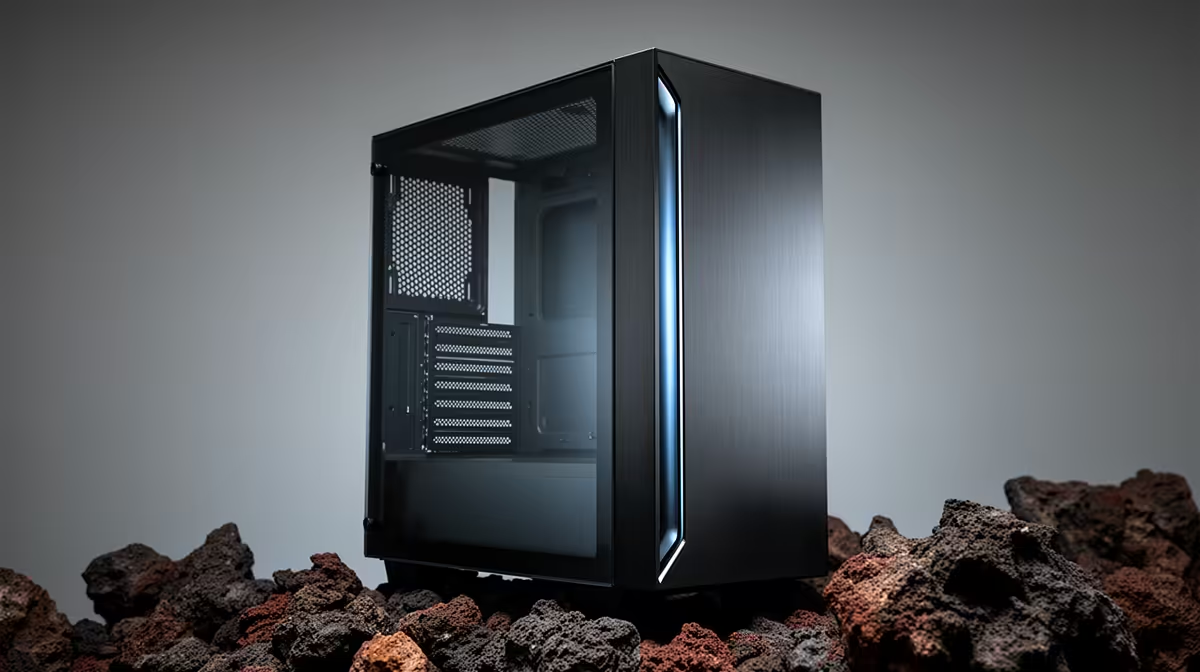
Thick tempered glass restricts airflow and adds cost, and elaborate RGB does nothing for export speed. In an editing build, spend that money on an extra fan, a larger media drive, or a better cooler instead.
FAQ
What case features matter most for Premiere Pro?
Airflow and storage. A mesh front with two or three intake fans keeps sustained renders cool, and bays for a media drive plus a scratch SSD keep your project files fast and organised.
Is RGB worth it in an editing build?
No. RGB and heavy glass add cost and can hurt airflow without improving export times. The money is better spent on cooling or extra storage that directly speeds editing.
How much should an editing case cost in South Africa?
At Evetech, well-ventilated cases with good storage support generally run from about R900 to R2,500, depending on size and build quality.
mesh front and two intake fans before anything cosmetic. Cool, steady airflow is what keeps Premiere exports fast over long sessions.