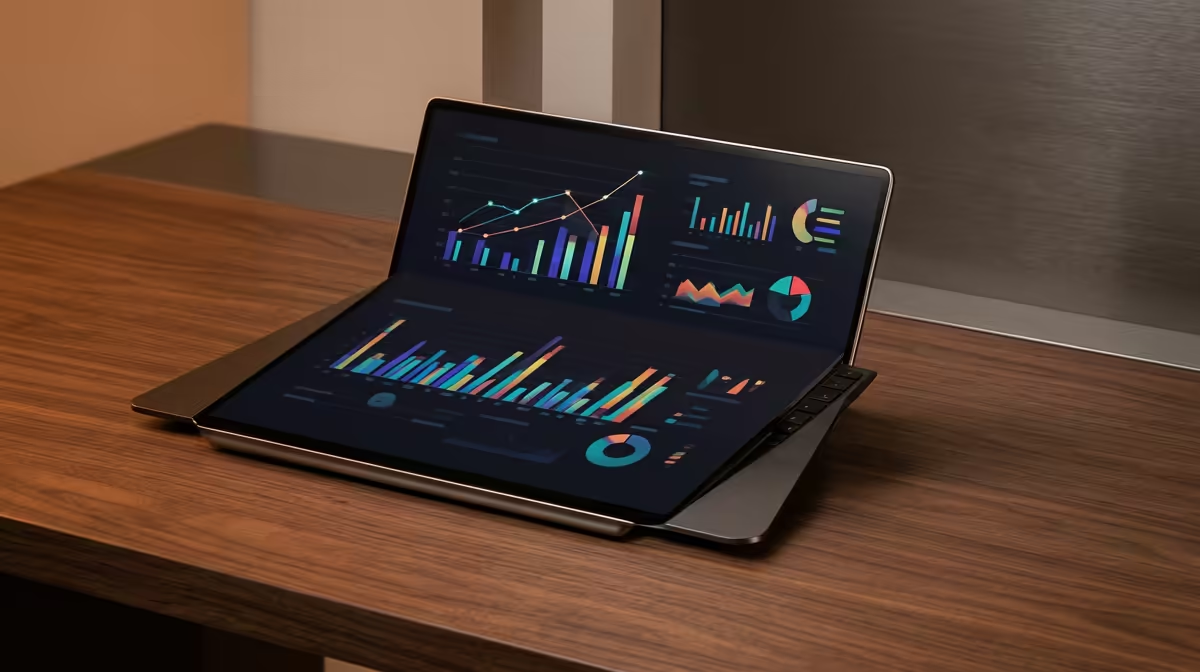
You already own a tablet, so why buy a separate screen just to extend your laptop? The honest answer is that a portable monitor vs a tablet as a second screen is a comparison of a purpose-built tool against a clever workaround. The portable monitor plugs in over one USB-C cable and simply works as an extra display. The tablet route depends on software, wireless links, and a stack of small compromises that add up over a working day.
Quick Answer
A portable monitor is the smarter buy if you want a reliable, lag-free second screen: connect one USB-C cable and it behaves like any external display, no apps and no latency. A tablet as a second screen relies on software like Sidecar, which can introduce lag and wireless drop-outs, and is better treated as an occasional bonus than a daily driver.
How Each One Connects
This is the core of the difference. A portable monitor is a true display. Your operating system sees it as a second screen the instant you plug in the USB-C cable, with no setup and no app to launch. It works identically across Windows, macOS, and Linux, and it does not care which laptop you connect it to.
A tablet pressed into second-screen duty is fundamentally a separate computer borrowing your laptop's output through software. Apple's Sidecar links an iPad to a Mac, and third-party apps do similar across other ecosystems. It works, but it routes your display signal through an app and often a wireless connection, which is where the compromises start.
Latency and Reliability
A wired portable monitor has effectively zero perceptible lag. Mouse movement, video, and scrolling all track exactly as they do on your main screen, because the signal travels over a direct cable.
Tablet second-screen apps introduce latency, especially over wireless. For reading documents or parking a chat window it is fine. For anything where the cursor needs to feel immediate, or where a dropped wireless link mid-task is unacceptable, that lag and unreliability become a daily irritation. A wired tablet connection improves things but rarely matches a dedicated display, and you have now used a cable anyway.
Screen Quality and Working Comfort
Where the tablet wins
A premium tablet often has a gorgeous, high-resolution, high-brightness panel that out-specs a mid-range portable monitor on paper. If raw image quality for the occasional reference window is your only concern, the tablet you already own may genuinely look better.
Where the portable monitor wins
Portable monitors come in sizes the tablet world does not, commonly 15.6 inches and up, which is far closer to a real laptop screen than a 10 or 11 inch tablet. That extra usable area is the entire point of a second screen. A larger 1080p portable display gives you room to actually work, side by side with your laptop, rather than squinting at a small tablet propped beside it.
Cost and Practicality
Here the maths matters. If you already own a capable tablet, the second-screen software is cheap or free, making it the lowest-cost option to try. But you tie up your tablet, drain its battery, and live with the lag.
A portable monitor is a dedicated purchase, but it does exactly one job extremely well and leaves your tablet free to be a tablet. For anyone who relies on a second screen daily, whether a student writing alongside research or a professional running email next to a spreadsheet, the dedicated display pays for itself in reliability. The current options in the portable monitor range cover the common 1080p sizes, and the wider monitor best sellers help you sanity-check sizing against full desktop displays.
Power, Portability, and Cables
A practical detail that decides the matter for many people is power. Most modern portable monitors draw their power over the same single USB-C cable that carries the video, so one connection to your laptop does everything. Older or larger units may need a separate power input, so check before you buy if a one-cable setup matters to you.
A tablet, by contrast, runs on its own battery, which drains while it serves as a second screen, and that battery is then unavailable for the tablet's actual purpose later in the day. For travel this cuts both ways: the tablet is something you would carry anyway, while a portable monitor is an extra item in the bag. But a slim 15.6-inch portable display slips into a laptop sleeve easily and weighs little, so the burden is smaller than it sounds.
Real-World Use Cases
Think about how you actually work. A student writing an essay alongside open research benefits hugely from a large, lag-free second screen, and a portable monitor delivers that for hours without draining anything. A developer running a terminal beside an editor wants the cursor to feel instant across both screens, which favours the wired display. A traveller who only occasionally parks a chat window or reference doc to the side, and who values packing light, may be perfectly happy with the tablet they already carry.
There is no universal winner, only a match to your pattern. The heavier and more daily your second-screen use, the more a dedicated portable monitor justifies itself. The lighter and more occasional it is, the more the tablet workaround makes sense.
Which Should You Buy?
Use the tablet route if you only occasionally need an extra panel and you want to spend nothing. Buy a portable monitor if a second screen is part of how you work every day, if you need it to feel instant, or if you want to keep your tablet free. For most people who reach for a second screen daily, the dedicated monitor is the smarter buy precisely because it removes all the small frustrations.
Frequently Asked Questions
Does a portable monitor need any software to work?
No. It connects over USB-C and the operating system recognises it as a standard second display immediately, with no app, driver hunting, or setup. This is its main advantage over the tablet route.
Can I use my iPad as a Mac second screen without lag?
Sidecar works, but it can introduce noticeable latency, particularly over wireless, and the connection can drop. A wired link helps, but it rarely feels as instant and reliable as a dedicated portable monitor.
Is a portable monitor better than a tablet for productivity?
Usually yes, because portable monitors come in larger 15.6-inch-plus sizes that give real working space, and they have no lag. A tablet's smaller screen and software latency make it better suited to occasional reference use.
Do portable monitors work with any laptop?
Yes. As a true USB-C display they work across Windows, macOS, and Linux and are not tied to a specific brand, unlike some tablet second-screen apps that only pair within one ecosystem.
Which option is cheaper?
Using a tablet you already own is cheaper upfront since the software is inexpensive. A portable monitor is a dedicated cost, but it delivers a more reliable daily experience and frees your tablet for its own use.