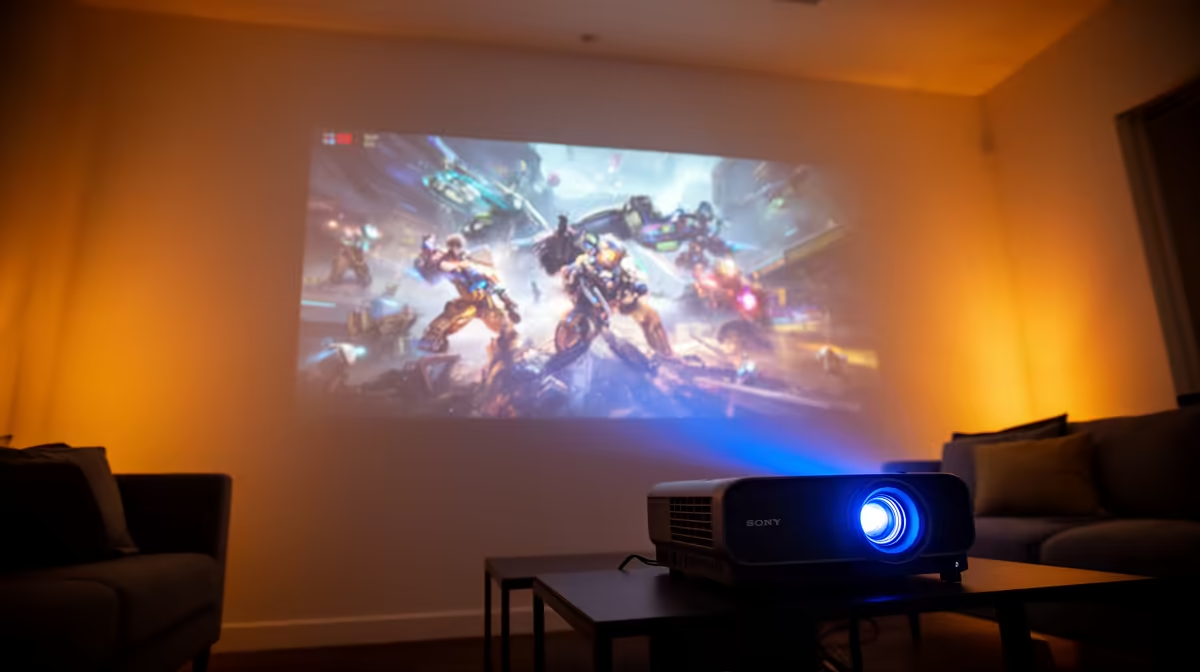
Dreaming of a massive 120-inch screen for your gaming sessions or movie nights, but your budget says 'ja, nee'? Forget dropping a fortune on a giant TV. Your humble white wall holds the key to an epic home cinema experience. A proper projector on a white wall setup is easier than you think, delivering a surprisingly bright and immersive image that will make your mates seriously jealous. Let's get you sorted.
Why a White Wall Can Be Your Best Friend
Using a plain white wall is the ultimate budget-friendly start to your home theatre journey. There's no screen to buy, no complex installation… just you, your projector, and a massive picture. It’s a clean, minimalist approach that gets you straight into the action.
However, it's important to set realistic expectations. A typical wall's texture and paint finish can't reflect light as efficiently as a dedicated projector screen. This means achieving the absolute brightest image requires a bit more care. But don't worry, with a few tweaks, the results can be spectacular.
Your Step-by-Step Projector on White Wall Setup Guide
Getting a crisp, vibrant image is all about controlling three key elements: your wall surface, your projector's position, and the light in your room. Follow these steps for the best possible projector setup on a white wall.
Step 1: Prep Your Canvas (The Wall) 🔧
Think of your wall as a blank canvas. The smoother and cleaner it is, the better your picture will be.
- Colour is Key: A neutral, matte white wall is non-negotiable. Glossy or off-white paints will distort colours and create distracting hotspots.
- Clean Up: Give the wall a good wipe-down with a damp cloth to remove any dust or smudges.
- Fill Imperfections: Small cracks or bumps can cast tiny shadows and ruin the immersion. A quick touch-up with some Polyfilla can make a world of difference.
Step 2: Position for Power and Precision
Where you place your projector is critical. Rushing this step often leads to a distorted, fuzzy image.
- Find the Sweet Spot: Place your projector on a stable surface (like a coffee table or a dedicated stand) directly opposite the centre of the wall. Power it on and adjust the distance until the image fills your desired area.
- Avoid Digital Correction (If Possible): Most projectors have a feature called "keystone correction" to straighten a crooked image. While handy, it's a digital process that can slightly reduce image quality. Always try to get the projector physically level and centred first. A great projector on a white wall setup starts with solid fundamentals. You can find some fantastic projectors under R20,000 that offer great placement flexibility.
Step 3: Tame the Ambient Light
Ambient light from windows or lamps is the number one enemy of a bright projector image. It washes out colours and crushes contrast, leaving your picture looking faded and dull.
- Go Dark: Blackout curtains are your most powerful weapon. Close them to block out as much external light as possible.
- Lights Out: Turn off any lamps in the room, especially those near the wall you're projecting onto. The darker the room, the more your image will pop. ✨
Dialling In the Brightest, Punchiest Image
Now for the fun part… tweaking the settings to get the most vibrant picture possible. Your projector’s remote is your magic wand here.
First, dive into the picture settings menu. Look for pre-set modes like "Cinema," "Dynamic," or "Game." "Dynamic" or "Bright" will often give you the highest lumen output, but sometimes at the cost of colour accuracy. "Cinema" mode is usually a more balanced starting point. From there, you can fine-tune the brightness and contrast to suit your room. Getting the brightest image from your projector is a balance between raw power and visual finesse, something that top-tier brands like Viewsonic have perfected.
Quick Settings Tip 💡
Most projectors have a "Game Mode." Enabling it often boosts brightness and dramatically reduces input lag… a must-have for playing fast-paced titles like Call of Duty or Apex Legends on the big screen.
By preparing your wall, positioning your projector correctly, and controlling your room's lighting, you can achieve an incredible big-screen experience that rivals setups costing thousands more.