



iRacing SA Gaming PC Build Guide
iRacing build planning should focus on the target resolution, settings and total system balance. Treat launch wording as time-sensitive, then verify requirements before choosing SA PC parts.
Read more• Compare cost & learning impact • Recommend best SA choice • Buying and setup tips Projectors vs Interactive Displays: Quick guide to choosing the right classroom AV in South Africa 📚🔍
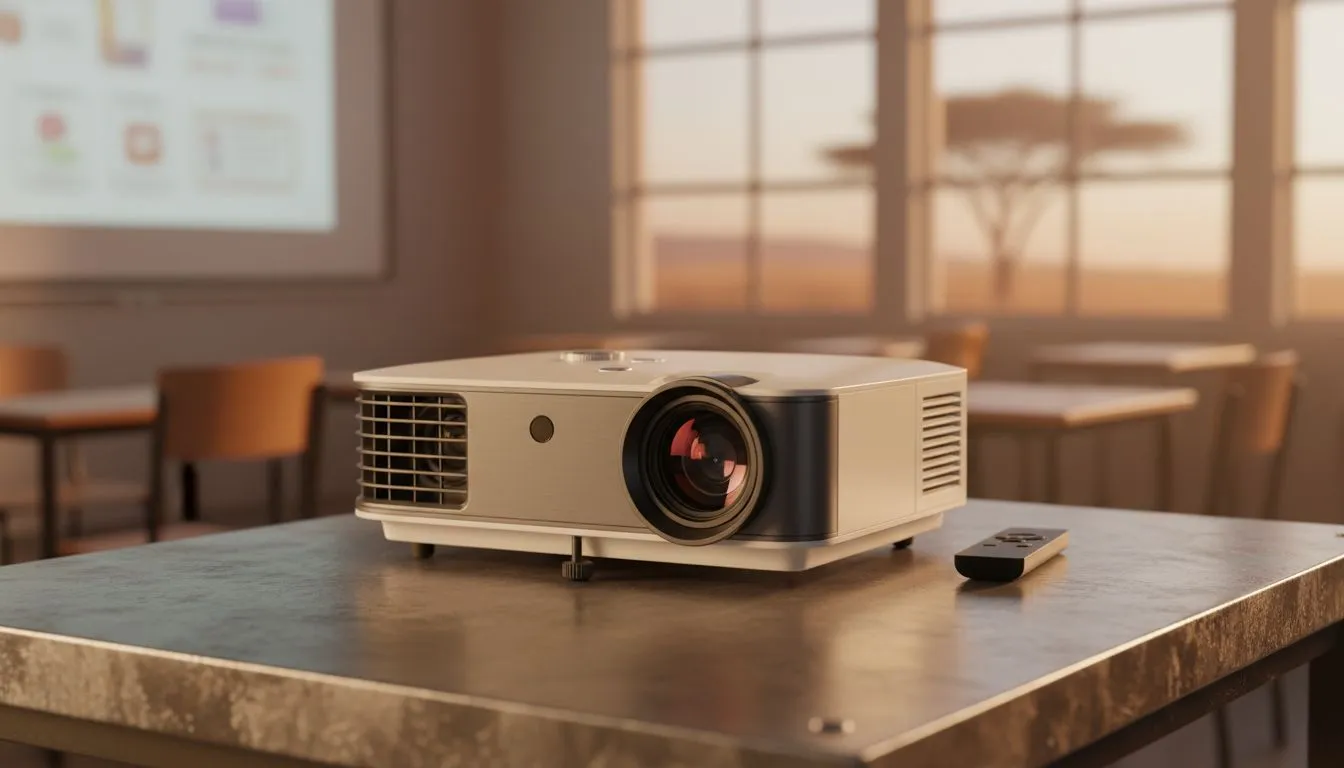
Projectors vs Interactive Displays — which wins in your South African classroom? If you teach, manage IT, or outfit a school hall, this quick read will save you time and rand. Expect practical trade-offs on visibility, interactivity, maintenance and what makes the best buy for different class sizes and budgets. ⚡✨
Projectors still shine when you need very large screens for assemblies or full-class viewing. They scale cheaply to big sizes and work well in dimmed rooms. For consistent classroom colour and viewing angles, flat-panel solutions with IPS panels give a sharper, brighter image and are easier to read in ambient light — see why IPS panels help desktop clarity here. (source: Evetech monitors)
Explore budget-friendly flat panel choices in our PC monitors range for classroom use: PC monitors.
Interactive displays win for touch, multi-user annotation, and built-in collaboration tools. They cut the set-up work during lessons — no shadow on the board, no bulb swaps. If your curriculum needs accurate colour for art or science, lean into models with IPS technology: IPS panels.
If you’re mixing teacher displays and student workstations, consider adaptive sync choices for smooth desktop mirroring. We stock a wide variety of monitors with Adaptive Sync options: Adaptive Sync monitors.
Projectors often need ceiling mounts, precise throw distances and periodic lamp or filter replacements. Interactive panels are heavier up front but reduce recurring maintenance. For classrooms that prefer a conventional screen look, flat or curved designs can be selected to suit viewing spread — compare flat and curved form factors: Flat screens and curved screens.
If you plan to mirror laptops or gaming rigs for STEM clubs, check compatibility with FreeSync and G-Sync options for smoother visuals: FreeSync monitors and G-Sync monitors.
Place interactive panels at a height where seated learners can reach lower tools and consider a short-throw projector if wall space is limited. Short-throw reduces shadowing and keeps teachers in front of content.
Think of projectors as scalable viewing solutions for halls and large classes. Think of interactive displays as daily-teaching workhorses that speed lesson flow. For mixed use, a short-throw projector plus an interactive whiteboard surface can be cost-effective. For pure classroom interactivity and lower long-term maintenance, interactive flat panels win.
Need specific hardware for labs, gaming clubs or AV suites? Browse our monitor filters to match panel type and sync tech to your devices: PC monitors – Free listing.
Ready to Find Your Perfect Match? For classroom-ready displays and projectors that balance cost, durability and interactivity in South Africa, explore our hand-picked range. Explore our massive range of PC monitors and classroom displays
It depends on class size and budget. Projectors offer large screens at lower upfront cost; interactive displays boost engagement and touch interactivity for classroom learning.
Often yes for long-term use: interactive displays reduce maintenance, enable touchscreen lessons, and improve engagement despite higher initial cost.
With proper projector maintenance for schools, lamp or laser life ranges 3–7 years depending on hours, usage and environment.
Yes. Modern projectors integrate with classroom AV solutions south africa, pair with cameras and audio for effective hybrid lessons.
Projectors need lamp or filter replacements; interactive displays need less recurring parts but may cost more to repair. Assess projector vs interactive display cost-effectiveness.
Interactive displays often boost engagement via touch and collaborative apps, especially useful with touchscreen displays for education.
Budget depends on size and features: entry projectors are cheaper upfront; quality interactive displays and installation for classrooms require higher capital but lower recurring costs.
iRacing build planning should focus on the target resolution, settings and total system balance. Treat launch wording as time-sensitive, then verify requirements before choosing SA PC parts.
Read more
Skyrim PC requirements should be mapped to resolution, settings and upgrade budget before choosing a tier. Verify current requirements, then balance GPU, CPU, RAM and SSD around SA pricing.
Read more
Skyrim PC builds is a cautious guide for game PC build planning. Compare game requirements, tier fit, resolution goals, RAM, storage, and GPU choice for SA buyers without assuming live prices, availability, or exact benchmark results.
Read more
Hades 2 PC builds is a cautious guide for game PC build planning. Compare game requirements, tier fit, resolution goals, RAM, storage, and GPU choice for SA buyers without assuming live prices, availability, or exact benchmark results.
Read more
Roblox PC builds is a cautious guide for game PC build planning. Compare game requirements, tier fit, resolution goals, RAM, storage, and GPU choice for SA buyers without assuming live prices, availability, or exact benchmark results.
Read more
Mortal Kombat 1 launch needs a balanced parts plan, not a random basket. Map the CPU, GPU, RAM, SSD, cooling, and monitor target to the budget so SA builders know where to spend first.
Read more
Wondering if a TKL wireless mechanical keyboard is worth it for everyday productivity? We break down latency, battery life, comfort, and workflow gains for real work. ⚡⌨️

Maximise battery life on a fanless 15-inch laptop using efficiency core architecture. Cut idle drain, tune power profiles, and improve thermals for longer runtime. 🔋⚙️

Learn how to reduce desk clutter with a TKL wireless keyboard using fewer cables, smart placement, and tidy essentials. Get a faster, calmer workspace with better ergonomics. ✅🧼

RGB keyboard lighting too distracting? Learn how to manage backlight modes, set brightness, and reduce distraction for focus and productivity 😌🖱️

Are themed gaming keyboards worth the extra cost? Compare build quality, switch options, features, and resale value to find the best fit for your setup 🎮⌨️

Full-Size vs Tenkeyless mechanical keyboards for gaming: find out if a smaller layout truly improves aim, speed, and comfort. We break down layout, desk space, latency-feel, and keybinds 🎮⌨️

Dedicated media rollers vs function key shortcuts: learn which setup gives you better workflow control, faster media access, and fewer mistakes. 🖱️🎧

Best Mechanical Switch Type for Gaming: Clicky vs Linear vs Tactile. Find your feel, speed, and noise balance with practical guidance for FPS, MOBA, and productivity 😄🎮

Direct mouse answer: Mouse not keeping up with your work? Everything that matters about dual-mode 2.4GHz + BT 5.0: DPI behaviour, channel switching, battery curves and per-app button mapping. Covers when 2.4GHz USB wins (low-latency desk) and when BT 5.0 wins (laptop, d

Plain wireless mouse guide: Mouse not keeping up with your work? Everything that matters about wireless productivity mouse: DPI behaviour, channel switching, battery curves and per-app button mapping. Includes DPI tuning tips, channel switch shortcuts, and ZAR-aware fea

Real productivity numbers: Set up your wireless mouse in this order: everything that matters about wireless productivity mouse: DPI behaviour, channel switching, battery curves and per-app button mapping. Includes DPI tuning tips, channel switch shortcuts, and ZAR-aware

Pen not feeling like paper? Stylus lag and skipping usually trace to old drivers, dirty nibs, or display refresh mismatches, not the pen itself. Covers pressure curve tuning, tilt thresholds, nib swap timing, and SA pricing brackets.