A quality PSU is not a direct purchase for lecture note-taking unless the student is building a desktop. A laptop already includes its power system and is usually more practical in class. For a fixed PC, choose the PSU from the components, not from the simplicity of the note application.
Decide whether the computer must travel
The ASUS ExpertBook P1503 with Core i5-13420H, 8GB memory and 512GB storage is a verified laptop reference at R9,858. Confirm battery life, charger weight, keyboard comfort and course-software requirements. A desktop may suit home study, but it cannot follow the learner into lectures. Record charger weight and available classroom sockets during one complete campus day.
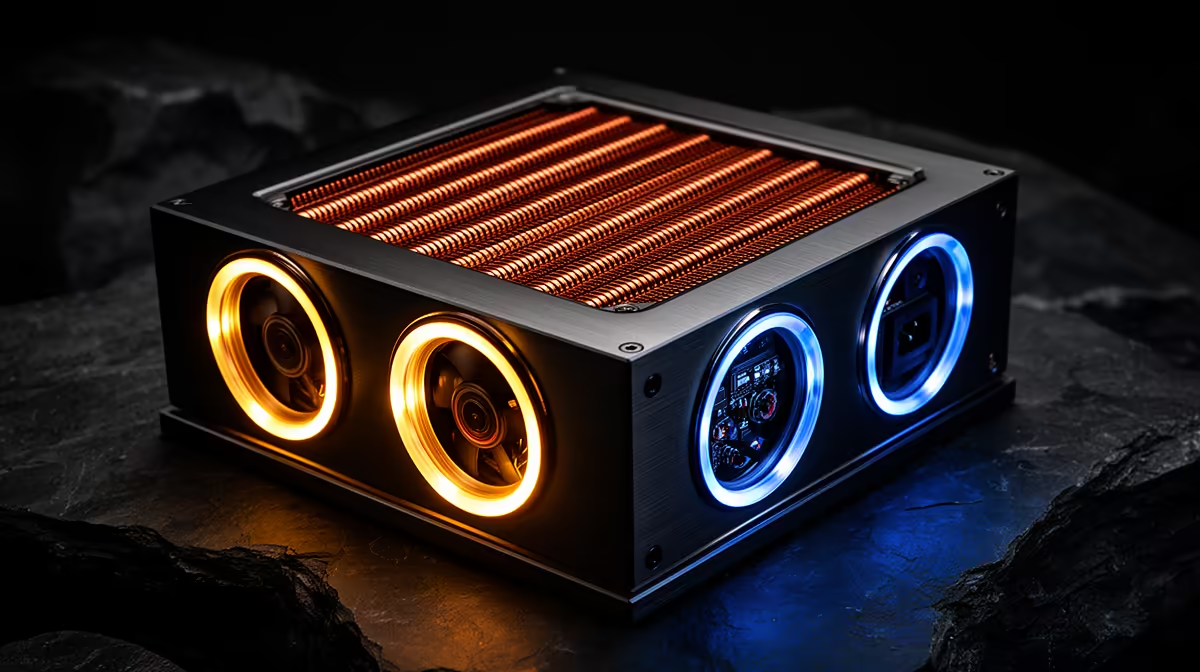
If a tower is required, list the CPU, GPU, motherboard, drives and cooling. The DeepCool PF750 is a verified 750W reference at R550. The Corsair RM850e is a verified 850W reference at R1,900. Neither capacity is automatically appropriate for an office-style study build.
Check connectors, PSU form factor, cable length, case clearance, warranty, documented protections and independent testing. Never mix modular cables from another model. Keep notes in approved backups and test synchronisation before exams. Buy good internal power hardware for the verified desktop, but choose the whole device around where and how the student captures notes.
Planning a study computer? > Compare verified laptops and desktop power supplies with Evetech around the course routine.