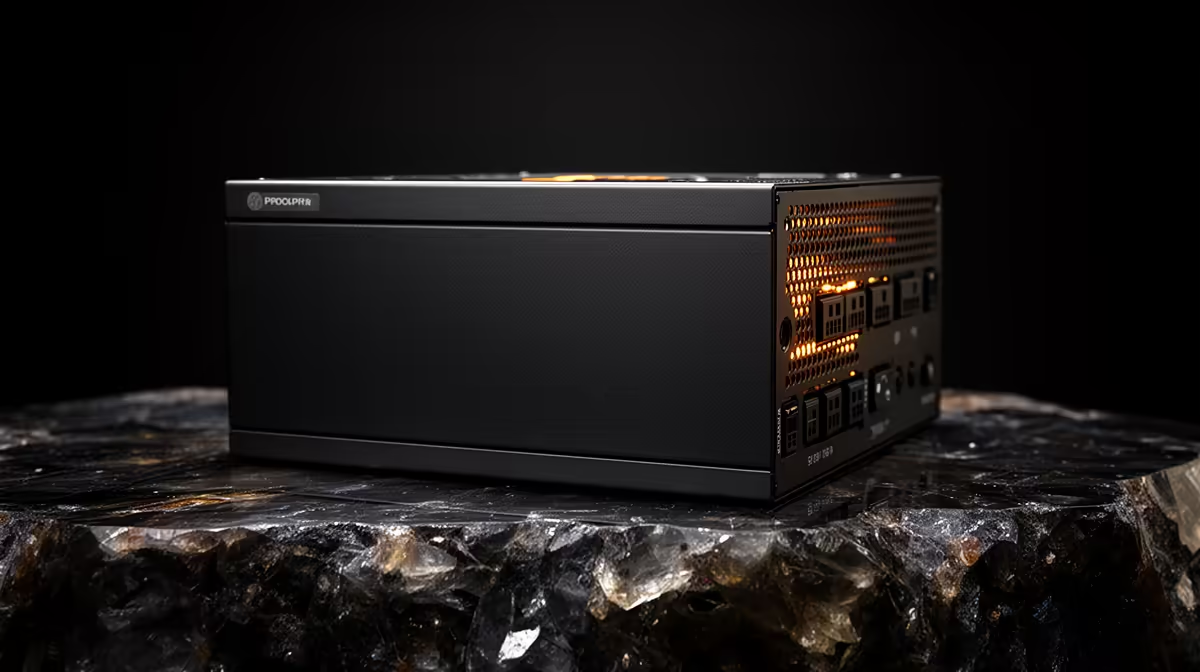
A small business POS needs a reputable power supply sized to its modest hardware, not an oversized gaming unit chosen from the total system budget. Reliability, correct connectors, case fit and clean installation matter. Many compact or branded POS computers use proprietary supplies, so confirm that a standard replacement can physically and electrically fit before shopping.
Audit the point-of-sale computer
List the processor, motherboard, drives, fans and any discrete graphics card. Photograph the existing label and connectors, then measure the supply bay. The verified Cooler Master PF750 costs R550 and offers a current standard desktop comparison, but that capacity may exceed an ordinary POS requirement. The Corsair RM850e is verified at R1,900 for higher-demand systems and should not be forced into a compact counter computer.
Protect business continuity
Check current warranty, protection features and cable length. Never mix modular cables across models, and avoid improvised adapters for proprietary boards. An 80 PLUS mark relates to efficiency, not surge protection. Use appropriate electrical protection and document a controlled shutdown process for the till, network equipment and payment peripherals.
Back up configuration and permitted business data, then test recovery on replacement hardware where possible. After installation, run receipt printing, scanner use, network activity and end-of-day processing together while checking heat and stability. A correctly sized standard unit is valuable only when the POS remains serviceable and all peripherals reconnect predictably.
Maintaining a business POS? > Ask Evetech to verify power-supply form factor, connectors and capacity against the exact computer.