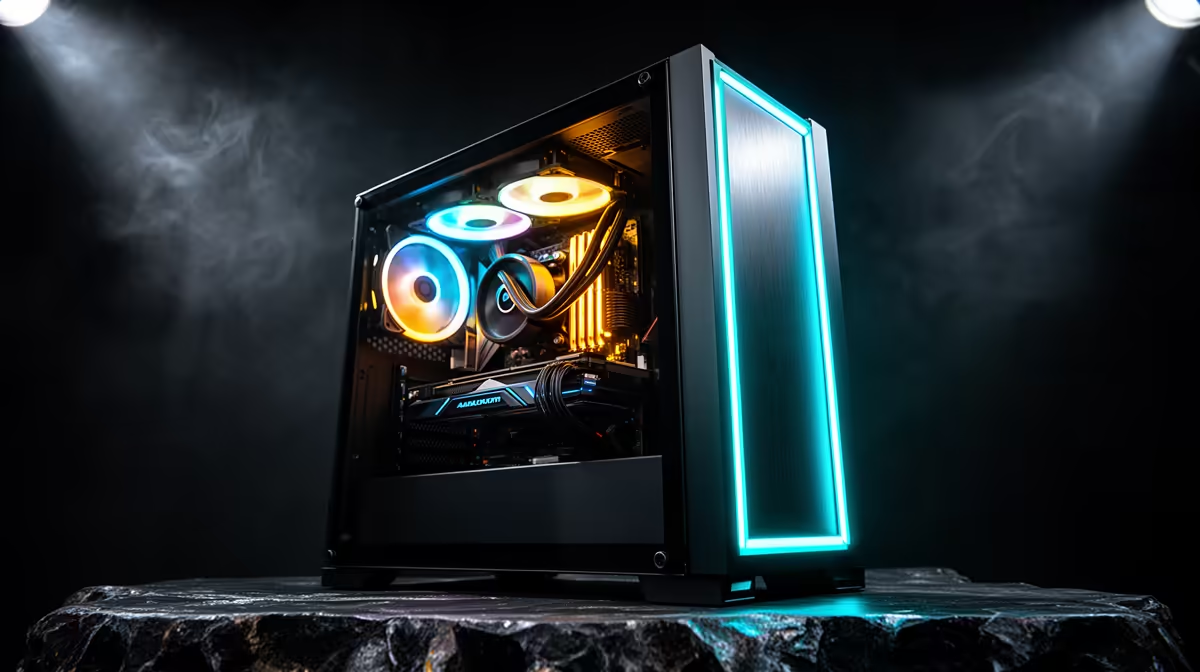
R15,000 is enough to build a real 1080p gaming PC in 2026. You should expect a balanced entry system that runs esports games with ease and handles demanding releases through sensible settings. The budget has limits, but it should never be an excuse for a mystery power supply or a dead-end parts list.
Quick Answer
An R15,000 gaming PC is worth it for 1080p esports and mainstream gaming at medium to high settings. Prioritise the graphics card, a capable six-core-class CPU, 16GB or more of well-configured memory, an SSD and a quality PSU. Treat ray tracing as a title-by-title extra, and confirm whether the listed price covers the tower alone.
Set a realistic 1080p target
Competitive games are the easy win. A balanced machine in this tier can aim for high frame rates in titles such as Counter-Strike, Valorant and Fortnite with settings chosen for clarity. The monitor and CPU matter once you chase rates above 144fps.
Large single-player games ask more of the GPU. Medium to high settings at 1080p are a sensible target, with upscaling available when a heavy effect pushes performance down. Ultra presets can consume performance for small visual changes, so tune the settings you notice.
Ray tracing belongs in the optional column. Entry and lower-mid-range GPUs can support it, yet demanding reflections or lighting may require upscaling and lower settings. Buy for strong conventional rendering first if the budget is fixed.
Compare the gaming desktop catalogue against current PC favourites. For July 2026, the named Ryzen 7 8700F workstation with GeForce GT 710 cost R12,494. Its entry display card makes it a poor performance match for a balanced R15,000 gaming build.
Balance the CPU and graphics card
The GPU should receive a large share of a 1080p gaming budget. It sets visual settings and frame rate in demanding games. The CPU needs enough performance to feed the card and handle competitive titles without consuming money better spent on graphics.
Do not buy the fastest CPU beside the weakest GPU. A six-core mainstream processor can form a sound base, while an X3D flagship belongs in a higher total budget. Compare complete-system game results when possible.
Memory should run in a proper dual-channel arrangement. Sixteen gigabytes remains a workable starting point for many games, while 32GB gives more room for heavy multitasking and future use. Check whether the listing uses one module or a matched pair.
An SSD is essential for a responsive system. One terabyte is a comfortable target when the budget permits. A smaller drive can work, but add the likely storage upgrade when comparing value.
Refuse weak foundation parts
The power supply protects the machine. Look for the exact brand, model, capacity and efficiency specification, plus the connectors required by the GPU. A vague wattage line is not enough.
Motherboard features affect upgrades. Confirm memory slots, M.2 positions, rear USB, networking and BIOS support. A basic board can suit an efficient CPU, provided it meets the parts and expansion plan.
Case airflow keeps noise and temperature under control. A solid front panel with one small fan may look tidy and run hot. Check intake, exhaust and GPU clearance. Extra fans belong in the total price.
Cooler choice depends on the processor. A stock or compact cooler can serve an efficient chip, while a hot CPU may need a tower cooler. Judge noise as well as safe temperature.
Know what sits outside the tower
A R15,000 PC listing may cover the tower only. A monitor, keyboard, mouse, headset and operating-system position can change the complete setup cost. Read the listing and price missing items before comparing it with a console or laptop.
If you already own a 1080p high-refresh monitor and good peripherals, the full budget can go into the tower. A first-time buyer may need to reduce the tower spend or save longer to avoid pairing a capable PC with a poor screen.
Networking matters for South African homes. Check whether the motherboard includes Wi-Fi and Bluetooth if you need them. Adding a card or adapter later is possible, but it is still part of the budget.
Keep future upgrades focused. A better GPU in two years may need more PSU headroom. A second SSD needs a free slot. A case that fits a longer card saves an unnecessary replacement.
Test value through two example games
Choose one competitive game and one demanding single-player release. Find results for the exact CPU and GPU pairing at 1080p. Note the settings, average frame rate and low-frame behaviour.
Then check whether the monitor can show the result. Paying for 250fps has limited visual value on a 75Hz screen, while a 165Hz panel can use more. A stable 70fps in a story game may be excellent when adaptive sync keeps motion clean.
An R15,000 machine earns its place by meeting these real targets with foundation parts you trust. It is an entry to PC gaming, with room to grow, rather than a disposable compromise.
Leave the build easy to maintain
Dust filters, reachable storage slots and standard parts matter after the first benchmark. A cleanable case and labelled component list make future upgrades less intimidating. Keep the motherboard manual and spare PSU cables with the system.
Ask for the graphics card's exact VRAM capacity and cooler model. Two PCs can share the GPU family while using different cards, and the physical design affects noise, temperature and future case space.
Keep a component inventory beside the invoice for later upgrades.
Frequently Asked Questions
What frame rate can I expect?
It depends on the exact CPU, GPU, game and settings. Esports games can run at high rates; demanding titles need a more measured preset.
Is an R15,000 PC upgradeable?
It can be. Check the motherboard slots, PSU headroom, case clearance and memory layout.
Does the price include a monitor?
Often the listed gaming PC price covers the tower. Confirm every included item on the exact listing.
Can it use ray tracing?
Some builds can, though heavy effects may require upscaling and reduced settings. Conventional performance should lead the choice.
Is storage easy to expand?
Usually, if the motherboard has a free M.2 or SATA connection and the case has room. Verify before buying.
Compare R15,000-class gaming PCs by exact CPU, GPU, memory layout and PSU, then match the tower to your 1080p screen.