A R40,000 gaming PC still belongs in the strong 1440p tier, but memory and storage need a firmer share of the 2026 basket than an old parts split may allow. Keep 32GB and a useful SSD in the plan, then choose the GPU from the money that remains. The build should lose decorative extras before it loses a balanced memory layout or safe power supply.
Quick Answer
Begin with a 32GB matched DDR5 kit, a 2TB NVMe SSD, a strong modern gaming CPU and a graphics card chosen for your 1440p refresh target. Build a second version with 1TB storage or a less expensive CPU if the GPU falls below that target. R40,000 is the complete tower ceiling in this guide, not a live named-system quote.
Define upper-mid before choosing parts
At this rung, strong 1440p high-refresh gaming is a sensible goal. Light 4K can work with upscaling and settings adjustment, while maximum ray tracing needs game-by-game evidence. A competitive 1440p 240Hz system may place more weight on CPU performance than a 4K 60Hz build.
List five games and the monitor's native resolution. Include one CPU-heavy simulation and one demanding single-player title. Record average and one-percent-low targets. This keeps the R40,000 from becoming a shopping list with no outcome.
The monitor, Windows licence and peripherals need separate lines unless your total includes them. A premium tower paired with an old 1080p 60Hz panel may not use the hardware you bought.
Give 32GB a defined job
Thirty-two gigabytes provides room for current games, browsers, voice chat, launchers and recording tools. It also helps creation work and large mods. Use two matched modules for the intended dual-channel configuration.
More capacity does not automatically raise frame rate. Sixty-four gigabytes belongs in the basket when virtual machines, large media, local data work or a measured game workload uses it. Do not let capacity replace graphics performance without evidence.
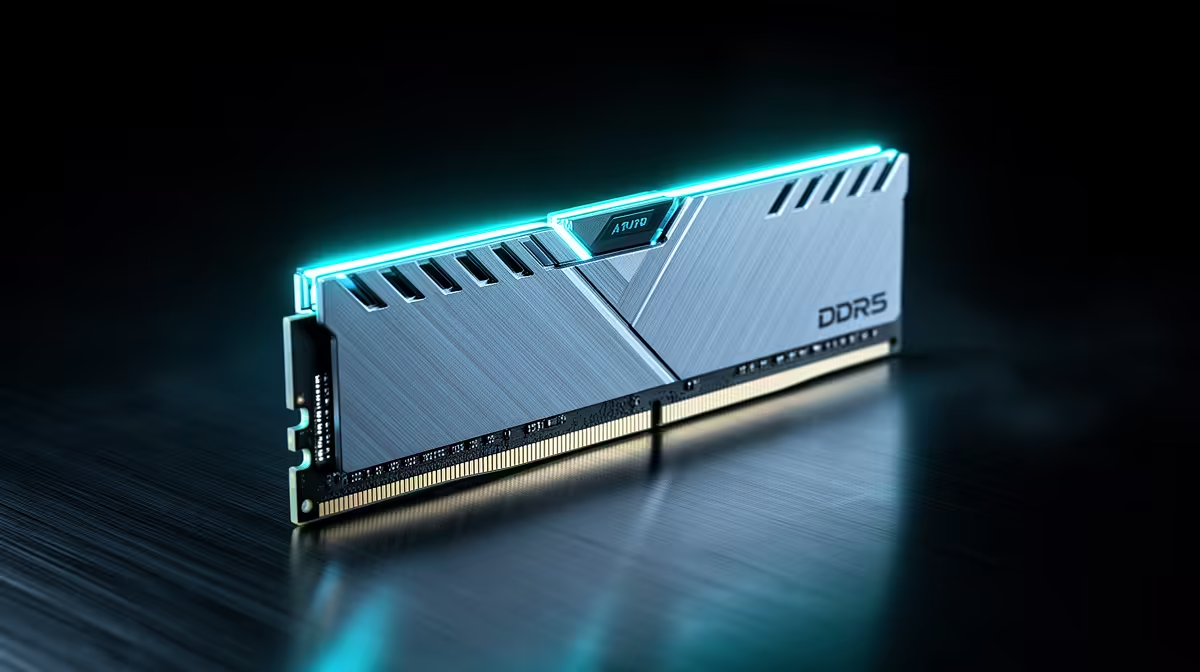
Compare exact current kits in the DDR5 memory catalogue. Check module count, rated profile, timings and motherboard validation. High speeds can require tuning and are not guaranteed on every CPU memory controller.
The memory best-seller page is useful for a second shortlist. Confirm the generation and full kit part number.
Storage has become part of the experience
A 2TB SSD holds Windows and a broad game library without weekly removal. It also leaves room for large updates and gameplay recordings. If you keep only a few titles installed, a 1TB drive can free budget for the GPU and a second drive can follow.
Choose a sound PCIe 4.0 NVMe drive with suitable endurance and sustained behaviour. PCIe 5.0 headline speed may add little to real game loading and can consume more budget and cooling.
Check motherboard lane sharing. Populating one M.2 slot may disable a SATA port or divide bandwidth on some boards. Put the fastest drive in the primary slot supported by the CPU where the manual directs.
The GPU remains the centre of the 1440p build
After platform, memory, storage and power are protected, the graphics card should receive the largest performance share. Match it to the monitor rather than to the R40,000 label.
At 1440p, test current games at the texture and ray-tracing settings you want. VRAM capacity and memory bandwidth matter alongside shader performance. Use one-percent lows and frame-time traces.
Frame generation can make motion smoother but does not replace a healthy base frame rate. Upscaling can recover performance, though image quality varies by game. Build for a stable base before counting generated frames.
Avoid overbuying the processor
A large-cache gaming CPU can lead many charts, but the platform cost must be compared with a strong mainstream option. At 1440p high settings, the graphics card may narrow the visible CPU difference.
Choose the CPU that keeps one-percent lows above your monitor target in the titles you play. If stepping down one processor tier pays for a meaningful GPU upgrade, compare the complete systems in game benchmarks.
Account for the cooler. A processor sold without one needs a separate line. A high-power chip can also require a stronger motherboard and more case airflow.
Motherboard features need users
Pay for the storage slots, USB, network, audio and expansion you will connect. Premium boards can add faster networking, more M.2 slots and stronger power delivery. They do not increase frame rate when the CPU already runs within specification.
Choose a board with BIOS support for the exact processor and a practical update route. Confirm memory kit support and physical clearance around the graphics card and cooler.
A second PCIe slot may be blocked by a thick GPU. Check the board drawing if capture or networking cards are planned.
Power and cooling set sustained performance
Use the graphics-card maker's system power guidance as a starting point. Confirm native connectors, cable count and case clearance. Do not reuse modular PSU cables from another unit unless the manufacturer approves the exact combination.
A mesh intake and several well-placed fans can keep a high-end GPU calmer. Add fans only where they create a clear front-to-back or bottom-to-top path. More fans at poor orientation add noise.
Test the finished build with the side panel fitted. Watch GPU hotspot, CPU temperature, clocks and noise through a long game session.
Three places to recover the budget
Reduce RGB and decorative case spend first. Use a strong mainstream motherboard instead of an enthusiast board when its ports are enough. Choose 1TB now with a planned second drive if the game library permits it.
Keep 32GB as two modules and protect PSU quality. Do not move to one large memory module or an unknown power supply to preserve the GPU badge.
Build the basket with current named parts. Any quoted price must come from the dated local pack and say as of July 2026. The memory-surge premise does not authorise a made-up historical percentage.
Frequently Asked Questions
Is 32GB necessary in a R40,000 gaming PC?
It is a comfortable balanced capacity for gaming and background tools. Measure your workload before moving to 64GB.
Should the build use a 1TB or 2TB SSD?
Choose 2TB for a large installed library and recordings. Use 1TB when it unlocks a meaningful GPU step and expansion remains easy.
Is R40,000 enough for 4K gaming?
It can support light 4K in many games, but exact settings, upscaling and frame targets must be checked. Strong 1440p is the safer baseline.
Build the R40,000 tower around 32GB, useful SSD capacity and a measured 1440p GPU target, cutting cosmetics before core balance.