Tired of hearing "Jannie, you're breaking up..." five times a day on your work calls? In our new hybrid world, your home office tech is your professional reputation. Fuzzy audio and a lagging connection don't just frustrate your colleagues; they kill your credibility. Investing in the right remote work gear isn't a luxury... it's essential for staying productive and professional. Let's fix that setup for good.
Crystal-Clear Audio: The Foundation of Clearer Meetings 🎙️
Before you even think about video, let's talk sound. Your laptop's built-in microphone is designed for convenience, not quality. It picks up everything—your keyboard tapping, the hadeda outside, and the echo from your walls. The result? You sound distant and unprofessional.
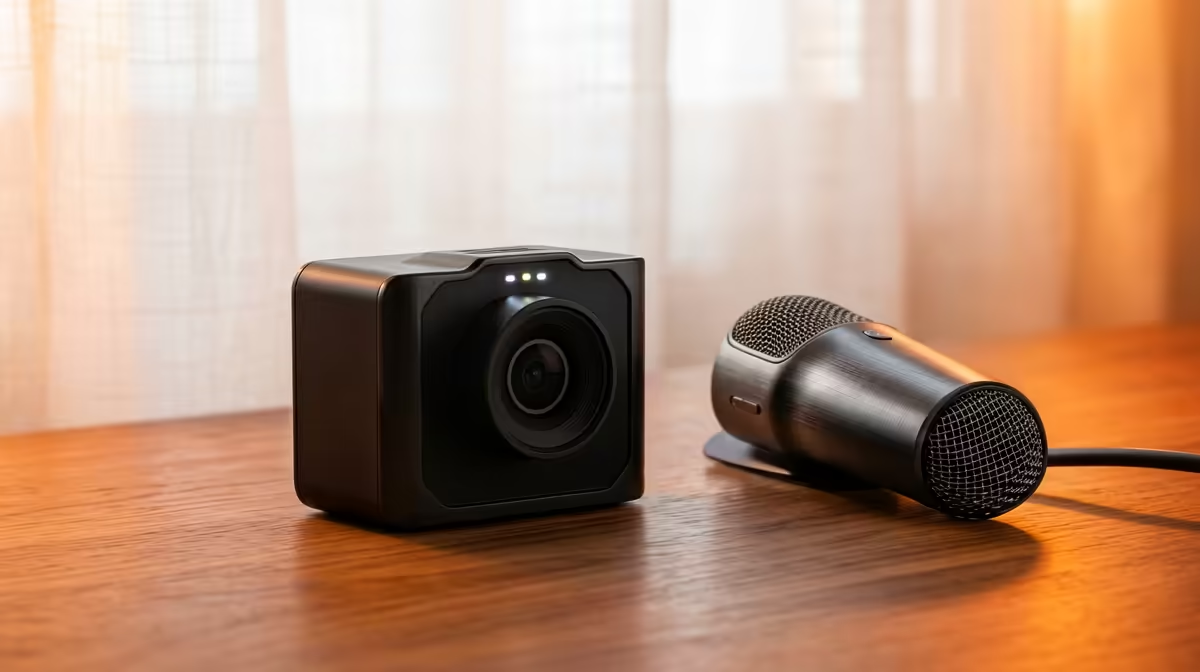
Upgrading to a dedicated USB microphone or a quality headset with a boom mic is the single biggest improvement you can make to your work from home setup. This simple piece of gear isolates your voice, cancels out background noise, and ensures your team hears your ideas, not your environment.
Banishing Lag: Why Your Network Matters Most 🌐
You can have the best mic in the world, but it means nothing if your connection keeps dropping. A choppy video feed or robotic voice is almost always a network issue. While your ISP provides the line, the quality of your home network is up to you. For absolute stability during critical presentations, nothing beats a direct connection. We highly recommend you explore wired networking solutions for a rock-solid link to your router.
Of course, running cables isn't always practical. If you're relying on Wi-Fi, ensure your router is up to the task. Older models can struggle with multiple devices, a common scenario in any modern South African home. Looking at Cudy's reliable wireless options can provide a significant, budget-friendly boost. For homes with more demanding needs, a modern router from a brand like TP-Link can handle multiple high-quality streams without breaking a sweat.
Quick Wi-Fi Boost
Position your router in a central, elevated spot in your home, away from thick walls and other electronics. Also, use the 5GHz band for your work computer if possible—it's faster and less congested than the 2.4GHz band.
Look the Part: Upgrading Your Video Feed
Once your audio and connection are sorted, it's time to focus on your camera. A grainy, poorly-lit video feed makes you look like you're broadcasting from a bunker. A dedicated 1080p webcam delivers a sharper, more professional image that works better in various lighting conditions.
This piece of remote work gear shows you're taking the meeting seriously. Paired with good lighting (even just facing a window), a quality webcam ensures you look as polished as your ideas sound. Investing in the proper gear for clearer meetings is an investment in your professional image. ✨
Ready to Build a Flawless WFH Setup?
Stop letting bad tech hold you back and start communicating with clarity and confidence. Explore our full range of wireless networking gear and find the perfect upgrade for your home office today.