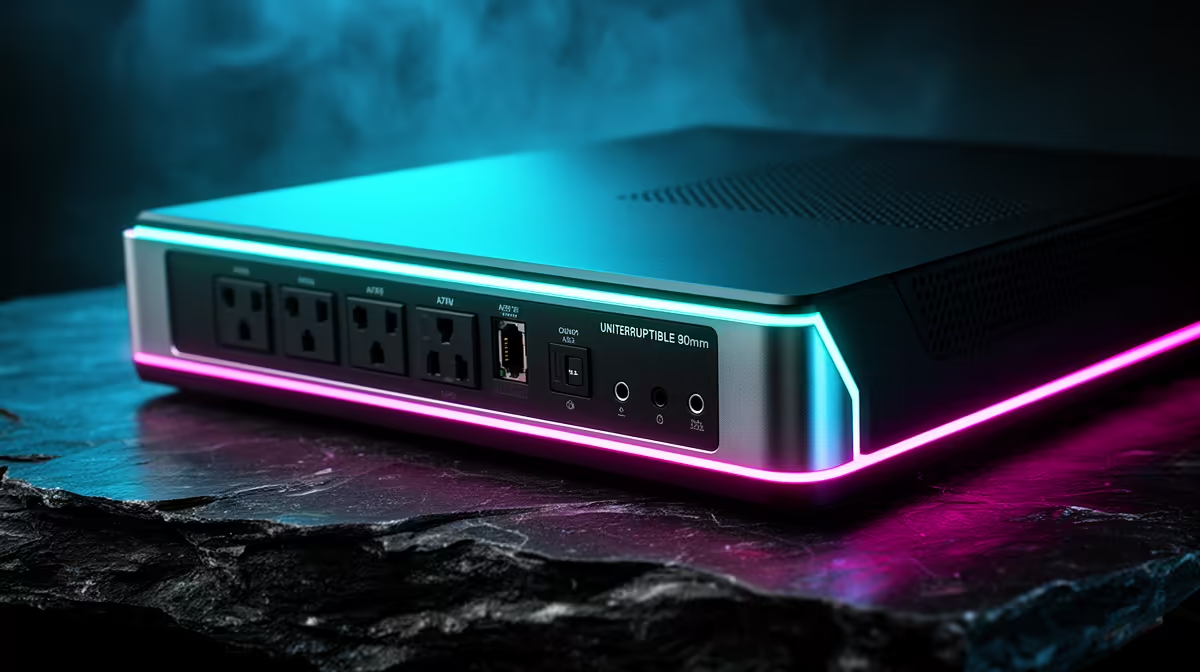
CUDY AC1200 4G LTE at R1,396 suits a remote worker who wants a router setup with a mobile data fallback beside the fibre ONT and work laptop. For UPS planning, start with the device that must stay online first: the main router, then only add extras if the backup unit has enough spare capacity.
UPS planning for a router
The CUDY AC1200 4G LTE at R1,396 is the stronger pick when the home office depends on calls, cloud documents, and remote logins. Its AC1200 WiFi and 4G LTE support make it useful where the fibre line is the main connection but mobile data can keep the desk online when the fixed line has an outage.
The CUDY N300 Travel at R450 makes more sense for a lighter setup where portability matters. Its N300 class is not positioned like a bigger home router, but the travel form factor is useful for a remote worker who moves between a desk, family home, and short stays where a simple connection point is enough.
The ASUS PCE-AX1800 adapter at R147 is not the router, but it can still matter in the chain. Its AX1800 spec helps a desktop connect to WiFi more confidently, so the UPS can focus on keeping the router side alive while the PC handles its own power plan.
Fibre cupboard checklist for a home office
Keep the CUDY AC1200 4G LTE at R1,396 near the fibre router cupboard if that is where the ONT and power point sit. A neat cupboard setup reduces loose cables and makes it easier to put only the essential network gear on backup.
Ready to choose the right router?
Use CUDY AC1200 4G LTE at R1,396 as the fibre router cupboard benchmark, then check whether its listed spec matches the space, workload, and upgrade path.