Is there anything more frustrating? You’re lining up a perfect headshot in Valorant, the fibre is humming, and suddenly… lag. That dreaded red icon flashes, and you’re staring at the respawn screen. Before you phone your ISP to complain, the culprit might be closer to home. Learning to optimise your home network starts with one simple, often overlooked step: proper router placement. It’s the single biggest upgrade you can make without spending a Rand.
Why Router Placement Matters More Than You Think
Think of your Wi-Fi router as a speaker. The closer you are, and the fewer walls in the way, the clearer you hear the music. Wi-Fi signals are radio waves that weaken over distance and struggle to pass through dense materials. While nothing beats the raw speed of a stable wired connection for a gaming PC, optimising your wireless signal is crucial for every other device in your home.
Proper router placement ensures that the signal covers your space evenly, minimising dead zones and frustrating buffering. A poorly placed router, stuck in a corner or hidden in a cabinet, is like trying to light up a whole room with a torch from inside a drawer. It just won’t work effectively.
The Golden Rules for Perfect Router Placement
Getting your home network optimization right isn’t complicated. By following a few key principles, you can dramatically improve your signal strength and stability. 🚀
Rule 1: Central and Elevated is Key
The ideal spot for your router is as close to the centre of your home as possible. This gives the signal the best chance of reaching every room with equal strength. Furthermore, get it off the floor! Placing your router on a high shelf or a bookcase helps the signal travel over furniture and other low-lying obstacles.
Rule 2: Avoid the Signal Blockers 🚧
Wi-Fi signals hate certain materials. Your mission is to create the clearest possible path between your router and your devices. Keep it away from:
- Thick Walls: Brick, concrete, and plaster are notorious signal killers.
- Metal: Large metal objects like fridges, filing cabinets, or even metal-backed mirrors can reflect and block Wi-Fi waves.
- Water: Believe it or not, water absorbs radio waves. That beautiful fish tank in your living room could be creating a Wi-Fi dead zone right behind it.
Find Your Wi-Fi Dead Spots
Use a free Wi-Fi analyser app on your phone to walk around your house and map out signal strength. You'll quickly see where the weak spots are, helping you find the perfect central location for your router.
Pro Tips to Further Optimise Your Network
Once you’ve nailed the basics of router placement, a few extra tweaks can squeeze out even more performance.
Antenna Angles Matter 🔧
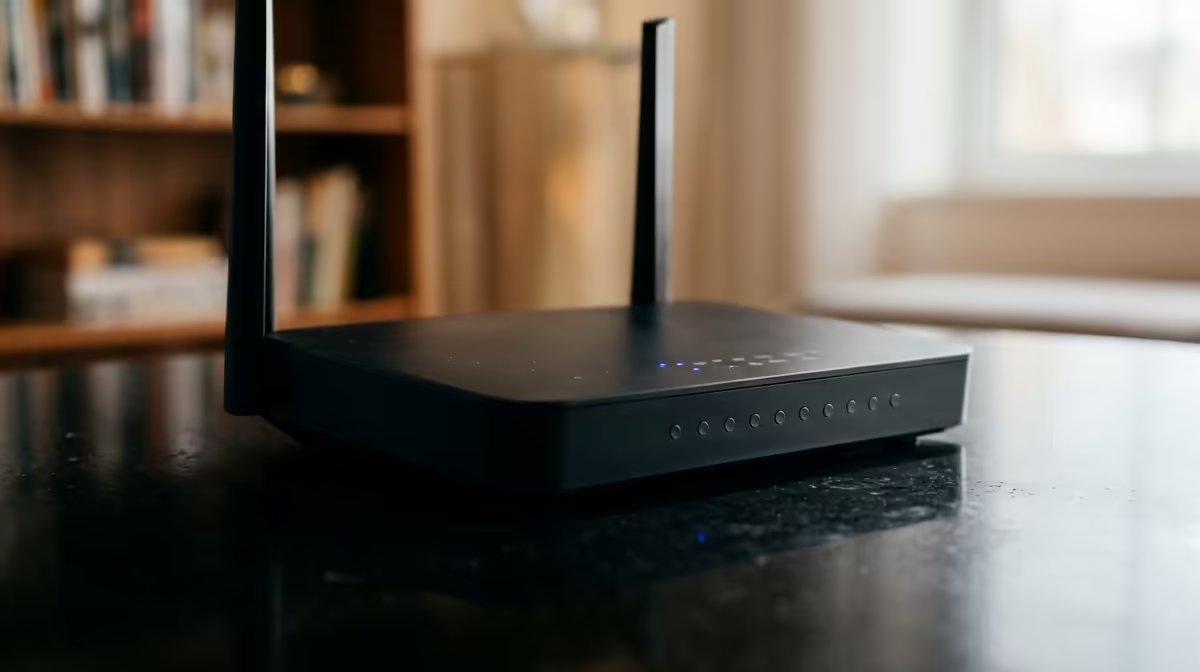
If your router has adjustable external antennas, don't just point them all straight up. For best coverage, position one antenna vertically (straight up) and another horizontally (sideways). This helps your router communicate effectively with devices that are also oriented differently, like your phone (vertical) and your laptop (horizontal).
Upgrade When Necessary
Sometimes, especially in larger or double-storey South African homes, a single router just isn't enough to optimise your home network effectively. If you still have dead zones, it might be time to consider a mesh system. Modern solutions like TP-Link Deco mesh systems use multiple units to blanket your entire home in seamless Wi-Fi. There are also many affordable options from brands like Cudy that can extend your range without breaking the bank.
Ready to Banish Lag for Good?
The perfect router placement is half the battle… the other half is having the right gear. Explore our massive range of wireless networking solutions for performance that leaves lag in the dust.