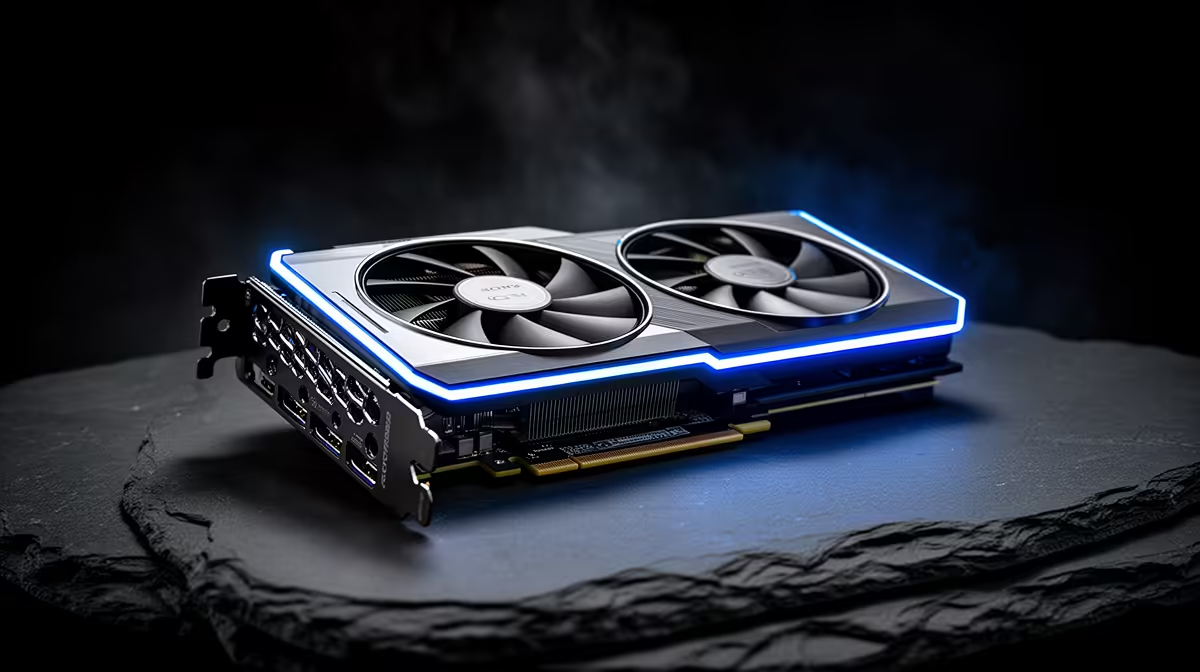
The number that decides what you can run locally on an RTX 5080 is not its core count or its clock speed. It is 16GB of GDDR7 VRAM. That figure sets a hard ceiling on the model weights, context and KV cache you can hold entirely on the card, and once you spill past it onto system RAM, inference speed collapses. For local AI, the 5080 is best understood as a 16GB box that happens to be very fast at moving data, and knowing exactly what fits inside that box is the whole game.
Quick Answer
The RTX 5080's 16GB of VRAM comfortably runs 27B-class models quantised to roughly Q4, which land near 15GB and leave headroom for an 8K to 16K context window. Expect about 48 to 54 tokens per second on a Q4 27B model. It will not hold a 70B model on-card; that needs the 32GB RTX 5090. For 14B and smaller models the 5080 is fast and roomy.
Why VRAM, not cores, sets the limit
Local large language model inference is overwhelmingly memory-bandwidth-bound, not compute-bound. During text generation the GPU streams the entire set of model weights through its cores once per token, so the speed you feel is governed by how fast VRAM can feed those cores, and the size of model you can load is governed by how much VRAM exists. The 5080's Blackwell cores are quick, but they spend most of their time waiting on memory, which is why two cards with similar bandwidth produce similar token rates even with different core counts.
That makes the 16GB capacity the first thing to plan around. A model that fits entirely in VRAM runs at full speed. A model that needs even a few gigabytes more than the card holds gets partially offloaded to system RAM, and those offloaded layers run an order of magnitude slower because they cross the comparatively narrow PCIe link. The practical rule is simple: keep everything on the card.
What actually fits in 16GB
A model's VRAM appetite is roughly its parameter count multiplied by the bytes per parameter set by quantisation, plus context overhead. At Q4 you spend about half a byte to a byte per parameter, which is why the maths works out the way it does.
27B at Q4 is the headline target
A 27B-class model such as a current Qwen or Gemma generation, quantised to Q4, sits near 15GB. That leaves a slim but workable margin for context. You can run an 8K window comfortably and stretch towards 16K if you keep the prompt lean. This is the sweet spot for the 5080: a genuinely capable model running fully on-GPU at interactive speed.
KV cache is the hidden tax
Every token of context you hold occupies VRAM in the key-value cache, and that cost grows with context length. On a card this close to its capacity limit, a long 32K conversation can quietly push a model that fit at 8K into offloading. If you need very long context, step down to a 14B model and spend the freed VRAM on the cache instead.
Smaller models leave room to breathe
Drop to a 14B or 8B model and the 5080 stops feeling constrained. You gain large context windows, faster generation and the ability to keep a model resident while you work. For coding assistants and chat, a well-tuned 14B at Q4 or Q5 is often the more pleasant daily driver than a cramped 27B.
Where the 16GB ceiling bites
The clearest limitation is the absence of 70B-class models. Those need around 30 to 40GB even heavily quantised, which is squarely 32GB-card territory and explains why the RTX 5090 for local LLMs is the card people reach for when 70B is the goal. The other pinch is multitasking: holding a 27B model and a separate image or speech model at once will not fit, so the 5080 favours one large workload at a time. If your work lives in the 27B-and-below range, none of this matters and the card is excellent value for the speed.
For developers weighing the jump, the question is honest: do your real workloads need 70B, or do they live happily at 27B and under. If the latter, the 5080 delivers most of the practical benefit for a lot less outlay, and you can compare where it sits against full prebuilt systems in the best-selling PCs lineup.
Who the RTX 5080 suits for local AI
It suits the developer running coding copilots, document analysis, and chat on 27B-and-smaller models who wants strong speed without the 5090 price. It is a poor fit for anyone whose roadmap centres on 70B models, large multi-model pipelines, or very long context at large model sizes. Match the card to the model class you genuinely run day to day, and the 16GB number stops being a limit and starts being a clear, predictable budget.
Frequently Asked Questions
Can the RTX 5080 run a 70B model at all?
Not entirely on-GPU. A 70B model even at low quantisation needs far more than 16GB, so it would offload heavily to system RAM and crawl. For local 70B you want the 32GB RTX 5090.
What token speed should I expect on a 27B model?
Around 48 to 54 tokens per second on a Q4 27B model is typical, which is comfortably faster than reading speed and fine for interactive use. Longer contexts trim this slightly as the KV cache grows.
Is Q4 quantisation going to hurt output quality?
Q4 is the widely used balance point and the quality loss versus higher precision is modest for most tasks. Going more aggressive to Q3 or Q2 to squeeze in a bigger model costs noticeably more accuracy, so Q4 at 27B is usually the better trade than Q3 at a larger size.
How much context can I actually hold?
On a 27B Q4 model expect a comfortable 8K window and up to roughly 16K if the model itself fits with margin. For very long context, choose a 14B model and spend the freed VRAM on the cache.
Does memory bandwidth or core count decide my speed?
Bandwidth. Inference reads the whole model per token, so the rate is bound by how fast VRAM feeds the cores. This is why VRAM capacity and bandwidth, not core count, are the specs that matter for local LLMs.
If your local AI work lives at 27B and below, the RTX 5080 gives you fast, fully on-GPU inference at a sensible price. Browse current RTX 5080 cards and ready-to-run AI PCs at Evetech and build a machine sized to the models you actually run.