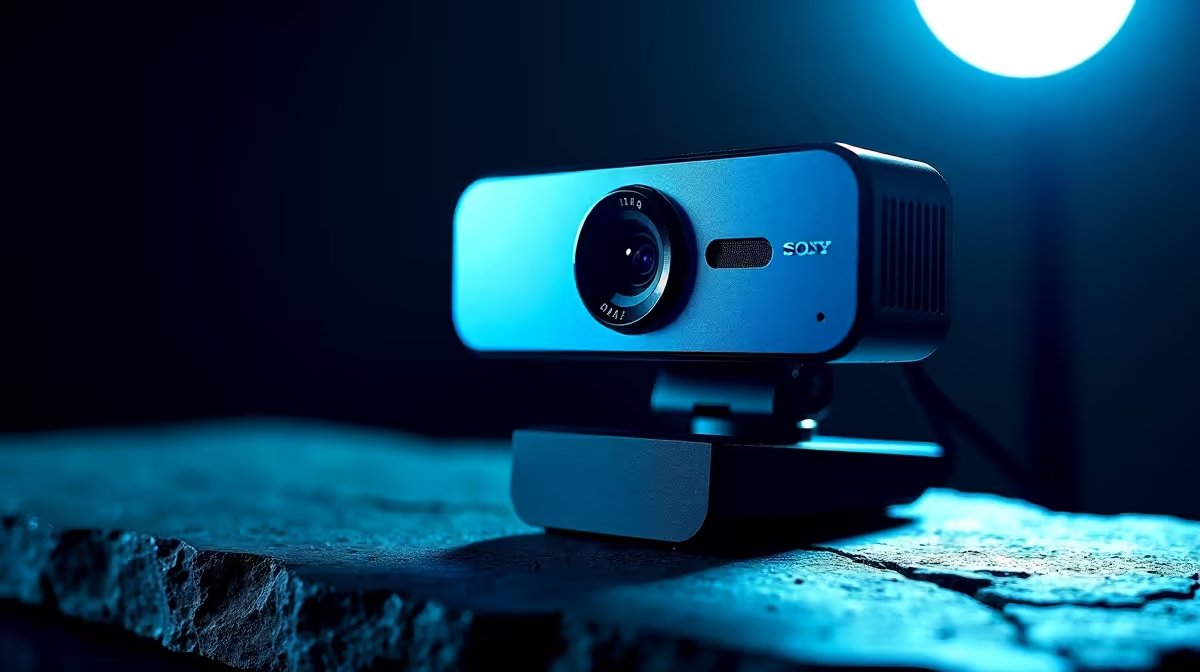
We’ve all been there. You’re deep into a nail-biting Warzone finale, or pitching a massive idea on a Teams call, and suddenly… you’re a frozen, pixelated mess. Your webcam has given up, overheated from the strain. It’s a frustratingly common issue that can kill your stream’s momentum or your professional credibility. But it doesn’t have to be this way. The solution lies in choosing rugged webcams for extended use.
Why Your Webcam Is Overheating 🔥
Ever wondered why your webcam throws in the towel after an hour? It's simple physics. The sensor, lens, and internal processor all generate heat to capture and send that crisp video feed. Cheaper, compact webcams often lack proper ventilation or internal heatsinks to dissipate this warmth. After prolonged use, the internal temperature climbs, leading to thermal throttling—the camera’s built-in defense mechanism to prevent damage. This results in stuttering, dropped frames, and eventually, a total shutdown.
While even many affordable webcams under R1000 have improved, for true marathon sessions, you need a device designed for endurance.
Key Features in a Rugged Webcam Built for Long Sessions
Finding a durable webcam that won't overheat isn't about luck; it's about looking for the right features. A truly rugged webcam for extended use is engineered differently from the ground up, prioritising thermal performance alongside image quality.
Superior Build and Cooling
Look for models with larger bodies, metal casings, or intelligently placed vents. These designs act as passive heatsinks, drawing heat away from critical components like the sensor and processor. This allows the webcam to run for hours on end without breaking a sweat. For a great balance of features and thermal design, the options in the sub-R2000 price bracket often hit the sweet spot for serious users.
Quick Software Tweak 🔧
You can reduce your webcam's workload and heat output in software like OBS or Discord. Try manually setting the resolution and frame rate to what you actually need (e.g., 1080p at 30fps) instead of leaving it on "Auto." This prevents the camera from working harder than necessary.
Advanced Internals
Modern, premium webcams use more efficient sensors and image signal processors (ISPs). Not only do they produce a better picture with superior colour and low-light performance, but they also do it while generating less heat. A webcam that can handle 4K streaming will barely feel the strain of a 1080p video call, ensuring it stays cool and reliable.
Who Really Needs a Webcam That Doesn't Overheat?
While anyone can benefit, a few key users simply can't afford a thermal failure.
- The Streamer: Broadcasting for hours to your community? A frozen camera is a vibe-killer that can cost you viewers and subscribers. A reliable, durable webcam is an essential piece of kit.
- The Remote Professional: Your job involves back-to-back video calls from your home office in Jozi or Cape Town. A camera that stutters looks unprofessional and distracts from your message.
- The Content Creator: Recording long-form tutorials, interviews, or unboxings requires a camera that can go the distance without a single hiccup. For this level of reliability, investing in a premium model from our top-tier selection is a smart move.
Ultimately, if your webcam is a critical part of your hobby or job, choosing one designed for extended use is a no-brainer. 🚀
Stop the Stutter. Upgrade Your Stream.
Ready for a webcam that keeps up with you? Explore our full range of webcams built for performance and reliability, and never worry about overheating again. Browse all webcams now at Evetech for a crystal-clear connection that lasts.