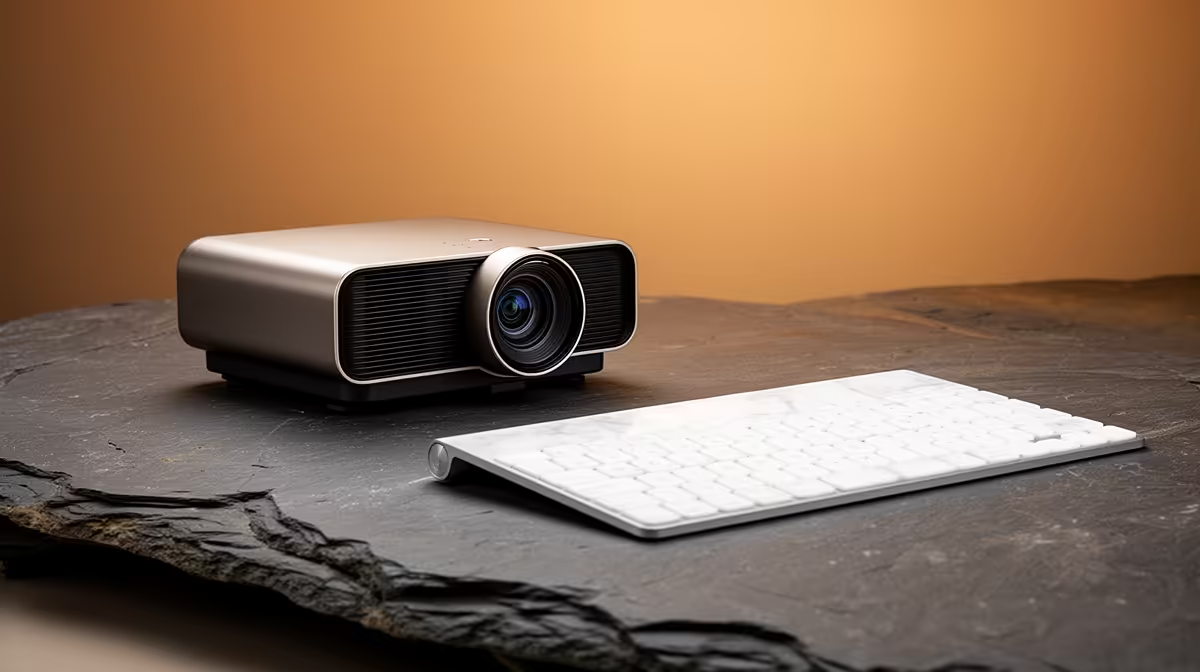
A short-throw projector can create a large flight-simulation view in a shallow room, but competitive cockpit use demands attention to native resolution, input response, brightness and geometry. The projector will not raise simulator frame rate. It earns its space when the room cannot place a conventional model far enough from the screen.
Measure the cockpit and image
The verified ViewSonic PA502X costs R7,493 and is listed as an XGA short-throw projector in the supplied facts. Confirm its current native resolution, throw ratio, brightness, game mode and input support before purchase. Mark the required image width from the practical mount, then check whether the yoke, desk or player casts a shadow.
Test controls and display response
Connect the actual simulator computer through the intended cable. Run a repeatable airport scene and compare input feel with the normal monitor. Inspect small cockpit labels, edge focus and frame pacing. Digital correction can reduce useful detail, so prioritise physical alignment. Keep ventilation clear and route power plus video cables away from pedals and chair movement.
A high-resolution monitor may give sharper instruments at a desk, while the projector offers scale and shared viewing. Choose the large image when the room geometry and measured response support the type of flying you do most.
Check ceiling height and projector ventilation before committing the cockpit to a fixed mounting point.
Building a flight-sim display? > Explore Evetech projectors after measuring throw, image detail and control placement.