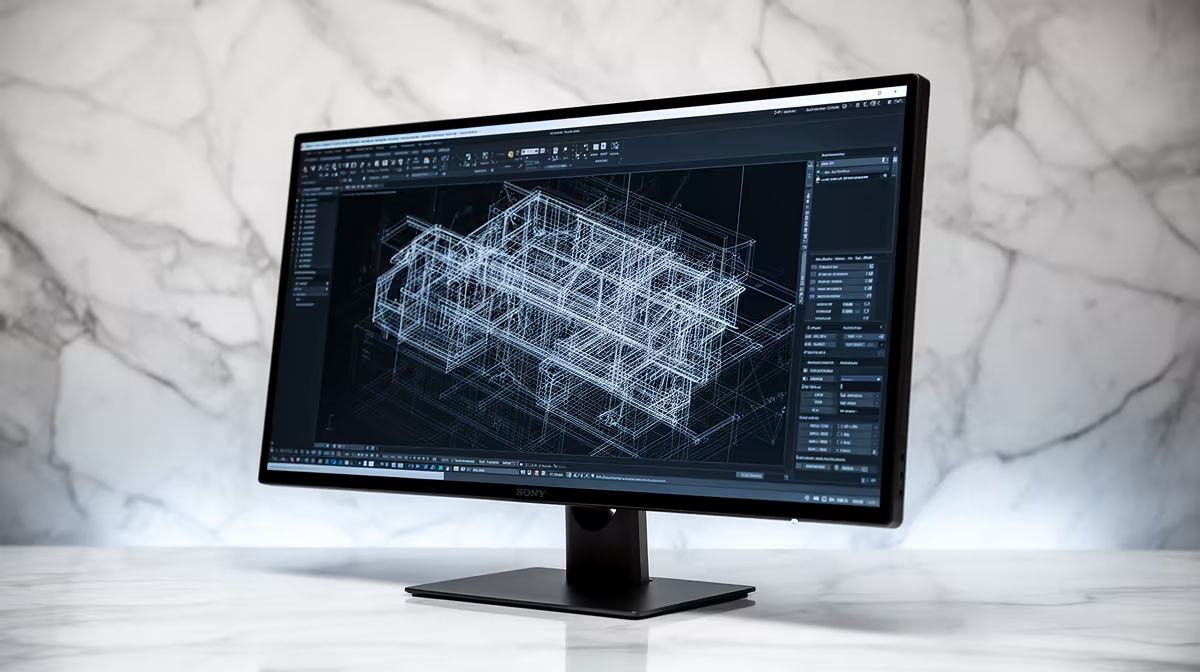
The Dell SE2726H 27in FHD 144Hz at R1,797 suits South African students, junior drafters, and home-office users who want a larger monitor for SolidWorks without spending the full the stated budget. It is not a 1440p panel, but the 27in size gives more room for toolbars and part views than smaller office screens, while the 144Hz refresh rate keeps general desktop movement smooth.
Sensible picks under the budget
The Dell SE2426H 23.8in FHD at R1,532 is the tighter desk option. Its 23.8in size works well where the keyboard, notes, and a laptop stand all need to share one surface, and the FHD resolution keeps text and menus easy to read without scaling issues.
The Dahua LM27 100Hz at R1,500 is the value play if you want a 27in screen and can accept a simpler spec. The 100Hz refresh rate is still a useful step for everyday scrolling, model rotation, and spreadsheet work, especially when the price leaves room for a better keyboard or mouse.
Creator desk fit for South African study rooms
For a student desk or compact creator corner, the MSI PRO MP275W at R1,850 is a clean choice because it stays within the same affordable range while giving a practical office-style screen for coursework, drawings, email, and reference tabs. If the desk is shared with a gaming PC, the Dell SE2726H 27in FHD 144Hz at R1,797 is the stronger mixed-use pick.
Ready to choose the right monitor?
Match smart 1440p monitor running solidworks to Dell SE2726H 27in FHD 144Hz at R1,797, then let its listed spec decide whether it belongs on the desk.