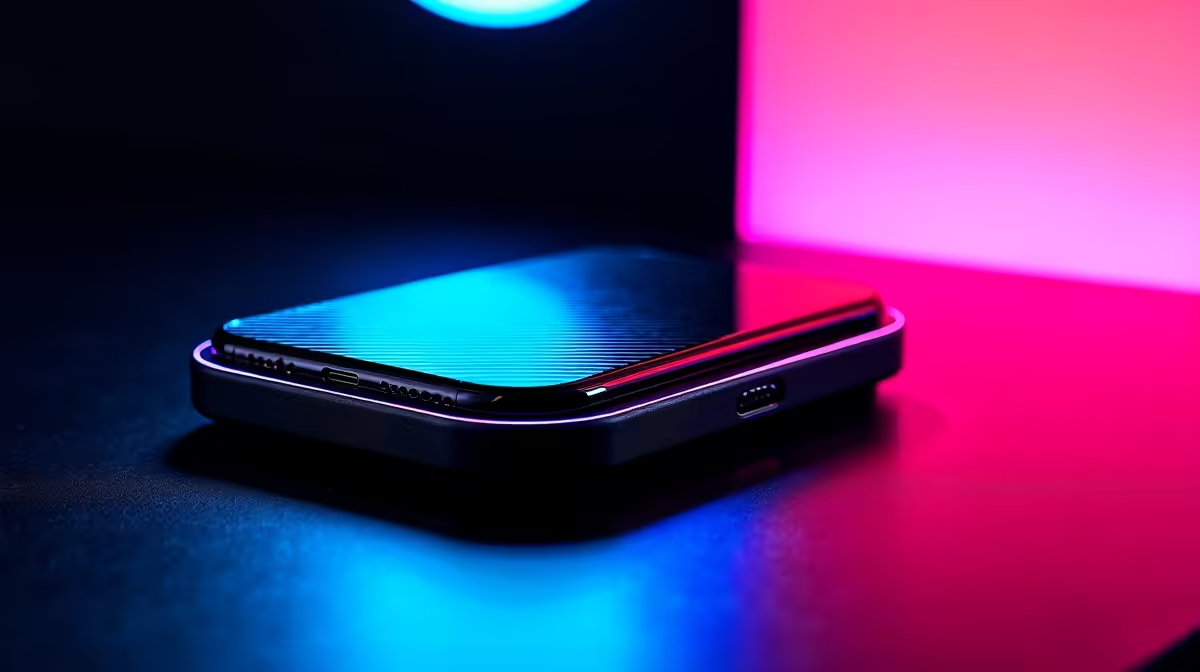
Tired of the pre-game ritual of plugging in your monitor, keyboard, mouse, and charger one by one? What if your entire battle station roared to life… or powered down… the second you connected a single cable to your laptop? That’s the magic of modern smart docks. For South African gamers and professionals, it's time to ditch the cable spaghetti and embrace a cleaner, faster, and more efficient setup. ⚡
Why You Should Buy a Smart Dock with Auto-Power
Let's be honest, nobody enjoys fumbling with a mess of cables. A smart docking station centralises your entire setup. Your external monitor, peripherals, and even your Ethernet connection run through one sleek hub. The key feature, however, is auto-power on/off. When your laptop is connected and powered on, the dock and all connected devices spring to life. When you shut down or unplug, they power down too, saving electricity and hassle. Exploring a quality docking station is the first step towards optimising your desk.
How Auto-Power On/Off Works
The technology is wonderfully simple. Most modern smart docks use the USB-C Power Delivery (PD) protocol. This allows a single USB-C cable to transmit data, video, and power simultaneously. The dock intelligently communicates with your laptop; when it detects the laptop is on and drawing power, it activates all its ports. When the laptop sleeps, hibernates, or shuts down, the dock cuts power to the peripherals. This means no more glowing RGB keyboards lighting up your room at 3 AM. It’s a small change that makes a massive difference to your daily routine. Best of all, there are great options under R1000 that offer this functionality.
Check Your Wattage! 💡
Before buying, check your laptop charger's wattage (e.g., 65W, 90W). Choose a dock with an equal or higher power output to ensure it can charge your laptop at full speed while running all your peripherals.
More Than Just Power… It's About Ports
Imagine this: you've just finished a hectic day of work-from-home meetings. It's time for some Apex Legends. You unplug your work laptop, plug in your gaming laptop with the same single cable, and your high-refresh-rate monitor, mechanical keyboard, and gaming mouse are instantly ready. This is possible because smart docks are packed with ports. You can find models from trusted brands like Promate that add extra USB-A, HDMI 2.1, DisplayPort, and even SD card readers to your minimalist laptop.
Finding the Perfect Smart Dock in South Africa
Choosing the right dock comes down to your specific needs.
- For Gamers: Prioritise a dock with HDMI 2.1 or DisplayPort 1.4 to support high refresh rates (120Hz+).
- For Creators: Look for multiple USB-A ports and an SD/microSD card reader for easy file transfers.
- For Office Warriors: An Ethernet port for stable internet and multiple display outputs are key.
You don’t need to break the bank to get a fantastic setup. There are plenty of powerful docks under R2000 that cater to every need, delivering a clean and powerful desk experience. 🚀