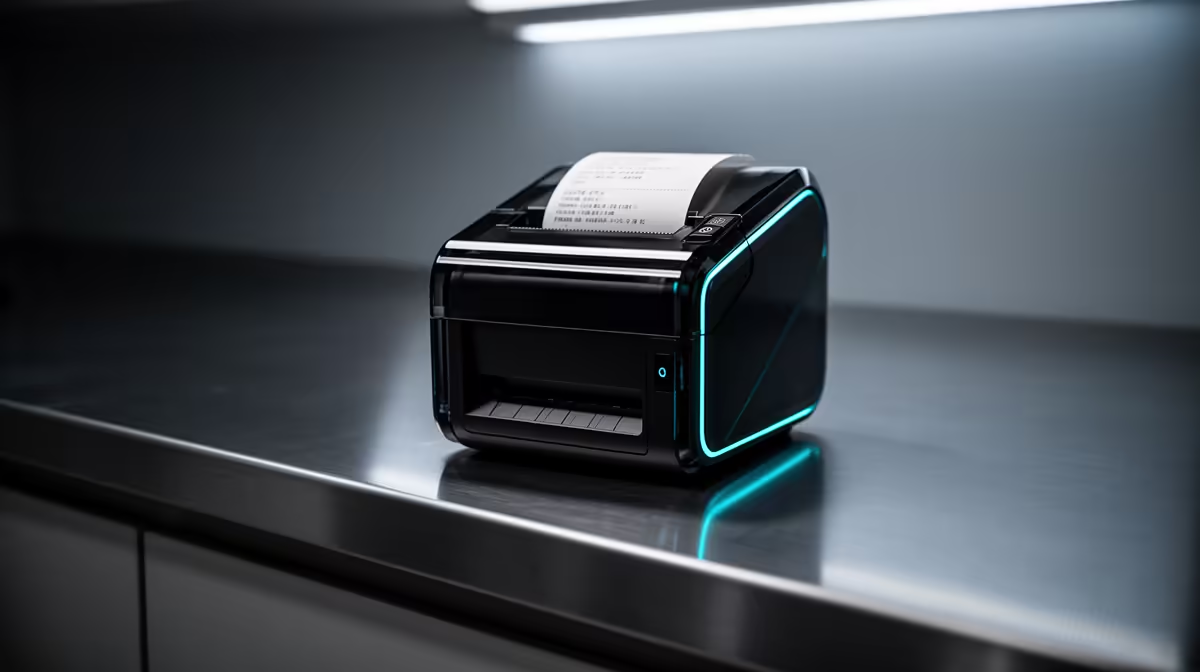
The smart home printer for point-of-sale and stock work must support the business software, daily page volume and local consumables. A consumer model can suit a quiet counter, but receipt volume, labels or multi-user queues may require specialised hardware. Keep the printer decision separate from the broader counter equipment allowance.
Specify each printed item
Count invoices, stock sheets, customer forms and colour pages. Confirm page size, duplexing, scanning and network needs. Ask the POS provider which drivers and printer languages it supports. Price replacement consumables from a local supplier and calculate cost per page at realistic yield.
Current product evidence confirms no suitable printer model for a verified price. The HP All-in-One 22-dg0001ni has a verified R10,036 price as a complete reception-computer reference. The Minisforum NAB6 Lite mini PC carries a verified R4,150 price for a compact host that needs a separate display. Check their ports against the POS peripherals.
Simulate a busy counter
Create test sales, a return and a stock report. Print each one, restart the network and clear a failed queue. Make sure customer details do not remain visible to the next user. Let counter staff replace paper and handle a simple jam. Maintain a manual document path for hardware failure.
Buy after the software provider confirms the exact printer. Reserve enough of the equipment allowance for backup, network and a dependable POS computer.
Equipping a small counter? > Ask Evetech to compare all-in-one and mini-PC options for the POS software.