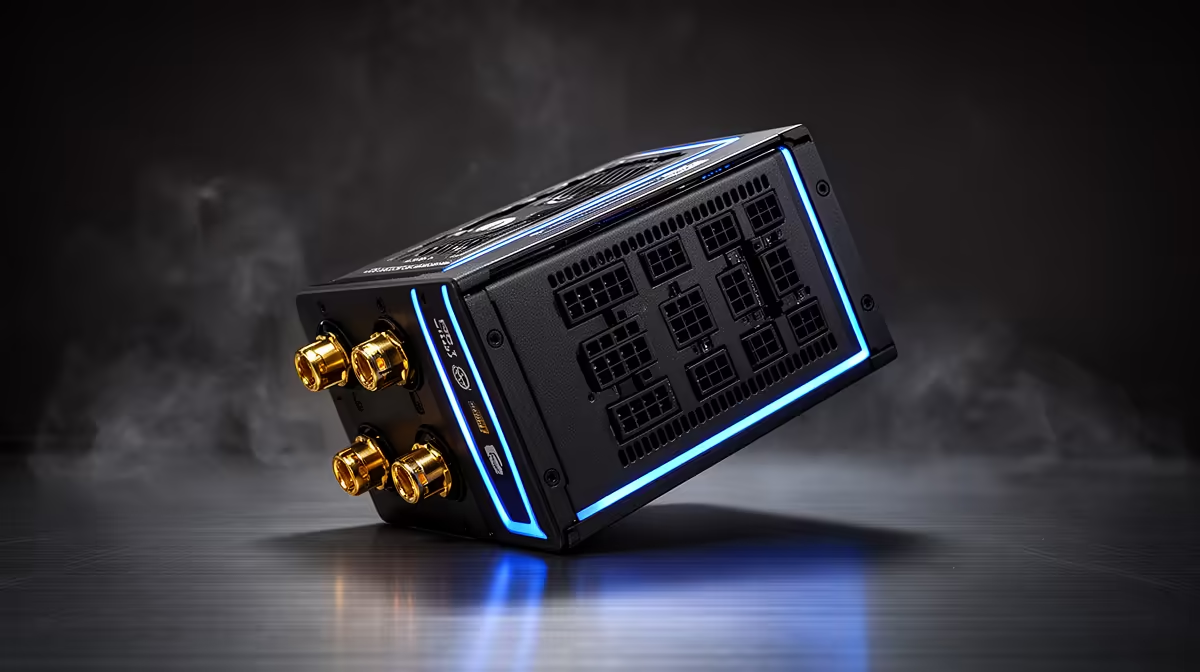
The smart quality PSU for Docker is sized from the host computer’s hardware, not the number of containers. Docker workloads may stress the processor, memory and storage, but those applications do not draw power independently of the components running them. Compatibility and protection matter more than arbitrary wattage.
Calculate the complete host under peak workload
List the processor, GPU if present, motherboard, drives, fans and planned upgrades. Run representative containers and record component use plus temperatures, then apply manufacturer guidance and a reputable PSU sizing method. Confirm case form factor and every required connector.
The Cooler Master Elite 850W Gold ATX 3.1 at R930 and Corsair RM850e at R1,900 are verified PSU references. Their capacity may be unnecessary for a CPU-only lab or appropriate for a strong GPU host. Confirm the exact revision, dimensions, cable set, supported standards, warranty and independent technical assessment.
Never open a PSU, force a connector or mix undocumented modular cables. Route leads without blocking airflow and follow the chassis plus component manuals. Keep container definitions, volumes and important data in tested backups because a new power supply does not create recovery.
Buy the lowest well-reviewed capacity that supports the measured host and credible upgrades. Spend elsewhere when memory, storage or cooling constrains the Docker workload while power headroom remains adequate.
Powering a dependable Docker host? > Compare Evetech PSUs after calculating the complete hardware load.