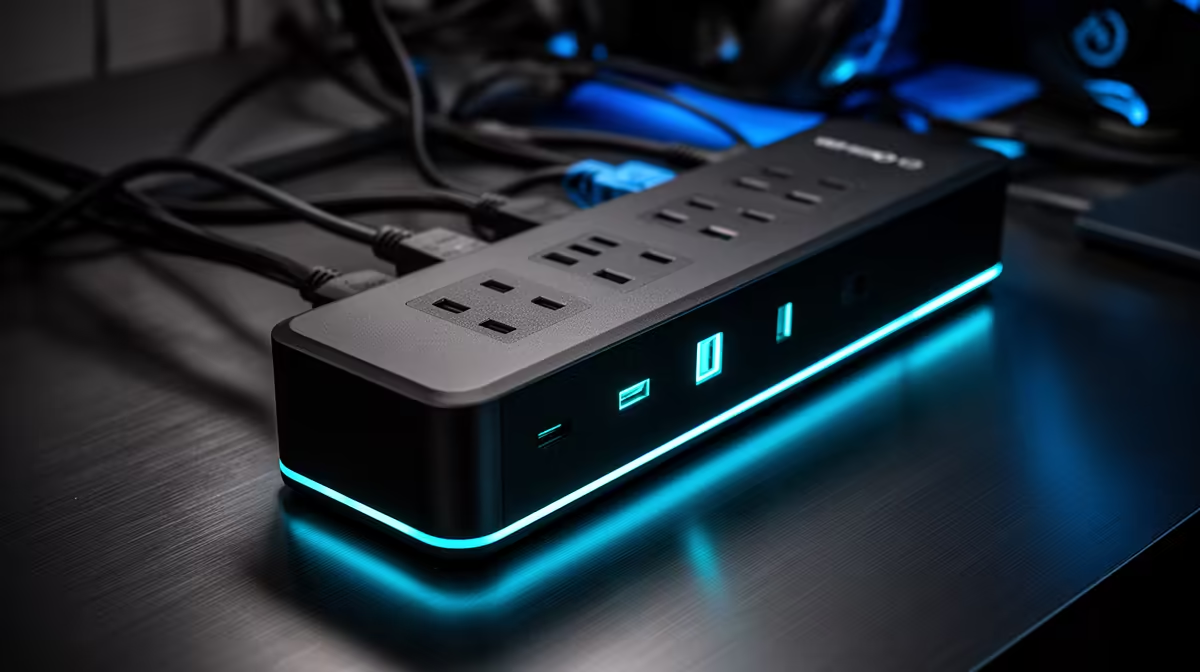
A smart surge-protected power strip cannot make OBS encode faster, but it can organise approved desk equipment and offer limited protection from some voltage spikes. Choose it by electrical rating, socket layout and safety certification, then judge OBS performance separately from the computer processor, graphics encoder, memory and internet upload.
Map the broadcast desk load
No smart-strip price is verified in the supplied factpacks. Compare current options by South African plug compliance, overload protection, joule rating, status indicators, per-socket control, app permissions, update support, manual override, cord length and warranty. Never exceed the rated load or connect one strip through another. High-draw equipment needs its own approved arrangement.
List the PC, monitors, router, lights and audio hardware, then decide which devices may be switched together. Do not place storage or the router on an automation that can cut power during a recording or upload. Label the sockets clearly, secure the account with a unique password and verify that manual control still works if the app or Wi-Fi is unavailable.
For OBS, run a local recording and private test stream while watching encoder load, dropped frames, temperatures and upload stability. A UPS is a separate purchase when short runtime and orderly shutdown are required. Surge circuitry alone provides no battery power.
Tidying power for an OBS desk? > Ask Evetech to compare protection, socket control and backup requirements for the actual load.