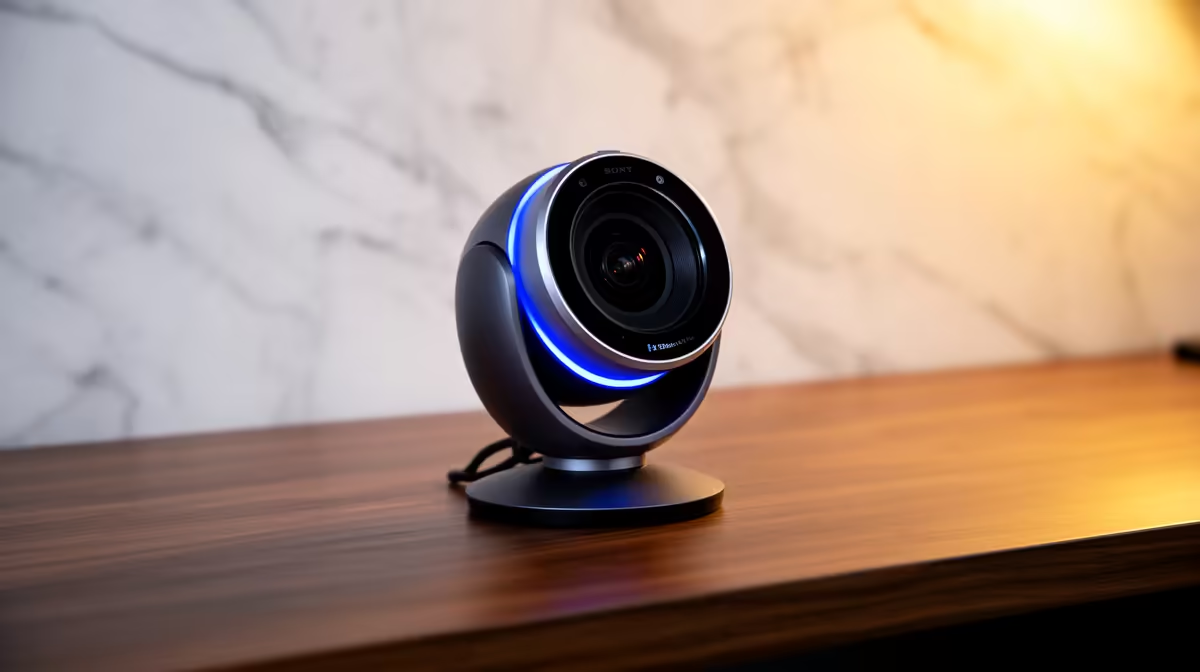
Tired of looking like a grainy silhouette on your team calls? That built-in laptop camera just isn't doing you any favours, especially during an unexpected outage. It's time to upgrade your work-from-home game. Investing in one of the right webcams to make your home office smarter isn't just about looking better; it's about being more professional, more efficient, and reclaiming your video presence. Let's dive in and find the perfect fit for your setup. 🚀
Why Your Laptop Webcam Is Holding You Back
Let's be honest, the tiny camera embedded in your laptop lid was an afterthought for the manufacturer. It likely has a low-resolution sensor, struggles terribly in anything but perfect lighting, and makes you look washed out or hidden in shadows. For professional video calls or starting a streaming side-hustle, this simply won't cut it.
A dedicated webcam is one of the most impactful, yet affordable, upgrades you can make. It's a key step in creating a truly smarter home office. You don't need to break the bank either; even a budget-friendly upgrade under R1000 can offer a massive leap in quality over your stock camera.
Key Features for a Smarter Home Office Webcam
Choosing the right device goes beyond just plugging something in. Modern webcams to make your home office smarter come packed with technology designed to make you look and sound your best with minimal effort. Here’s what to look for.
Resolution and Low-Light Performance
Crystal-clear video is non-negotiable. A 1080p (Full HD) resolution at 30 frames per second (fps) is the gold standard for crisp, professional meetings. If you're a streamer or content creator, you might want to look at 60fps models for buttery-smooth motion. More importantly, look for features like automatic low-light correction and HDR. This tech adjusts the image on the fly, ensuring your face is properly lit and colours are accurate, even if your office lighting is less than ideal. You can find plenty of smarter webcams with these features for under R2000, delivering excellent value.
💡 Pro Lighting Tip
You don't need expensive studio lights! Simply position your main light source (like a lamp or a window) in front of you, not behind you. This one small change will dramatically improve your video quality, no matter which webcam you use.
Autofocus and AI Framing
Ever shifted in your chair only to become a blurry mess? A webcam with fast, reliable autofocus is essential. The "smart" part comes in with AI-powered features. Auto-framing, for example, digitally pans and zooms to keep you perfectly centred in the shot, even if you move around. It’s like having your own personal camera operator, making your presentations feel far more dynamic and professional. These are the details that elevate a good setup into a great one.
Beyond the Boardroom: Webcams for Power Users ✨
If your home office doubles as a streaming studio or you simply demand the best, premium webcams offer another level of control and convenience. Features like Windows Hello facial recognition allow you to log in to your PC securely just by sitting down.
You'll also find options with 4K resolution, advanced software for granular control over your image, and high-fidelity stereo microphones that can sometimes replace the need for a dedicated mic. These premium models, often available for under R3000, are built for those who refuse to compromise on quality.
Upgrade Your Video Presence Today
Stop letting a poor-quality camera define your professional image. A smarter webcam is a small investment for a massive upgrade in how you connect, present, and collaborate. Explore the full range of webcams at Evetech and find the perfect match for your needs and budget.