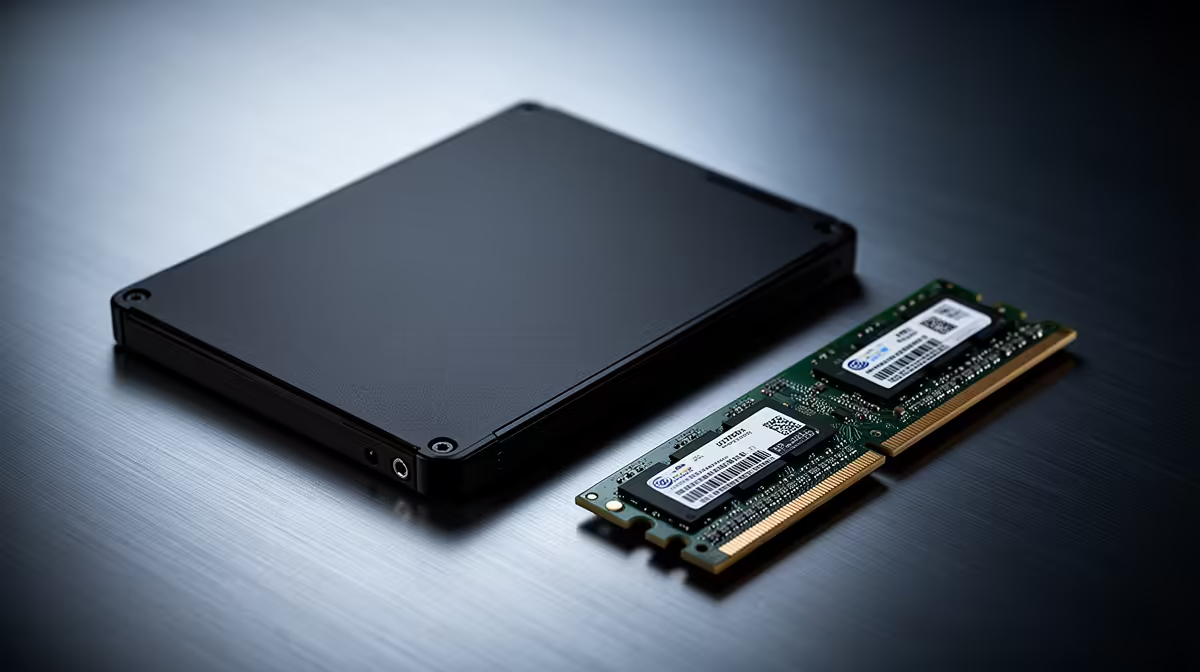
WD Blue SN5000 at R998 suits a parent who mainly needs a faster, calmer everyday PC for school portals, email, photos, banking, and browser tabs. If the machine already feels slow but still switches on reliably, an SSD upgrade should usually come before replacing the whole system, with a RAM kit considered next if many tabs or Office files stay open at once.
Best SSD picks for a family PC
The WD Blue SN5000 at R998 is the sensible first look because it keeps the spend controlled while targeting the biggest daily frustration: waiting for Windows, apps, and files to respond. For a parent who uses the same desktop or laptop every evening, that SSD spec matters more than chasing a premium drive.
ADATA LEGEND 900 1TB at R948 is the sharper value option when storage space is part of the problem. The 1TB spec gives room for family photos, school documents, WhatsApp exports, scans, and downloaded videos without making the upgrade feel cramped after a few months.
Samsung 990 PRO at R4,648 is harder to justify for a basic parent PC, but it makes sense when the same machine also handles heavier photo libraries, large transfers, or a creator desk in the home. Its PRO positioning is the reason to consider it only when the rest of the system is strong enough to benefit.
SA parent home-office desk reality
At a dining-room desk or spare-bedroom setup, the best upgrade is the one that makes the computer feel dependable every day. ADATA LEGEND 900 1TB at R948 gives a parent enough local storage for admin and memories, while WD Blue SN5000 at R998 keeps the upgrade practical if the main goal is speed.
Ready to choose the right SSD?
Use WD Blue SN5000 at R998 as the ssd shortlist benchmark, then check whether its listed spec matches the space, workload, and upgrade path.