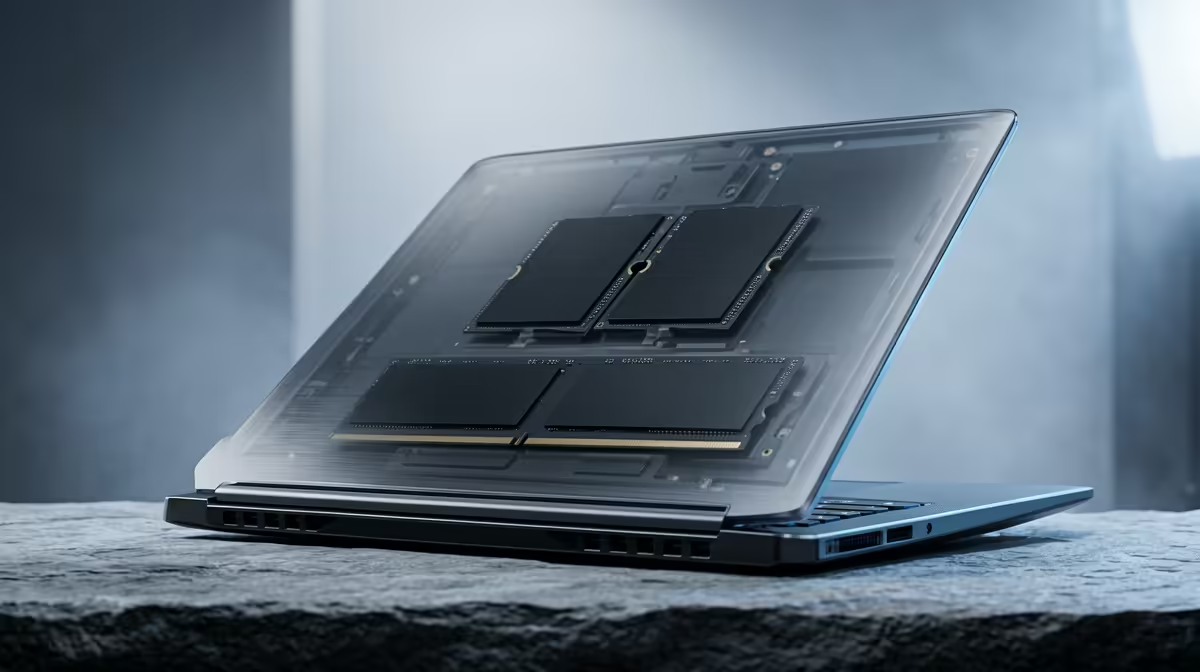
WD Blue SN5000 at R998 suits a student who needs a sensible SSD upgrade before spending bigger money on a full device replacement. If the laptop still feels solid but opens notes, browser tabs, and saved files slowly, pairing an SSD with a suitable RAM kit can make the study desk feel much more responsive without chasing unnecessary extras.
SSD picks for a practical upgrade
For most student machines, WD Blue SN5000 at R998 is the clean starting point because it keeps the spend focused on storage speed and everyday use. It is the option to consider when the goal is quicker boot-up, smoother file access, and less waiting between browser research, lecture slides, and assignments.
ADATA LEGEND 900 1TB at R948 is the sharper value call when capacity matters as much as speed. The 1TB spec gives more room for course folders, videos, design files, PDFs, and offline media, which matters when one laptop has to carry both study work and personal storage through the week.
Samsung 990 PRO at R4,648 is the premium SSD choice for a student running heavier creative or technical work. At this price, it makes more sense for demanding projects than for basic notes and web research, so it should be reserved for a laptop that is worth upgrading properly.
Student desk upgrade reality in SA
A shared res or digs desk usually rewards practical upgrades first. ADATA LEGEND 900 1TB at R948 is useful when the laptop moves between campus, home, and group work because that 1TB capacity reduces the need to juggle files across different drives.
Ready to choose the right SSD?
Match upgrade right choice student to WD Blue SN5000 at R998, then let its listed spec decide whether it belongs on the desk.