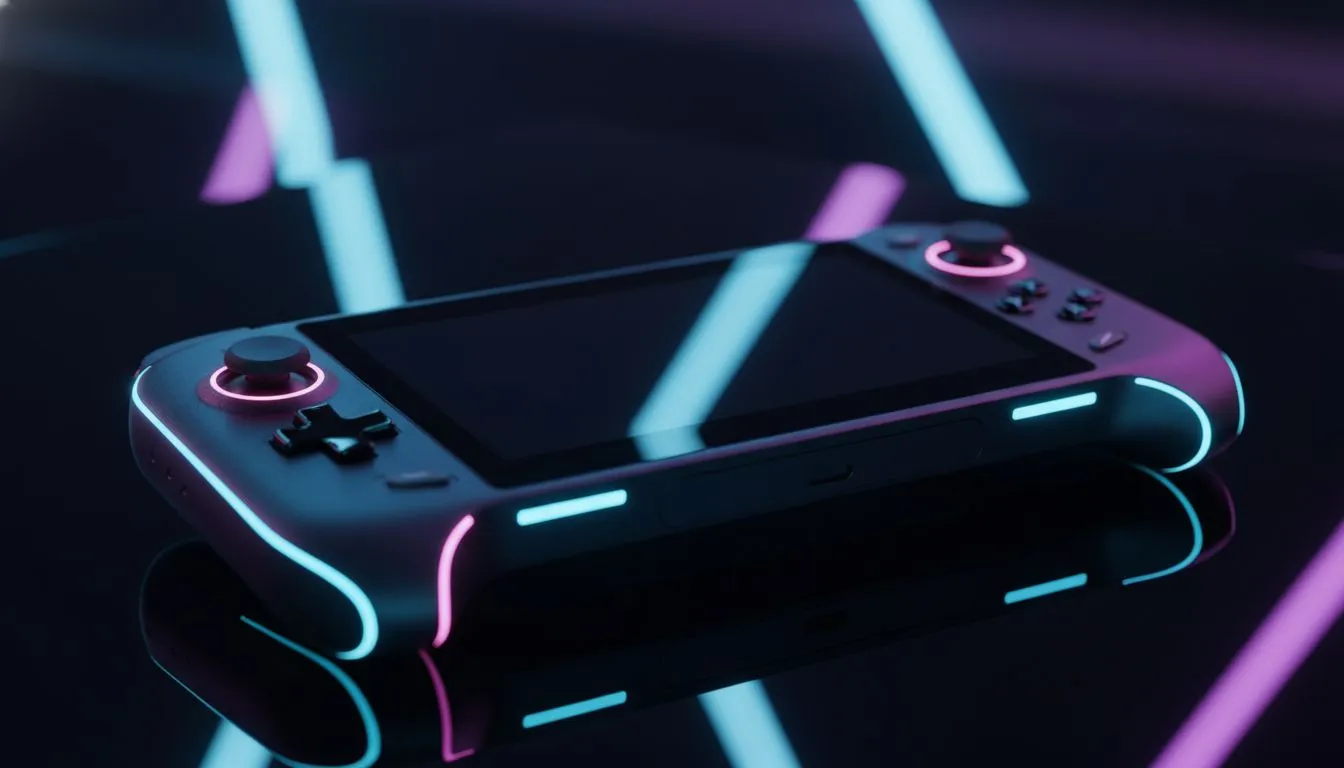
Why Portable Broadcasting is the Future of SA Gaming
Imagine taking your Elden Ring stream from the couch to the coffee shop without losing a single frame. In 2025, handheld gaming isn't just about playing solo... it's about broadcasting your wins to the world. Whether you are battling an unexpected outage with a battery-powered rig or just want a portable setup, learning how to stream to Twitch from handheld devices is the ultimate flex for South African creators. 🚀
Choosing the Best Hardware for Your Mobile Stream
Not every device is built for the dual load of gaming and encoding. To maintain a professional broadcast, you need a machine with a powerful APU and sufficient RAM. The current crop of handheld gaming consoles has bridged the gap between desktop power and total portability.
When looking at specific hardware, the Lenovo Legion Go stands out because of its massive 8.8-inch screen. This makes managing your Twitch chat much easier without a second monitor. If you prefer a more compact form factor with high-refresh-rate displays, the ASUS ROG Ally series offers incredible software support via Armoury Crate SE. This software helps you toggle performance modes instantly to keep your stream bitrate stable.
For those who lean toward the Intel ecosystem, the MSI Claw provides unique AI-driven cooling features. This is vital when you are pushing the hardware to its limits during a three-hour stream. 🔧
Streaming Performance Pro Tip ⚡
When streaming from a Windows handheld, always set your VRAM allocation to at least 6GB or 8GB in the BIOS. This prevents the system from stuttering when OBS and your game compete for GPU resources. It is a small change that makes a massive difference in your frame consistency.
Software Setup: Streamlabs and OBS on the Go
Since most modern handhelds run Windows 11, you can use the same tools as desktop pros. Install OBS Studio or Streamlabs to get started. Keep your resolution at 720p or 1080p... anything higher might choke your upload speed or drain your battery too fast.
In South Africa, upload speeds can be temperamental. We recommend using a bitrate between 3500 and 6000 kbps for a smooth 60fps experience. If you are using a mobile hotspot, aim for the lower end to avoid dropped frames. ✨
Essential Accessories for the Professional Look
To truly master your stream to Twitch from handheld setups, consider a portable dock. This allows you to plug in a high-quality USB microphone and a webcam. While the built-in mics are decent for casual play, a dedicated mic ensures your South African accent comes through crystal clear.
Remember to keep an eye on your thermals. Streaming generates significant heat... using a stand that allows for better airflow can prevent thermal throttling. ⚡
Ready to Start Your Streaming Journey?
The world of portable gaming is evolving fast, and having the right gear is the first step to becoming the next big South African creator. Explore our full range of handheld gaming consoles and find the perfect device to power your Twitch channel today.