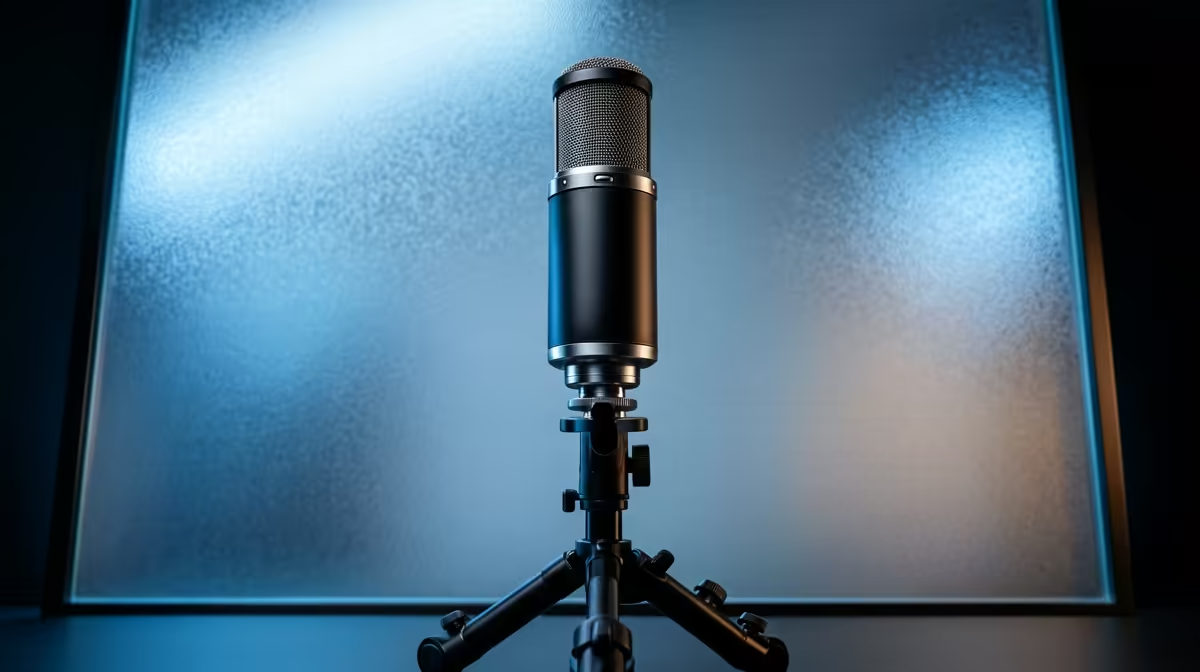
A streaming microphone is the highest-impact audio upgrade you can make, and in shared housing the cardioid pickup pattern matters more than any other spec.
Quick Answer
For streaming mics in private digs and shared flats, the upgrade path runs from a cardioid USB mic (HyperX SoloCast, R1,500) to a feature-rich USB mic (QuadCast, R2,800), then to XLR only if you go pro. The cardioid pattern is the key spec for rejecting flatmate and street noise in a shared building.
Starter: a cardioid USB mic
Begin with a cardioid USB mic like the HyperX SoloCast (R1,500). It plugs into a laptop, needs no interface, and its cardioid pattern rejects noise from behind and beside it - exactly what you want in a shared flat. That single buy transforms your stream or call audio over any built-in or webcam mic.
Stepping up sensibly
The next step is a richer USB mic - a HyperX QuadCast (R2,800) adds tap-to-mute, a built-in pop filter and a shock mount that cuts desk thumps in a small room. Only move to XLR and an interface if you pursue serious music or professional podcasting; for streaming and study in digs, a good USB mic on a boom arm is the practical ceiling. Stay with locally-stocked brands for warranty support.
FAQ
What streaming mic suits a shared flat?
A cardioid USB mic - its pickup pattern rejects flatmate and street noise. Start with a HyperX SoloCast (R1,500); step up to a QuadCast (R2,800) for a built-in pop filter and shock mount.
When should I move to an XLR mic?
Only for serious music or professional podcasting. For streaming and study in digs, a quality USB mic on a boom arm covers everything without the cost and complexity of an interface.
Does a boom arm help in a small room?
Yes - it keeps the mic close to your mouth (improving the voice-to-noise ratio), clears desk space and isolates the mic from keyboard thumps. It's a worthwhile R600 add-on.
Start with a cardioid USB mic on a boom arm, step up to a QuadCast for built-in pop-filtering, and only go XLR if you turn properly pro.