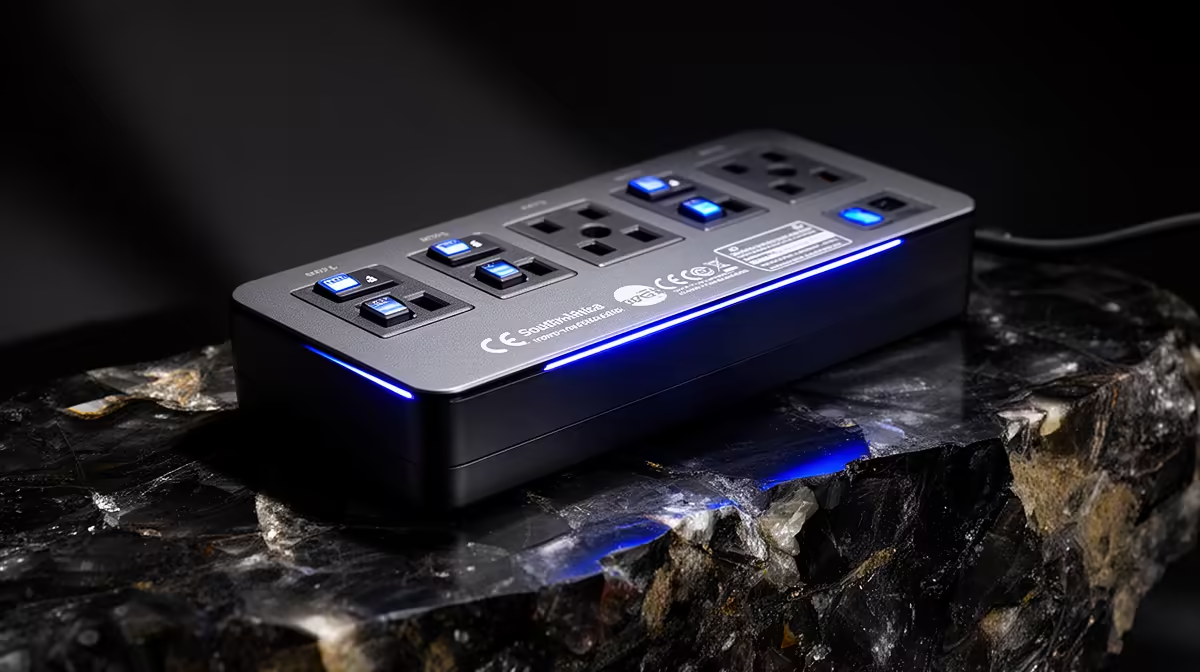
A rated outlet strip with surge protection can serve a SketchUp workstation when it is compliant and sized as one protection layer. SketchUp does not change the strip requirement. The connected computer, displays and storage determine load, while backups protect the model itself.
List the complete desk load
Write down the tower, monitors, speakers, router and chargers. The verified facts list no priced protected outlet strip for this SketchUp desk. Confirm socket type, joule rating, protection indicator, warranty and South African compliance on current options. Keep printers, heaters and other high-startup-load devices off a small computer strip unless its specification permits them.
Route and maintain it safely
Do not daisy-chain extensions. Mount the strip where it stays ventilated, dry and free from foot or chair damage. Replace it after visible damage, a failed status indicator or a surge event when manufacturer guidance requires replacement. Use a qualified electrician if outlets, earthing or building wiring appear unsafe.
The Corsair RM850e internal power supply is verified at R1,900 as a quality PSU comparison. It does not replace external surge protection, and its efficiency rating serves a different purpose. A properly sized UPS may add temporary runtime and orderly shutdown, but it needs its own load calculation.
Save SketchUp files with version history and independent backups. Open a restored model regularly because no strip can guarantee recovery from every electrical or storage failure.
Protecting a SketchUp desk? > Ask Evetech to compare current power-protection options against the measured workstation load.