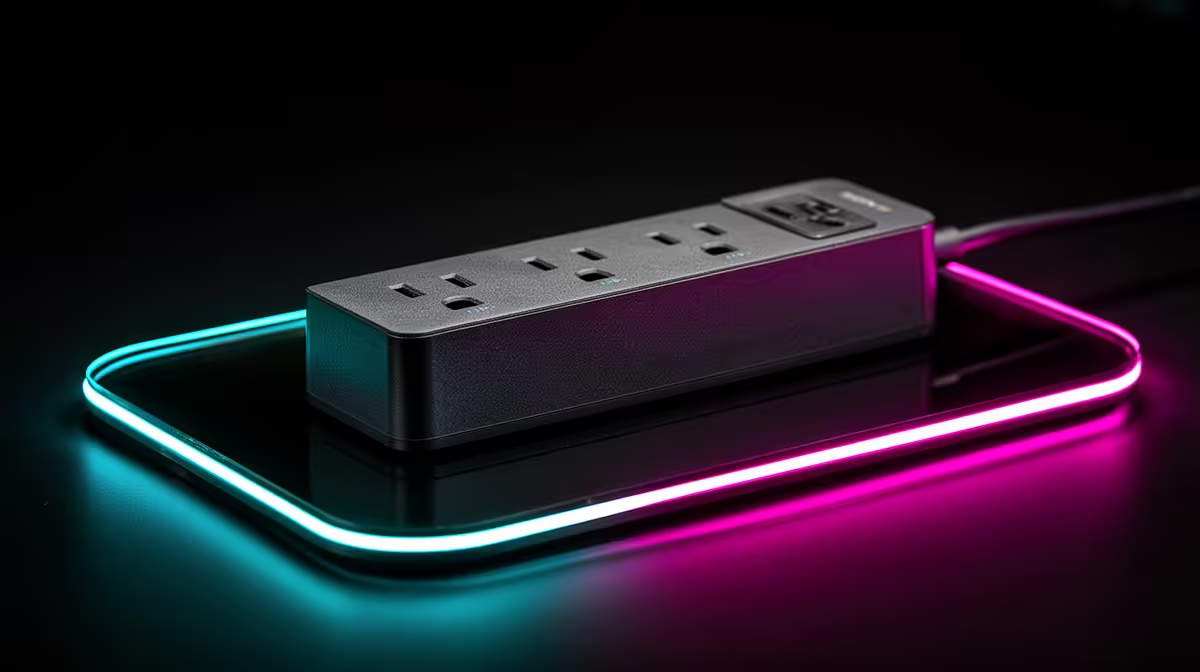
A surge protector is worth buying for a Canva desk because it protects the computer, monitor and network gear from supported electrical transients. It has no effect on Canva speed or design quality. Evetech factpacks contain no verified surge-protector SKU and price, so buyers must confirm the exact rating and current stock.
Protect the whole design path
List the devices connected at the desk and check plug count, load rating, protection indication, cord length and warranty. Avoid daisy-chaining extension leads. A qualified electrician should inspect loose sockets, repeated tripping, scorch marks or suspected wiring faults before new equipment is connected.
The ASUS Vivobook S 14 OLED is verified at R10,719 with a Core i5-13420H processor, 16GB memory and 512GB storage for a mobile Canva and creator reference. Protecting that purchase makes sense, but a laptop battery and power adapter do not replace building-level electrical safety.
The Dell S2725QC 27-inch 4K IPS monitor costs a verified R6,128 for a larger design workspace after USB-C, scaling and colour-workflow checks. Include the monitor and router when choosing socket layout. Keep adapters ventilated and route the lead away from chair wheels.
Rehearse the file recovery plan
Save a current Canva project, export a local proof and confirm the brand assets exist in an approved second location. Follow the protector instructions for indicator checks and replacement. Electrical protection reduces one risk, while backup copies address device loss or file corruption.
Buy a correctly rated product from a current verified listing, then keep design recovery independent of the wall connection.
Protecting a Canva workspace? > Ask Evetech to compare current surge devices with creator laptops and monitors.