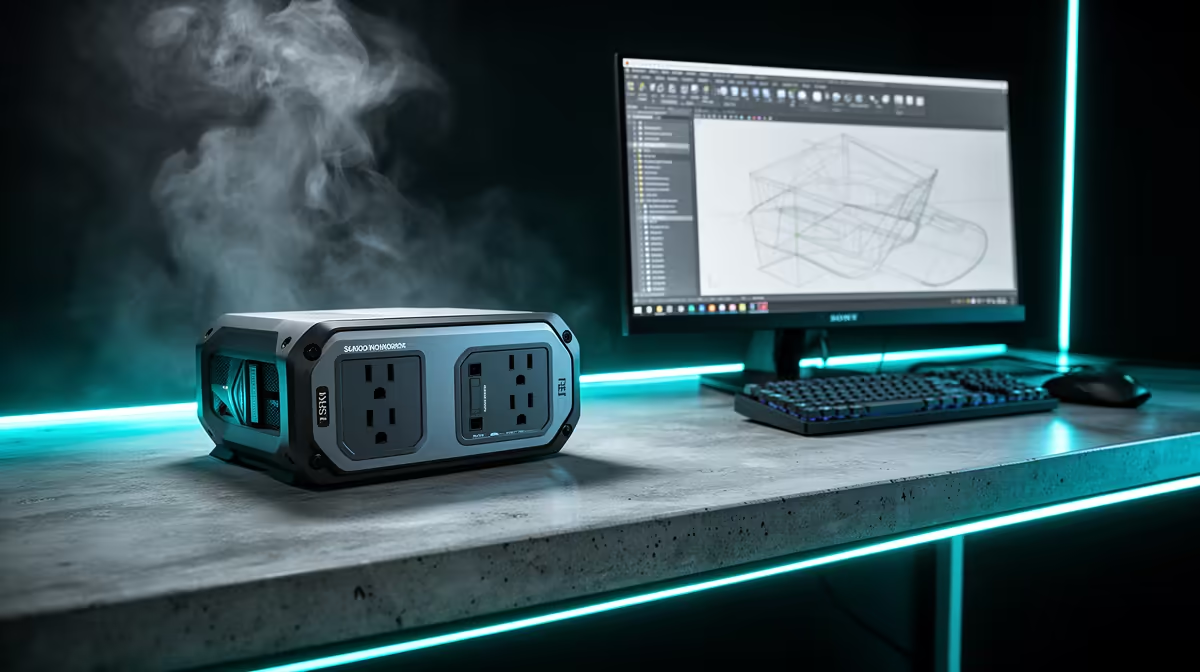
A surge protector is worth considering for a SketchUp workstation when the device is correctly rated, safely installed and connected to suitable computer equipment. It does not make models orbit faster, prevent software crashes or replace backups. No verified current protector appears in the supplied factpacks.
Calculate the complete modelling desk load
List the PC, monitors, external drives, speakers, chargers and networking equipment. Read their input ratings and check how they share the wall outlet. Keep high-draw appliances on appropriate separate connections, and never daisy-chain extension strips.
Compare live protectors by South African plug and socket fit, total current rating, surge specification, status indication, cable length, socket spacing, safety certification, warranty and local support. A row of sockets or illuminated switch does not establish protective capability. Replace loose, damaged or discoloured equipment rather than continuing to use it.
Route cables away from chair wheels and feet, preserve ventilation around adapters and keep liquids off the power area. Save SketchUp work regularly and maintain independent backups of models, components and texture folders. A separately sized UPS may be the option to assess when controlled shutdown time is required.
Buy only after checking the desk load and building wiring condition. Use a qualified professional for suspected outlet or earthing faults instead of expecting an accessory to repair them.
Protecting a modelling workstation? > Browse Evetech power accessories and verify every safety specification.