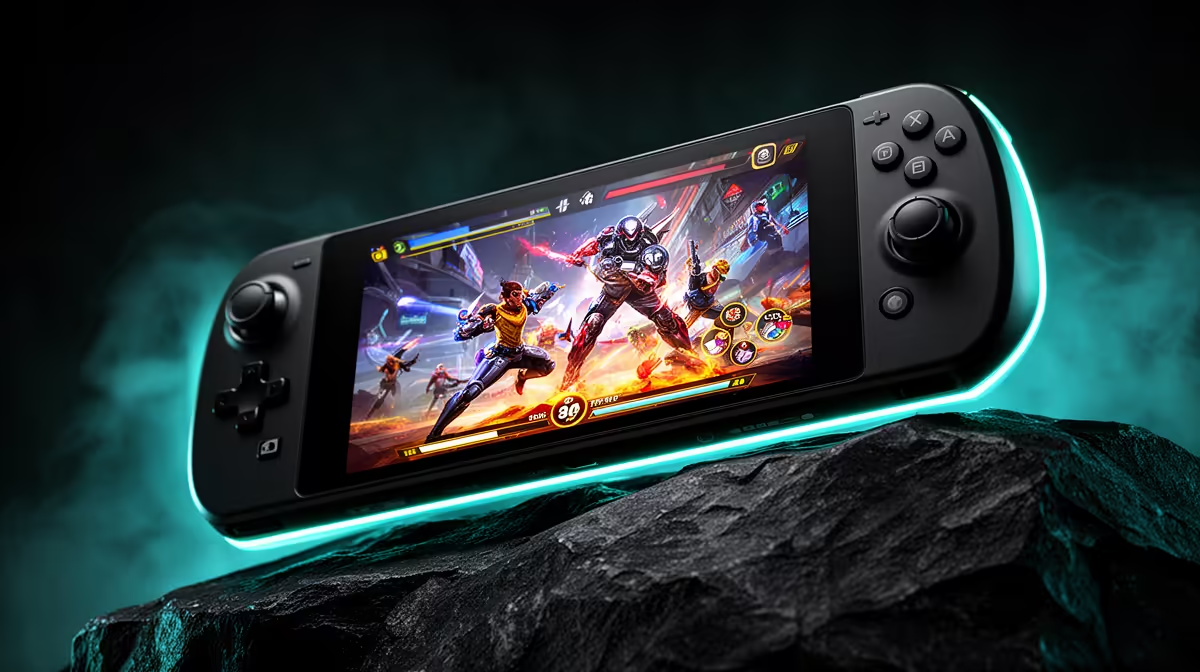
Switch 2 is the better handheld for Nintendo games and a focused family console. Steam Deck is the better fit for an existing Steam library and buyers comfortable checking PC-game compatibility. Their hardware matters, but your owned games usually settle the South African value. Local price, warranty and import route then decide whether the preferred device remains sensible.
Quick Answer
Choose Switch 2 for Nintendo exclusives, compatible original Switch games, local multiplayer and a controlled interface. Choose Steam Deck for PC storefront sales, trackpad controls, adjustable settings and a portable Steam library. Confirm exact model, storage, game compatibility and South African support before comparing the final Rand basket.
Use the current handheld gaming range for local alternatives, and compare best-selling PCs if portable play will be rare.
Start With the Libraries
Write ten games you want. Mark Nintendo-only titles, PC-only titles and games available on both. Then note which ones you already own.
Switch 2 can play its own library and compatible physical or digital Switch games, with exceptions listed by Nintendo. Some original games receive paid or free updates.
Steam Deck draws on Steam, subject to SteamOS compatibility, anti-cheat and third-party launcher behaviour. A large account library can reduce day-one software spending, but unsupported favourites weaken the case.
Ease of Use
Switch 2 is built as a fixed console. System updates, controller pairing and game settings stay within Nintendo's designed path. It suits a household that wants to pass the device between players with little desktop work.
Steam Deck's gaming mode is also controller-friendly, but it remains a PC. Desktop mode, compatibility tools and launcher work can appear. Enthusiasts gain control; beginners may need guidance.
Check offline behaviour before travel. Digital licences and third-party launchers can require periodic sign-in.
Performance Is Game-Specific
The two systems run different versions and use different graphics targets. A Switch 2 game can be optimised for one fixed platform, while Steam Deck runs a configurable PC version.
Compare the same title, image quality, frame cap and battery mode. Do not map processor specifications directly across the devices. A demanding modern PC game may need low settings and upscaling on Deck.
Nintendo exclusives cannot be benchmarked on Steam Deck through an official PC version when none exists. Library access matters more than theoretical performance.
Screen and Controls
Switch 2 offers detachable Joy-Con 2 controls and television docking. Its larger display suits shared viewing and Nintendo's local-play design.
Steam Deck includes fixed controls and trackpads, useful for games designed around a mouse. Deck models differ between LCD and OLED, so name the variant before comparing refresh, colour or battery.
Handle both where possible. Weight balance, grip width, button reach and stick layout affect long sessions more than a specification table.
Battery Comparisons Need Matching Conditions
Game demand, brightness, Wi-Fi, frame cap and power settings control runtime. A light Nintendo title and a heavy PC release are not useful cross-device tests.
Compare reviews using the same multiplatform game at similar image quality. Steam Deck lets you set chip power and frame limits, while Switch 2 uses game and system behaviour defined for the console.
Carry the charger you trust and test sleep behaviour before a trip. Battery-service terms should be part of the warranty check.
Storage and Game Size
Switch 2 includes 256GB internal storage and requires microSD Express for supported game expansion. Original standard microSD cards do not meet the same Switch 2 game-storage requirement.
Steam Deck storage varies by model and can use microSD for library expansion. SSD upgrades are possible on certain models, but opening the device needs care and warranty awareness.
Price enough capacity for the games you keep installed. The cheapest base model can become dearer after an immediate storage purchase.
South African Warranty and Stock
Check a named Switch 2 regional model and local warranty. Do the same for Steam Deck; an imported Deck may require overseas service even when another handheld brand has local support.
Do not claim that both product families are locally stocked from a broad category page. Confirm the exact model, invoice and delivery date.
An import comparison needs shipping, VAT, applicable duty, handling and return risk. Use SARS or a qualified authority for Customs treatment.
Family Use and Durability
Switch 2's focused accounts, parental controls and Nintendo library can suit younger players. That does not make it indestructible. Detachable controllers, screen and USB-C port need care.
Steam Deck can support family library features under current Steam terms and offers broader PC software. Desktop access may require more parental supervision.
Use a protective case and establish one storage place. Check repairability and controller replacement costs rather than assigning a durability winner without evidence.
Docked Gaming
Switch 2's docked mode is part of its core design. Confirm television support and the game mode you expect. Extra controllers can add cost for local multiplayer.
Steam Deck can dock through supported USB-C hardware and use external controllers, keyboard or mouse. Price the dock and charger. The PC interface can offer broader peripheral choice.
If either device will remain docked, a desktop may provide more performance, cooling and repairability for the money.
Resale and Long-Term Value
Nintendo hardware and physical games can have an active resale market, but condition and local demand change the outcome. Steam Deck model revisions and regional support can affect its value.
Use conservative ranges and exclude digital account sales. Keep boxes, invoices and accessories.
Long-term value comes from games played. An existing Steam or Switch library can outweigh a future resale difference.
Record that library before shopping.
FAQ
Which has the bigger exclusive game library?
Switch 2 is the route to Nintendo's console exclusives. Steam Deck accesses the PC library, where availability and SteamOS compatibility vary.
Which is better for someone new to PC gaming?
Switch 2 is the easier fixed-console experience. Steam Deck is the gentler PC handheld, though compatibility work can still appear.
Can I use my Steam library on Switch 2?
No direct Steam library support is provided. Buy Switch versions of available games under Nintendo's store and compatibility rules.
Which has better battery life?
It depends on the exact Deck model, game, brightness and power settings. Use matched tests rather than a universal claim.
Choose Switch 2 for its Nintendo library or Steam Deck for your compatible PC games, then verify the exact South African support and complete storage cost.