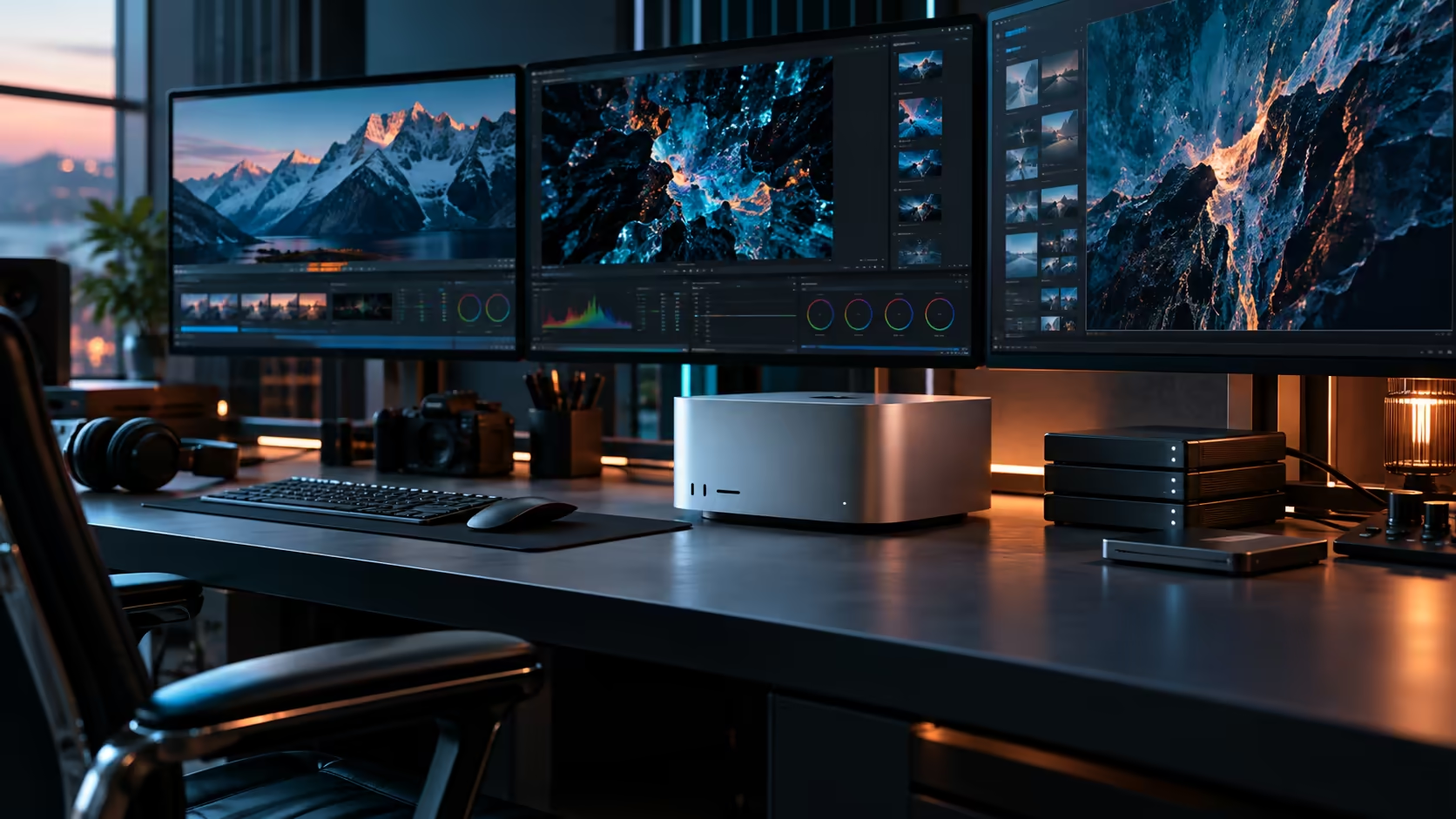
Wire a Mac Studio M5 Max for one desk and the plan is straightforward: a screen, a drive, a dock, done. Wire a Mac Studio M5 Ultra the same way and you're leaving two extra Thunderbolt ports unused, exactly the headroom that turns a single-user connection plan into one built for a small shared team.
Quick Answer
Plan the Mac Studio M5 Ultra's back panel around who actually touches it, not just what connects to it: six Thunderbolt 5 ports, one 10Gb Ethernet port, an SD card slot, HDMI, Wi-Fi 7 and Bluetooth 6 give enough headroom for more than one person's equipment without anyone fighting over a socket. The machine carrying this layout is R108,999.
👤👤 Wiring for one person versus wiring for a shared desk
The allocation logic changes completely once more than one person genuinely depends on the same machine.
A single user typically needs one display, one fast drive and a dock, using 3 or 4 of the six ports and leaving two spare. A shared setup changes that calculus: a second person's temporary drive, a second display for review purposes, or a capture device that only gets plugged in during specific sessions all draw on those same spare ports. Planning the wiring around "what if two people need this machine within the same hour" is the practical benefit six ports offer over four.
🌐 The 10Gb port as shared team infrastructure
On a single-user desk, this port is a nice-to-have. On a shared machine, it becomes closer to essential.
A team moving project files and datasets between this Mac Studio and a NAS or second workstation needs that wired 10Gb link far more than a single dedicated user does, since the same folder is now being accessed and updated by more than one person's workflow. Most South African fibre routers only provide 1Gb LAN ports, so this remains a separate local network built deliberately with a matching 10Gb switch and proper wired networking cable, worth treating as team infrastructure rather than a personal convenience.
📸 Media ingest for more than one contributor
When several people feed footage or assets into the same project, the ingest path matters more than it would for a lone editor.
The built-in SD card reader handles that format directly for whoever's shooting; other formats need a compatible external reader on a spare USB-C port. Labelling which port is the "ingest port" for the team, rather than leaving it to whoever grabs a free socket first, avoids a fast card reader ending up permanently occupied by something that didn't need dedicated bandwidth in the first place.
🎛️ Peripherals and audio when the desk rotates between people
A machine used by more than one person across a working week benefits from peripherals that don't need reconfiguring each time.
Two USB-A ports and two further USB-C ports handle everyday accessories, a keyboard, a mouse dongle, a printer, and a 3.5mm combo jack covers audio directly. Wi-Fi 7 and Bluetooth 6 mean a visiting contributor's own peripherals pair quickly without needing a permanent cable claimed by whoever used the machine last.
🗺️ A wiring plan built around shared access
Approach this back panel as infrastructure for a small team, not a single desk, and the allocation writes itself.
Reserve two Thunderbolt ports as permanently assigned, a primary display and primary storage. Reserve a third for the 10Gb link if a switch and NAS are part of the setup. Leave the remaining ports genuinely free rather than filled by default, and label each one's role somewhere visible, so the second or third person who needs this machine within a working day isn't guessing which socket is actually available.
🇿🇦 Why this shared-infrastructure framing matters for a small South African studio
A team of 2 or 3 sharing one halo workstation is a common shape for a growing local studio, and the wiring plan should reflect that reality rather than a single-buyer assumption.
Budgeting the switch and cabling as part of the initial studio setup, rather than adding it later once file transfers already feel slow, avoids the awkward middle period where the machine is technically capable but the supporting network hasn't caught up. The same applies to a second monitor or capture device kept spare specifically for whoever needs the machine on a given day, rather than assuming the original single-user configuration will always be enough.
🔁 Revisiting the plan as the team grows
A wiring plan built for two people rarely survives unchanged once a third joins the rotation.
Reassess port allocation whenever headcount around the machine changes within the first 6 months, since what felt like generous spare capacity for two people can disappear quickly once a third contributor's equipment enters the picture. Keeping the allocation documented somewhere visible, rather than remembered informally by whoever set it up, is what makes that reassessment quick rather than a repeated argument about whose cable is in whose socket.
Frequently Asked Questions
Is this particular port layout actually better suited to a shared team machine than a single-user desk?
Yes, particularly the two extra Thunderbolt ports over the M5 Max, which give genuine headroom for a second person's equipment without displacing the primary user's setup.
Should the 10Gb Ethernet port be treated differently on a shared machine?
Yes. It becomes closer to essential team infrastructure once more than one person relies on shared project files or a NAS, rather than a personal convenience for a single user.
How should peripherals be handled on a machine used by several people across a week?
Keep permanent peripherals on dedicated ports and lean on Wi-Fi 7 and Bluetooth 6 for visiting contributors' own devices, so nobody has to unplug someone else's cable to connect their own.
What's the biggest wiring mistake on a shared Mac Studio M5 Ultra?
Filling every port by default rather than reserving genuine spare capacity for whoever needs the machine next, which forces an awkward choice between two people's equipment later.
Does the wiring plan need to change as a team grows from two people to three?
Yes, definitely. Spare capacity sized for two people can disappear once a third contributor joins, so revisit the allocation whenever headcount around the machine changes rather than assuming the original plan still fits.
Ready to wire a Mac Studio M5 Ultra for more than one person?
Plan port allocation around your team's actual shared access, not just a single desk.