Quick Answer
Asetek pumps power the majority of retail AIO liquid coolers worldwide, supplying the pump platform to ASUS ROG, Corsair, NZXT, and MSI among others. Gen 7 pumps operate at 1.2 to 1.4 LPM flow rate with ball bearings, while Gen 8 pumps reach 1.5 to 1.7 LPM with ceramic bearings for quieter, longer-lasting operation. The pump is housed in the cold plate block directly on the CPU.
Asetek Pump Architecture 🔧
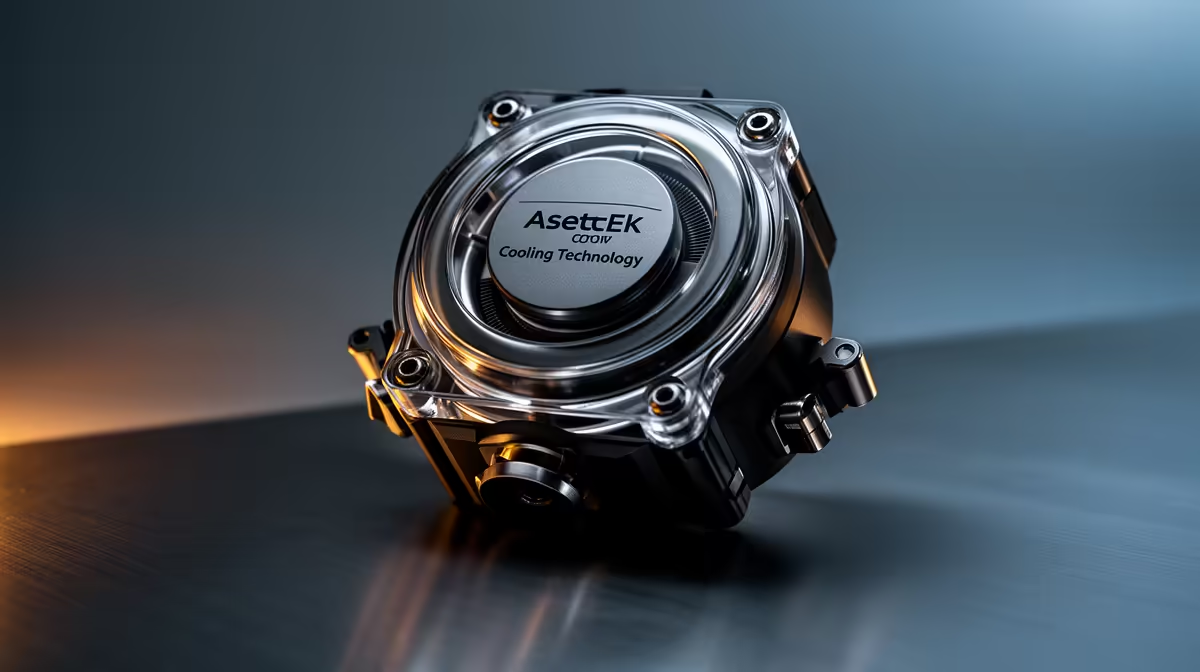
Asetek's pump design integrates the impeller, motor, and cold plate into a single compact block that sits directly on the CPU heat spreader.
The copper cold plate on Gen 7 and Gen 8 Asetek blocks uses micro-channel fin etching, with fin pitches of 0.2mm to 0.5mm. This creates a large internal surface area in contact with the coolant, significantly improving heat transfer compared to a flat copper surface.
Gen 7 vs Gen 8: Practical Differences 🚀
Asetek Gen 7 is the current workhorse platform, found in AIOs from R1,800 to R3,200 at Evetech. It uses steel ball bearings in the pump motor, rated for around 50,000 hours of operation. At Balanced speed (around 2,200 RPM), it produces a faint whirring audible in a silent room but inaudible through headphones or at normal gaming audio levels.
Asetek Gen 8, in units from R3,500 upward, upgrades to ceramic bearings with lower friction coefficients. The result is 2 to 3 dBA less pump noise, higher rated service life toward 70,000 hours, and marginally higher maximum flow rate at 1.7 LPM.
Coolant Formulation and Longevity 🔬
Asetek pre-fills its pump blocks and tubes at the factory with a de-ionised water and inhibitor mixture. The inhibitor package prevents corrosion between the copper cold plate, aluminium radiator, and the pump's internal components. This is important because copper-aluminium contact in a water loop creates a galvanic potential that would rapidly corrode aluminium without inhibitor protection.
The inhibitor depletes over time as it binds to metal surfaces and oxidation sites. In a sealed Asetek loop, depletion is very slow because the system is not opened or topped up.
Match Pump Speed to Your Workload Type ⚡
For gaming workloads where peak CPU power lasts only a few seconds per frame burst, Quiet pump speed (1,800 to 2,000 RPM) is sufficient and keeps the pump inaudible. For sustained professional workloads like 3D rendering or video encoding, switch to Balanced (2,400 RPM) or Performance (3,200 RPM) in your AIO software to maintain lower coolant temperature over hours of continuous load.
FAQ
Is Asetek the only quality AIO pump manufacturer?
Asetek is the dominant supplier but not the only option. Cooler Master's MasterLiquid series and some Alphacool AIO units use proprietary pump designs. However, the vast majority of branded AIO coolers in the South African market from ASUS, Corsair, NZXT, and MSI use Asetek platforms, making Gen 7 or Gen 8 the effective standard for retail AIO quality.
Can I replace the Asetek pump if it fails outside warranty?
The pump block is factory-sealed and not user-serviceable. If the pump fails outside warranty (typically after five to seven years), the entire AIO unit requires replacement. The sealed design prevents user contamination during the rated service life but limits repairability. This is a known trade-off of the retail AIO format versus custom loops where each component can be replaced individually.
Does pump speed affect CPU cooling temperatures much?
At Quiet vs Performance speed, the temperature difference is typically 2 to 5 degrees Celsius at high CPU power loads. The main benefit of higher pump speed is lower coolant temperature over long sessions, as higher flow rate refreshes the cold plate contact zone more frequently. For burst gaming loads, the difference is negligible since coolant has minimal time to heat up significantly between bursts.
Looking for an AIO with a proven Asetek pump platform?
Browse the AIO liquid cooler range at Evetech, covering Gen 7 and Gen 8 pump platforms from R1,800 to R5,500 for AM5 and LGA1851 builds.