Quick Answer
Modular PC case layouts use removable panels, drive cages, and sliding motherboard trays to let builders reconfigure internal space for different cooling setups, motherboard sizes, or storage requirements without buying a new chassis. They are the most flexible option for builders who upgrade frequently.
Core Elements of a Modular Case Layout 🔧
A genuinely modular case offers at minimum: a removable PSU shroud or basement, detachable 3.5-inch drive cages, and repositionable fan and radiator mounts. The top tier adds a sliding motherboard tray on rail guides. Phanteks and Lian Li have led this design philosophy, with the Phanteks Enthoo 719 and Lian Li O11 EVO offering tool-free drive cage removal and radiator brackets that mount on front, top, or side depending on the cooling configuration. This matters for SA builders who buy a case once and keep it through two or three platform upgrades from AM4 to AM5 to the next generation.
Sliding Motherboard Tray Deep-Dive 🖥️
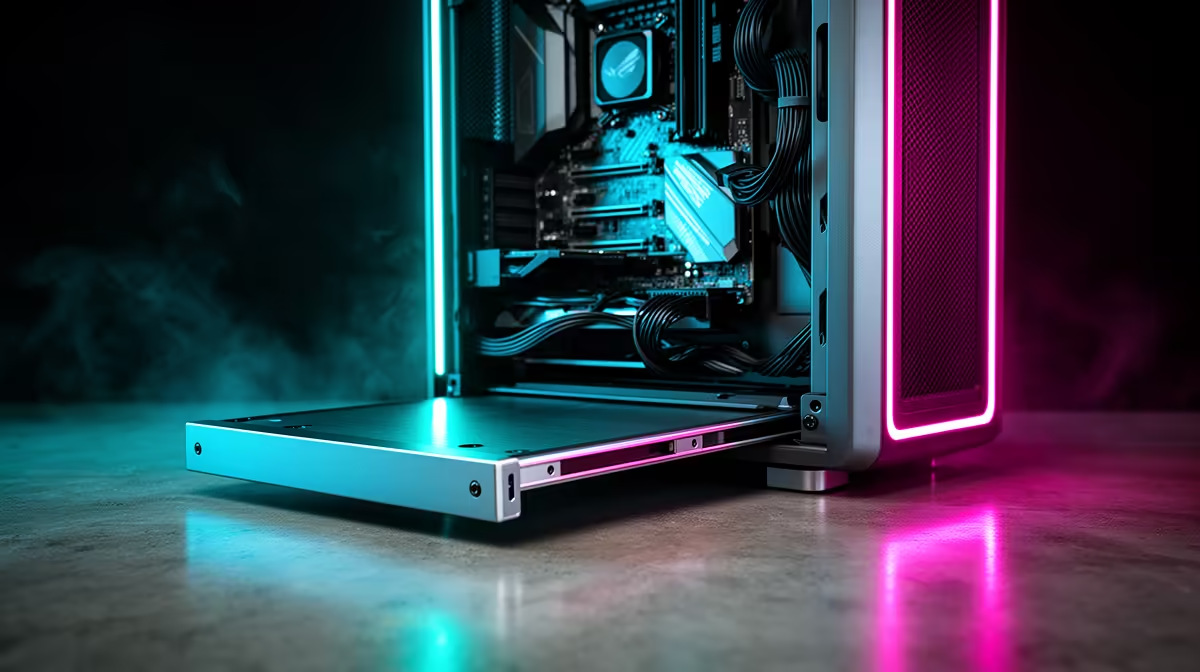
The sliding tray is the most impactful modular feature for build quality and maintenance. The tray mounts to the chassis via side rails and can be withdrawn partially or fully to expose the back of the motherboard. This allows: cable routing before the tray enters the chassis, standoff installation on a flat surface rather than inside a cramped case, and fast board swaps during upgrades. The tray must be rigid enough to not flex under the weight of a large AIO cooler. Quality implementations use 2mm to 3mm steel trays with reinforced rail sockets. Lightweight trays under 1.5mm steel can bow when a 360mm or 420mm AIO is mounted, stressing the motherboard PCB.
Drive Layout Flexibility and Storage Planning 💾
Modular cases let you remove 3.5-inch cages entirely to free front-panel space for a 420mm radiator, or reinstate them when you need NAS-style storage for a media PC. This reconfigurability is particularly useful for SA builders who start with a gaming build and later repurpose the chassis as a home server for DStv recordings or Plex media. M.2 drives have reduced the need for 2.5-inch bays, but a good modular case still provides two to four 2.5-inch mounts on the rear of the tray for SSDs that run cooler behind the motherboard away from GPU exhaust.
Rail Grease for Smooth Tray Movement ⚡
Sliding motherboard trays develop friction over time, especially in dusty environments like Gauteng. Apply a small amount of white lithium grease to the rail contact surfaces annually. This prevents the tray from binding mid-slide, which can stress the chassis and make reinsertion frustrating during maintenance.
FAQ
Are modular cases harder to clean than standard cases?
No, they are typically easier. Removable panels and drive cages give better access to the interior for compressed-air cleaning. Sliding the tray out fully exposes areas behind the motherboard that are impossible to clean in a conventional case without complete disassembly.
Do modular cases support standard ATX, Micro-ATX, and Mini-ITX boards?
Most full-modular cases support ATX and E-ATX at minimum. Many include adapter standoff kits for Micro-ATX. Mini-ITX in a full-tower modular case is functional but looks sparse unless you plan to grow the build over time.
What price range do modular cases fall into in South Africa?
Entry-level modular cases with removable cages but no sliding tray start around R1,800 to R2,500. Full-featured modular cases with sliding trays and repositionable radiator mounts range from R3,500 to R7,000 stocked locally.
Want a case that grows with your build?
Evetech stocks modular PC cases from leading brands with flexible layouts and sliding tray support, available for delivery or collection across South Africa.