



PCIe 5.0 vs PCIe 4.0 for Video editing in 4k in SA
PCIe 5.0 vs PCIe 4.0 for video editing in 4k is mainly about fit, features, compatibility, cost, and upgrade path, not one automatic winner. SA buyers should match the choice to the setup.
Read moreThink of Breakdown of Hypershift and Key Remapping Capabilities as Hypershift modifier-layer assignment and macro depth. The breakdown sticks to specs that change real-world results. The breakdown ties each spec to a real result.
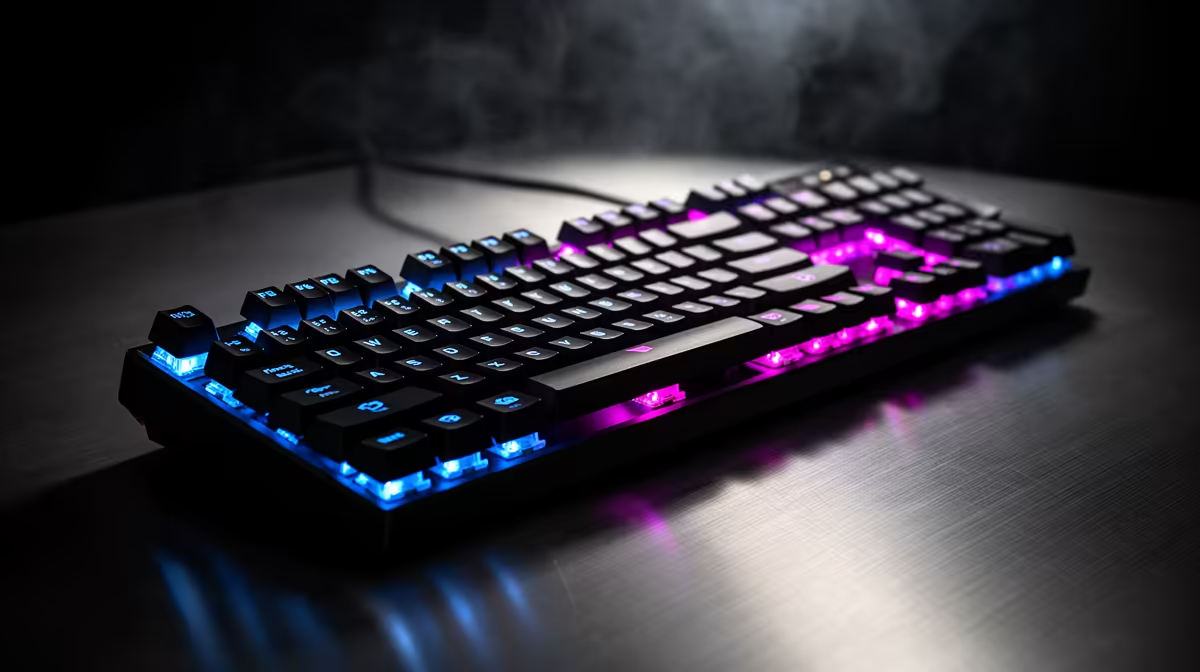
Hypershift is a driver-layer secondary-function system where holding a designated key doubles every other key's bindable actions. Combined with full key remapping, it gives a compact gaming keypad or keyboard access to effectively double its physical key count across two independently configured layers, all without triggering OS-level modifier conflicts.
At the driver level, Hypershift listens for its designated hold key input before sending any other key's signal to the active application. When Hypershift is held, the driver substitutes each key's secondary binding for its primary one. The game or OS receives only the final output key signal with no awareness of the Hypershift mechanism. This makes Hypershift transparent to anti-cheat systems and application-level key detection. The hold key itself can be any remappable button: a mouse side button, a keypad thumb key, or even a modifier key whose original function you want to repurpose.
Hypershift covers the dual-layer use case, but key remapping extends further. Most advanced keypad software supports macro assignment (any key fires a recorded sequence), function key emulation (a thumb key acts as a media control or Windows shortcut), application launch (one key opens a specific program), text insertion (a key types a pre-saved block of text instantly), and profile cycling (a key rotates through your saved game profiles). Remapping applies to every physical key including the analog thumbpad directions. A player running a broadcast setup in South Africa might map OBS scene transitions, Discord mute, and Spotify skip to keypad thumb keys on the Hypershift layer, keeping the base layer clean for in-game commands.
Profile organisation is the practical skill that separates efficient Hypershift users from overwhelmed ones. The recommended approach is one master profile per game or application category, with Hypershift reserved for utility and situational commands. Label profiles clearly in the driver and assign a distinct LED colour per profile so visual confirmation is instant. For South African players who switch between several active titles, the auto-switching profile feature (profile loads when a specific executable is detected) removes the manual step entirely. The first 15 minutes building a proper profile structure saves hours of mid-game remapping later.
Choose your Hypershift hold key before building any other bindings and never change it mid-project. Muscle memory for the hold key develops faster than you expect, and changing it after 20-plus bindings are built around it causes significant re-learning time. A thumb key or a rarely used side button away from primary actions works best.
Yes. Razer full-size keyboards with Synapse support also include Hypershift. The feature is not keypad-exclusive. Any remappable key on the device can be the Hypershift activator, giving a full 104-key keyboard a 208-command capacity across two layers.
No. Hypershift processing happens in the driver at a software level below the game's input handling, adding no perceptible latency. The output key signal reaches the game at the same speed as any directly pressed key.
The Hypershift brand name is Razer-specific. Logitech calls the equivalent feature G-Shift. Other brands implement similar dual-layer systems under various names. The function is the same: one hold key, one secondary layer.
Want to multiply your command capacity without adding hardware? Evetech stocks Razer keypads and keyboards with Hypershift and full key remapping via Synapse. Visit the gaming peripherals section to compare models with onboard memory and profile storage.
PCIe 5.0 vs PCIe 4.0 for video editing in 4k is mainly about fit, features, compatibility, cost, and upgrade path, not one automatic winner. SA buyers should match the choice to the setup.
Read more
Wi-Fi 7 vs Wi-Fi 6e for competitive esports comes down to router support, latency goals, device compatibility, and coverage. SA buyers should match the choice to the real network setup.
Read more
ATX 3.1 vs ATX 3.0 for mMO and live-service games buyers - what changes is mostly about compatibility, budget, upgrade path, and setup fit. SA buyers should check device support and real needs before expecting a clear win from either option.
Read more
LGA 1851 vs LGA 1700 can affect Twitch and YouTube streaming when gaming and encoding share CPU resources. For SA creators, the real-world difference depends on encoder choice, memory support, motherboard cost, thermals, and upgrade plans.
Read more
X870E vs X670E for aaa single-player gaming is mainly about fit, features, compatibility, cost, and upgrade path, not one automatic winner. SA buyers should match the choice to the setup.
Read more
Hall Effect switches vs Mechanical switches for mMO and live-service games is mostly about compatibility, budget, upgrade path, and setup fit. SA buyers should check device support and real needs before expecting a clear win from either option.
Read more
A fake 113GB GTA VI ISO reportedly used empty padding around a small malware payload. SA gamers should delete unofficial builds, keep Windows security active and wait for official channels.

Wi-Fi 6E vs Wi-Fi 6 matters for 4K video editing when files move across a network. The real-world difference between Wi-Fi 6E and Wi-Fi 6 for video editing in 4K depends on NAS access, cloud uploads, router range, and SA creator workflows.

The difference between PCIe 5.0 and PCIe 4.0 for SA gamers is mostly bandwidth headroom. Compare GPU slot needs, NVMe speed, motherboard support, and upgrade timing before paying extra for a newer platform.

Gaming PC stuck pixel checks in South Africa should confirm the monitor fault first. Use colour tests, screenshot comparison, cable swaps, display menu checks, and clear photos before deciding on support.

Shokz OpenFit Air 2 earbuds weigh 7.2g each and use a redesigned dual-driver open-ear layout. SA buyers should choose them for comfort and awareness, not maximum isolation.

AMD's current driver now lists a Radeon RX 9050 4GB, while product coverage details a narrowed memory system. SA buyers should weigh the low VRAM ceiling against current local Radeon options.

Samsung Display has demonstrated a 16-inch 2.5K OLED laptop panel running at 300Hz. SA buyers should wait for a named notebook, full panel specifications and a local price before planning an upgrade.

Microsoft says some Windows 11 game crashes after recent updates are linked to RGB-related drivers. Affected SA gamers should confirm the update and driver before using the published registry workaround.

Minisforum's M2 Pro pairs Core Ultra X7, Arc B390 graphics and 32GB onboard memory in 1.8 litres. SA buyers should weigh its fixed memory and $1,439 launch offer against local mini PCs.

Smart monitors can add apps and convenience, but they also add privacy settings and unwanted-software risk. SA buyers should audit the operating system before paying for extras.

Lenovo says Legion Go failures linked to BIOS N3CN42WW are not user error. Affected SA owners should stop retrying the update, preserve proof and open a support case.

The ROG Gjallar gaming soundbar is now listed in the US at $599.99. SA buyers should compare its 2.1.2 audio, wireless bass and built-in chat controls with simpler local options.