Quick Answer
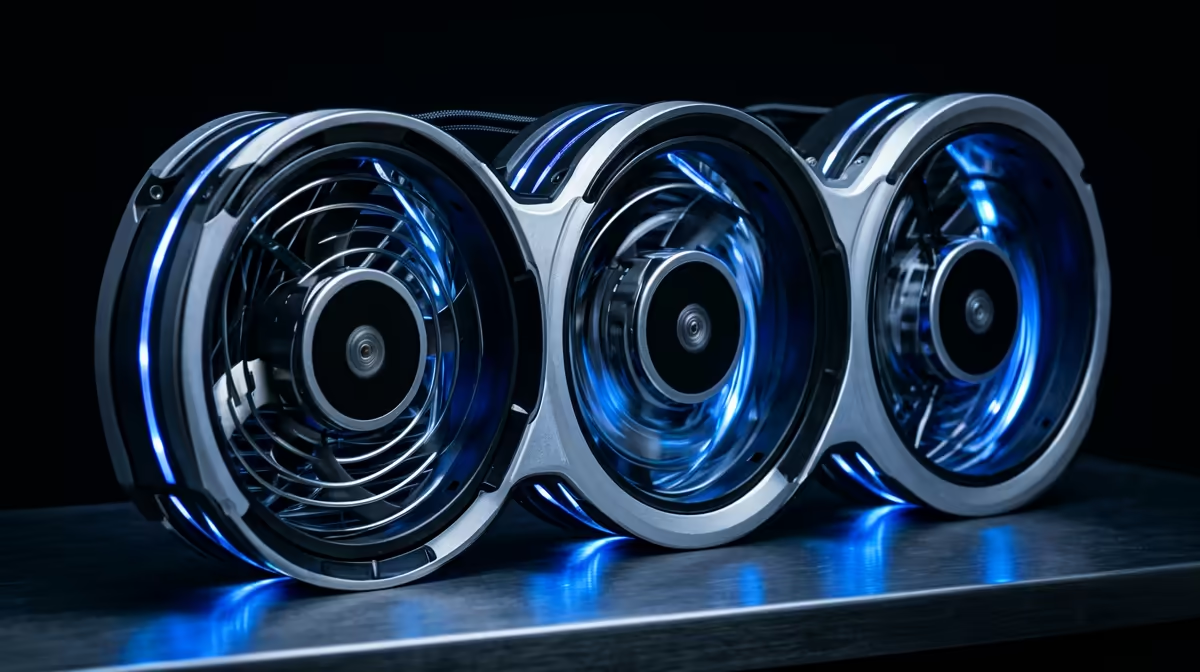
For recording lectures, the three-tier case-fan plan prioritises quiet over raw cooling: budget two R150 PWM fans, balanced three R250 low-noise fans near 25dB, and premium near-silent fans around R400 each. A recording PC must stay quiet so fan noise does not bleed into your audio, so choose fans for low dB, not maximum CFM.
The Three-Tier Quiet Fan Plan
Recording lectures means your mic picks up everything, so fan noise is the enemy. Tier one, budget, is two quiet PWM 120mm fans, one intake and one exhaust, around R150 each, run on a gentle curve so they stay near silent while you record. Tier two, balanced, uses three low-noise fans rated near 25dB for steadier cooling without audible whine. Tier three, premium, uses near-silent fans around R400 each with smooth bearings for the lowest possible noise floor.
The goal across all tiers is keeping the PC cool enough during recording while staying quiet enough that your mic does not capture the fans. So prioritise low dB ratings and a fan curve that stays slow during recording, ramping only when you are not capturing audio.
Choosing Fans For A Recording PC
Look for fans with a low dB rating, ideally 25dB or below at the speeds you run them, and quality bearings that do not develop a hum. Larger 140mm fans move the same air at lower RPM, so they run quieter. A gentle PWM fan curve keeps them slow during recording, which matters more than peak airflow for this use.
Keeping Recordings Clean
Set a fan curve that stays low while recording, since light recording work rarely heats the CPU much. Place the PC away from the mic and add some distance or a desk barrier. Quiet fans plus sensible placement keep fan noise out of your lecture recordings, which is the whole point of the build.
FAQ
What case fans are best for recording lectures?
Low-noise PWM fans rated near 25dB or below, run on a gentle curve. A recording PC must stay quiet so fans do not bleed into your audio, so prioritise low dB ratings over maximum airflow.
How do I stop fan noise in my recordings?
Use quiet fans on a gentle curve that stays slow while recording, place the PC away from the mic, and add some distance or a barrier. Light recording work rarely heats the CPU, so fans can stay near silent.
Are 140mm fans quieter than 120mm?
Generally, yes. A 140mm fan moves the same air at lower RPM than a 120mm fan, so it runs quieter. For a recording PC where noise matters most, larger low-speed fans are a good choice.
fan curve that stays slow while recording and place the PC away from your mic; quiet fans plus distance keep fan noise out of your lectures.