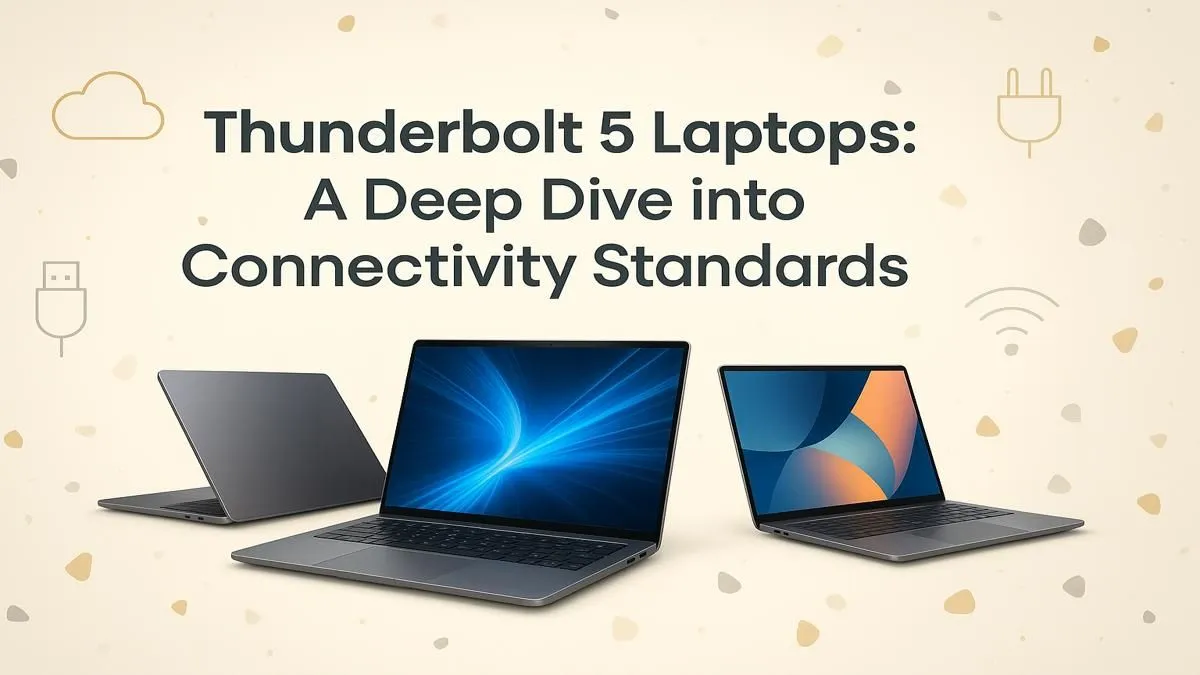
Staring at a progress bar while your massive game library syncs to an external drive? Or maybe you're a creator tired of watching 4K video files transfer at a snail's pace. What if you could slash that waiting time to almost nothing? That’s the promise of Thunderbolt 5 laptops, and they’re set to redefine speed for South African power users. This isn't just a minor upgrade; it's a quantum leap for your entire setup. 🚀
What is Thunderbolt 5, Really?
Think of Thunderbolt as the ultimate, super-powered version of the USB-C port you already know and use. Developed by Intel, it combines data transfer, video output, and charging into one sleek, reversible cable. Thunderbolt 5 is the latest and greatest version, and the numbers are staggering.
It offers a baseline bi-directional speed of 80 Gigabits per second (Gbps). That's double the 40 Gbps of Thunderbolt 4. For creators and gamers with high-refresh-rate monitors, a feature called Bandwidth Boost can push that up to 120 Gbps for video output. This means a single port on a Thunderbolt 5 laptop can power multiple 4K displays or even an 8K screen without breaking a sweat.
Why This Next-Gen Speed Matters for You
Okay, big numbers are cool, but what does this mean for your daily grind in Mzansi?
For the Gamers
Imagine your entire Steam library on a lightning-fast external SSD, with games loading as if they were on your internal drive. That's what 80 Gbps enables. It also means you can create a beastly home setup with multiple high-refresh-rate monitors and peripherals, all connected through a single port on your laptop. This tech paves the way for even more powerful external GPU enclosures, turning a slim notebook into a desktop-class rig.
For the Creators
For video editors, photographers, and 3D artists, time is money. Transferring hundreds of gigabytes of footage from a camera can take ages. With a laptop featuring Thunderbolt 5, that transfer happens in a fraction of the time. This insane bandwidth allows you to edit 8K video directly from an external drive and run a complex, multi-monitor setup flawlessly. For true professionals who demand uncompromising performance, top-tier Intel Core i9 laptops are being designed with these workflows in mind.
Cable Check! ⚡
To get true Thunderbolt 5 speeds, you need the right cable. Don't just grab any old USB-C cable from your drawer! You'll need a certified passive cable up to 1 metre or an active cable for longer distances. Using the wrong one can bottleneck your performance, leaving all that glorious speed untapped.
Finding Thunderbolt 5 Laptops in South Africa
Thunderbolt 5 is Intel's baby, so you'll find it paired with their latest and most powerful processors. The first wave of devices to feature this next-gen port are built around Intel's new Core Ultra CPUs. These chips are not only powerful but also incredibly efficient, thanks to their new architecture.
When you're browsing for a future-proof machine, look for models equipped with the latest processors. The flagship Intel Core Ultra 9 laptops represent the pinnacle of mobile performance, ready for the most demanding tasks. For a fantastic blend of power and efficiency that will handle almost anything you throw at it, the range of Intel Core Ultra 7 laptops is an excellent starting point. Of course, the ever-popular Intel Core i7 laptops continue to offer incredible value and performance for both gaming and productivity. ✨
Is It Worth the Wait... and the ZAR?
So, should you hold out for a Thunderbolt 5 laptop? It depends. If your work involves massive files or you're a tech enthusiast who wants the absolute best, future-proofing your setup with Thunderbolt 5 is a smart move. The performance leap is significant and will only become more relevant as peripherals and accessories catch up.
However, let's be realistic. Thunderbolt 4 is still incredibly fast and more than capable for 99% of users, including most gamers and creators. You can often find incredible deals on powerful machines that will serve you well for years to come. If your budget is a key consideration, exploring the current Intel laptops on special can land you a powerhouse rig for a fantastic price.
The bottom line? Thunderbolt 5 laptops are the new champions of connectivity and speed. If your workflow demands it, the investment is worth it. If not, today's tech is still brilliant.
Ready to Find Your Perfect Match?
The debate over specs can be complex, but for maximum power, choice, and value in South Africa, the right laptop is waiting for you. Explore our massive range of laptop specials and find the perfect machine to conquer your world.