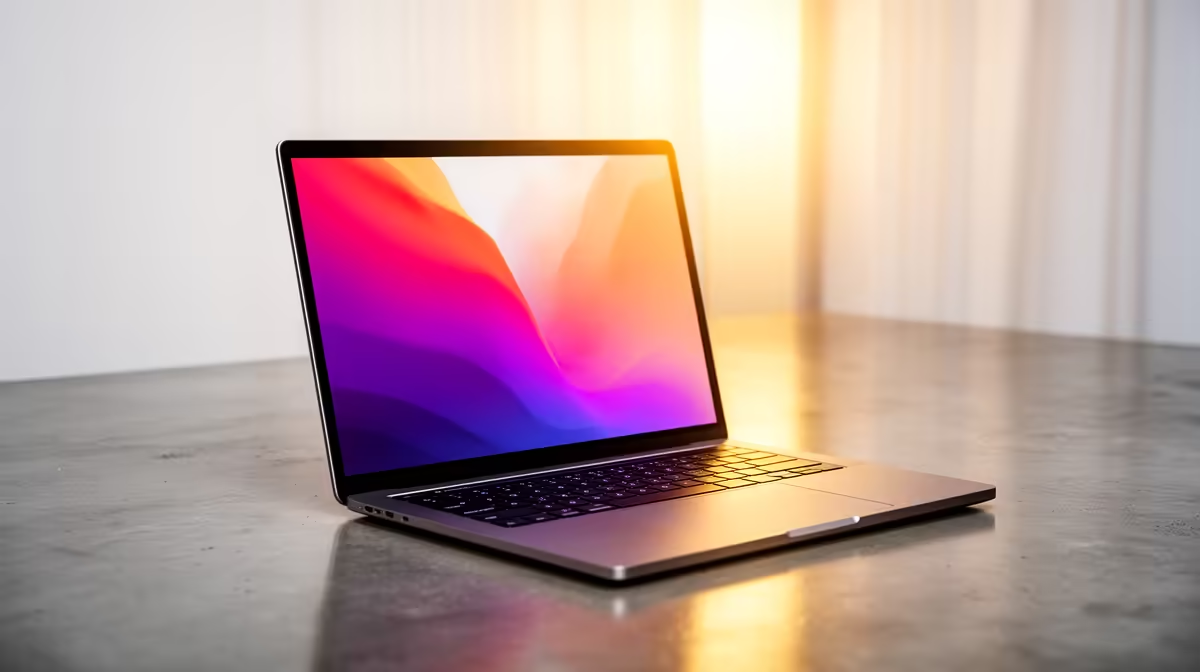
Tired of jumping between your Wacom tablet and your laptop? Sketching an idea on one screen, only to painstakingly recreate it on another? For South African creatives, this workflow juggle is a real drag on productivity. What if you could draw, paint, and design directly on your main screen? A powerful, colour-accurate machine that combines the best of both worlds exists. It’s time to explore the best touchscreen laptops for graphic design in South Africa.
Why Touchscreens Are a Big Deal for Designers
Let's be clear: we're not talking about the clunky, unresponsive touchscreens of a decade ago. Modern 2-in-1s and convertible laptops offer an incredibly fluid and intuitive way to work. The ability to sketch, zoom, and manipulate your canvas with your fingers or a stylus isn't just a gimmick… it's a genuine workflow enhancement.
Imagine finalising a logo design for a client in Pretoria, and instead of using a mouse to make tiny adjustments, you just pinch-to-zoom and use a high-precision stylus directly on the screen. This direct interaction closes the gap between your creative idea and the digital output, making the whole process feel more natural and efficient. For designers on the go, a single powerful device is far better than lugging around multiple pieces of kit. ✨
Key Specs for a Graphic Design Touchscreen Laptop
When you’re hunting for the perfect creative powerhouse, not all specs are created equal. A great touchscreen laptop for graphic design needs a specific blend of power and precision. Here’s what to prioritise:
The Display is Everything
This is your digital canvas, so it needs to be exceptional.
- Colour Accuracy: Look for displays covering at least 95-100% of the sRGB colour gamut. For professional print work, a high Adobe RGB or DCI-P3 coverage is even better.
- Resolution: A Full HD (1920x1080) screen is the absolute minimum. A QHD or 4K display will give you incredibly sharp details, making your work pop.
- Stylus Support: Check for compatibility with active styluses that offer thousands of pressure sensitivity levels and tilt support. This mimics the feel of traditional drawing tools.
Under the Hood: The Power Plant ⚙️
Your creative software, like Adobe Photoshop or Illustrator, needs serious muscle to run smoothly, especially with large files.
- Processor (CPU): A modern multi-core processor is non-negotiable. Whether you're looking at the latest powerful AMD laptops with their excellent multi-threaded performance or the strong single-core speeds of the latest Intel laptops, you'll find great options to handle complex tasks.
- Memory (RAM): 16GB is the recommended starting point for serious graphic design. If you work with massive files or multitask heavily, 32GB will provide a much smoother experience.
- Storage (SSD): A fast NVMe Solid-State Drive is essential for quick boot times and loading large project files instantly. Don’t even consider a mechanical hard drive as your primary drive.
Colour Calibration Pro Tip 🎨
Even the best screens can drift in colour over time. For professional work, invest in a screen calibration tool like a Datacolor Spyder or Calibrite ColorChecker. Calibrating your display every month ensures that the colours you see on screen are the same ones your clients see and that your prints come out perfectly.
Can You Use a Gaming Laptop for Graphic Design?
That’s a big YES. In fact, it’s one of the smartest moves a South African designer can make. Why? Because the features that make for a great gaming experience often overlap with the needs of a creative professional.
Many powerful gaming laptops come equipped with high-refresh-rate, colour-accurate displays and, most importantly, dedicated graphics cards (GPUs) from NVIDIA or AMD. This dedicated GPU is crucial for accelerating tasks in Adobe Creative Suite, 3D rendering, and video editing. Plus, they have robust cooling systems built to handle heavy loads for hours on end. So you get top-tier performance, often at a great price point.
Ready to Create Your Masterpiece?
Finding the right creative tool can transform your workflow. For the best selection and value on touchscreen laptops for graphic design in South Africa, look no further. Explore our massive range of laptop specials and find the perfect machine to bring your vision to life.