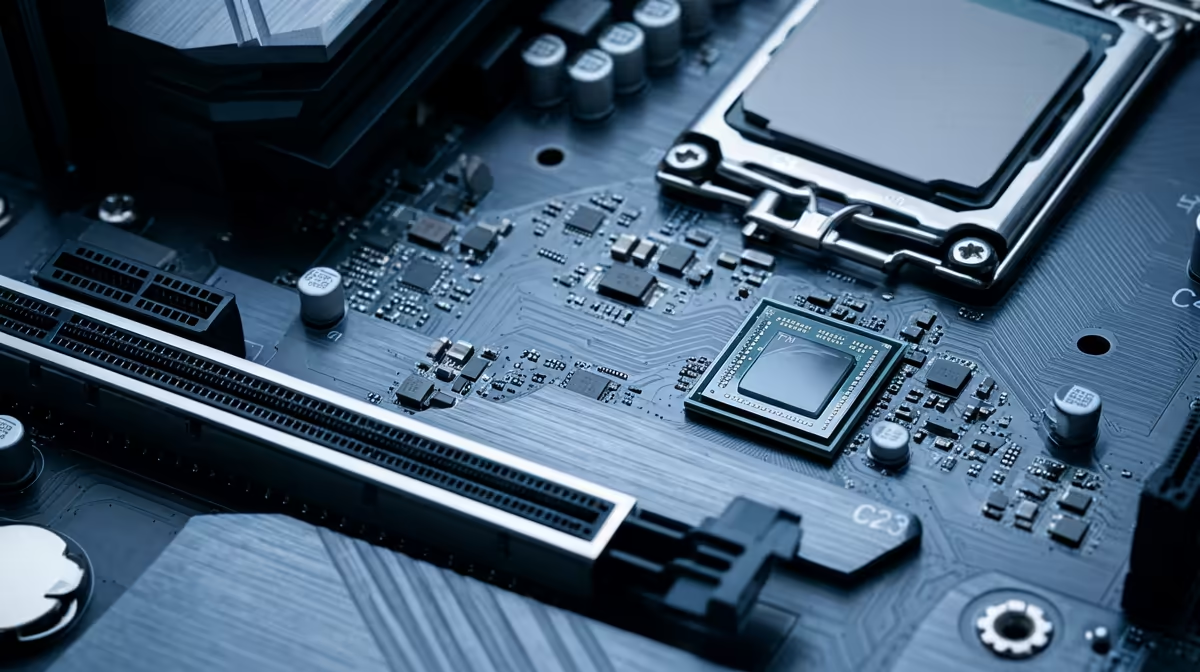
A TPM 2.0 check is not overkill for a freelancer who depends on a Windows computer for client work. It confirms part of the Windows 11 readiness and security picture before an upgrade. The check should sit beside processor support, firmware, drivers and backup verification.
Confirm support before changing settings
Windows 10 support ended on 14 October 2025 according to the verified facts. The facts do not provide a single TPM product or upgrade price. Check current Evetech availability for supported business computers and genuine software. Confirm the exact motherboard or laptop documentation before enabling firmware features.
Open the Windows security and system-information tools to check TPM status, processor, firmware mode, memory and storage. Create a full backup and restore a sample client file before any BIOS or operating-system change. If device encryption is active, store recovery details somewhere secure and separate from the computer.
Test client applications, printers, scanners, VPN tools and cloud sync on supported hardware before the final move. Keep a fallback device or schedule the upgrade outside delivery hours. A readiness check saves time when it exposes unsupported hardware or missing recovery keys before the freelancer commits to the operating-system change. Run the check again after firmware updates and keep a written result with device records.
Preparing a freelance PC for Windows 11? > Ask Evetech to compare supported business computers and software.