A TPM 2.0 check is not overkill for a TikTok creator when assessing operating-system compatibility or planning a supported upgrade. It takes little time and can prevent software surprises. The security component does not improve camera quality, editing speed or audience reach by itself.
Verify the platform before changing software
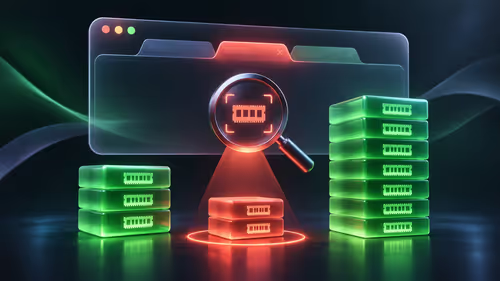
Check the computer model, firmware settings, processor support and operating-system guidance from official sources. Do not buy a separate module merely because a menu appears unfamiliar; some systems provide the required function through firmware. Back up creator projects and account recovery details before any firmware or operating-system change.
No TPM module, licence or upgrade price is verified in the supplied product facts. If the existing PC is unsupported, compare replacement hardware against the actual editing application, footage resolution, storage and required ports rather than focusing on one compatibility item.
Document the current settings, run the official compatibility check and confirm that device encryption recovery information is stored safely where applicable. After any change, test camera imports, editing, exports and account sign-in before a posting deadline. Repeat the compatibility check after any firmware or operating-system change. The check is a sensible maintenance step because a creator relies on a stable computer, even though it contributes nothing visible to the finished video.
Refreshing a creator PC? > Compare Evetech gaming PCs by software support, graphics, memory and storage.