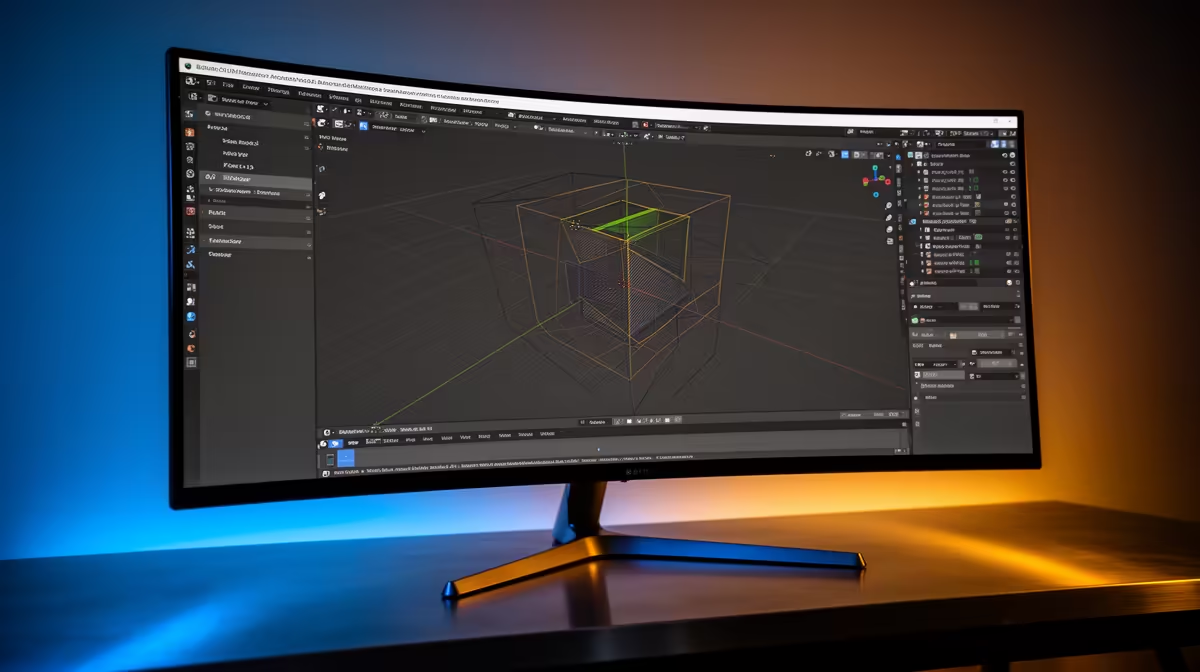
The ASUS TUF VG34WQML5A 34 Inch UWQHD Curved Fast VA LED 21:9 250 Hz Gaming Mo at R7700 suits an SA creator who wants a wide timeline, viewport, and reference space without jumping straight to a five-figure display. A good ultrawide monitor will not make Blender rendering faster by itself, but it can make that workload easier to manage because you can keep the scene, material settings, render preview, and notes visible at once.
Best ultrawide monitor picks for creator work
The Samsung Odyssey (34") QHD 3440 x 1440 pixels UltraWide Gaming Monitor at R7999 is a strong middle pick if you want the 3440 x 1440 workspace for modelling, editing panels, and preview windows. With 2 in stock, it is better for someone who already knows they want that wider canvas and does not want to wait around.
The HP MONITOR OMEN CURVED GAMING 34 INCH WQHD 165HZ 1 YEAR Warranty at R10405 gives you a 34 inch curved WQHD setup with 165Hz, which is useful if the same desk handles creative work after hours and fast gaming later. It costs more, but the size and refresh rate make sense for a primary screen rather than a secondary display.
Creator desk reality for SA buyers
For a home creator desk, the Arozzi Nova Curved 34" VA, 165Hz - Black at R4100 is the budget-friendly option with 9 in stock, especially if you mainly need the wide layout for panels, references, and multitasking. The ASUS TUF VG34WQML5A at R7700 adds a 21:9 UWQHD curved Fast VA panel and 250 Hz, making it the sharper choice when one screen must cover work and play.
Ready to choose the right ultrawide monitor?
Compare the listed ultrawide monitor range by size, resolution, refresh rate, price, and stock before you choose.