



Marvel Rivals launch in South Africa
Marvel Rivals launch needs a balanced parts plan, not a random basket. Map the CPU, GPU, RAM, SSD, cooling, and monitor target to the budget so SA builders know where to spend first.
Read moreUnified RAM vs Traditional RAM: what 16GB means on an M-Series MacBook. Learn how unified memory impacts apps, multitasking, and AI workloads—so you choose the right upgrade path. 🚀💻
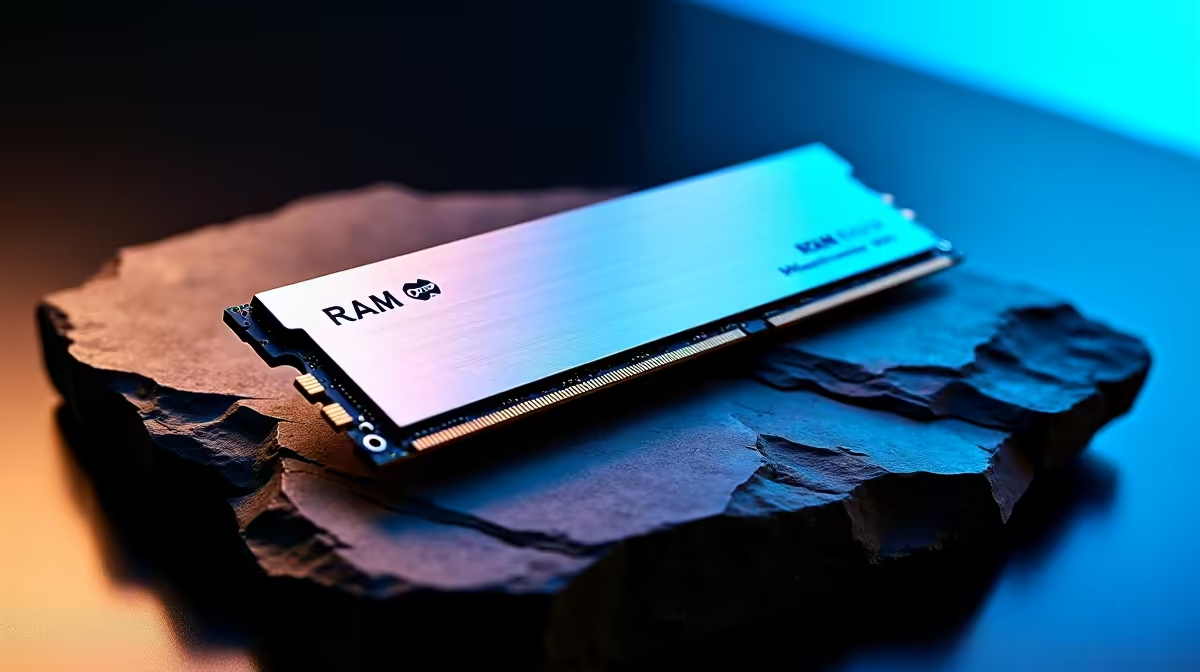
If you’ve been eyeing the newest M-Series MacBooks, you might be wondering what 16GB really means with Unified RAM compared to the traditional RAM in other laptops. South African gamers and creators often wrestle with RAM specs, especially at Evetech prices where every rand counts. Unified RAM isn’t just a buzzword—it’s a fresh approach Apple uses to streamline memory, boosting speed and efficiency on MacBooks like the powerful MacBook Air.
Traditional RAM modules separate graphic memory and system memory, making data move back and forth. Unified RAM, by contrast, merges these into a single pool accessible by both the CPU and GPU. The result? Faster workflows, smoother gaming, and better multitasking without the usual bottlenecks. On the MacBook Pro line, this unified approach translates into more efficient power use—a huge plus for battery life if you’re gaming unplugged or doing content editing while travelling around South Africa.
Unified RAM makes the listed “16GB” a lot more potent as it supports multiple high-demand tasks simultaneously. So when you see 16GB on an M1 or M2 MacBook, that memory is stretched across every function in a way traditional RAM can’t mimic. This synergy is why gamers and prosumers alike value M-Series MacBooks beyond raw numbers.
Let’s break down what having 16GB Unified RAM means for you:
For South African buyers investing in 16GB M-Series MacBooks, the boost in multitasking and graphical performance is usually worth the price difference.
To squeeze the best from your 16GB Unified RAM, close unused apps and keep storage optimised—especially if you're switching between gaming and creative software. Less clutter means speedier access, and your MacBook thanks you with smoother performance.
Traditional RAM laptops are widespread and come in various price points, but they don’t offer the sleek integration Apple delivers. When shopping at Evetech, you’ll find that while traditional RAM MacBooks might list similar memory specs, they often fall short in efficient resource sharing.
The 15-inch MacBook Air is a shining example of the M-Series making a clear difference. It channels its 16GB of unified memory fluidly between CPU and GPU, which reflects in better frame rates and less stutter than a comparable traditional RAM setup. For South African gamers wanting dependable performance that doesn’t throttle, that’s a serious advantage.
For most South African gamers, content creators, and professionals, 16GB of Unified RAM on Apple’s M-Series MacBooks strikes a solid balance between power and price. It optimises everyday tasks while packing more punch for demanding applications and games. Of course, if you’re tackling ultra-high workloads or heavy multitasking, consider bumping your RAM up where possible.
Whether you lean towards the nimble MacBook Air or the robust MacBook Pro line, understanding how Unified RAM shifts the memory landscape ensures your purchase suits your gaming and tech needs perfectly.
Ready to upgrade your Mac experience? Discover the full range of 16GB M-Series MacBooks tailored for South African gamers and creators at unbeatable prices—Shop now at Evetech for performance that leaves lag in the dust.
Unified RAM can improve data sharing between CPU and GPU, reducing copies. The real-world advantage depends on workload and memory pressure.
It means 16GB of shared memory available to the CPU, GPU, and Neural Engine. For many users it’s enough, but heavy multitasking can reach limits.
Not exactly. Unified memory uses a different architecture and can behave differently under load, so performance is workload-dependent.
No. Unified memory is typically soldered, so you must choose the configuration at purchase. Consider future needs before ordering.
Often yes for 1080p and moderate timelines. For 4K/8K, heavy effects, or multiple apps, 32GB may reduce slowdowns and memory pressure.
For light to moderate AI tasks and local workflows, 16GB may work. Larger models, bigger datasets, or concurrent apps are more likely to benefit from 32GB.
Watch Activity Monitor for memory pressure. If pressure frequently rises, you may see app reloads, slower switching, or reduced responsiveness.
Marvel Rivals launch needs a balanced parts plan, not a random basket. Map the CPU, GPU, RAM, SSD, cooling, and monitor target to the budget so SA builders know where to spend first.
Read more
Path of Exile 2 launch needs a balanced parts plan, not a random basket. Map the CPU, GPU, RAM, SSD, cooling, and monitor target to the budget so SA builders know where to spend first.
Read more
Black Myth Wukong launch needs a balanced parts plan, not a random basket. Map the CPU, GPU, RAM, SSD, cooling, and monitor target to the budget so SA builders know where to spend first.
Read more
Hollow Knight PC requirements should be mapped to resolution, settings and upgrade budget before choosing a tier. Verify current requirements, then balance GPU, CPU, RAM and SSD around SA pricing.
Read more
Hollow Knight build planning should focus on the target resolution, settings and total system balance. Treat launch wording as time-sensitive, then verify requirements before choosing SA PC parts.
Read more
Fallout 4 PC requirements should be mapped to resolution, settings and upgrade budget before choosing a tier. Verify current requirements, then balance GPU, CPU, RAM and SSD around SA pricing.
Read more
Wondering if a TKL wireless mechanical keyboard is worth it for everyday productivity? We break down latency, battery life, comfort, and workflow gains for real work. ⚡⌨️

Maximise battery life on a fanless 15-inch laptop using efficiency core architecture. Cut idle drain, tune power profiles, and improve thermals for longer runtime. 🔋⚙️

Learn how to reduce desk clutter with a TKL wireless keyboard using fewer cables, smart placement, and tidy essentials. Get a faster, calmer workspace with better ergonomics. ✅🧼

RGB keyboard lighting too distracting? Learn how to manage backlight modes, set brightness, and reduce distraction for focus and productivity 😌🖱️

Are themed gaming keyboards worth the extra cost? Compare build quality, switch options, features, and resale value to find the best fit for your setup 🎮⌨️

Full-Size vs Tenkeyless mechanical keyboards for gaming: find out if a smaller layout truly improves aim, speed, and comfort. We break down layout, desk space, latency-feel, and keybinds 🎮⌨️

Dedicated media rollers vs function key shortcuts: learn which setup gives you better workflow control, faster media access, and fewer mistakes. 🖱️🎧

Best Mechanical Switch Type for Gaming: Clicky vs Linear vs Tactile. Find your feel, speed, and noise balance with practical guidance for FPS, MOBA, and productivity 😄🎮

Direct mouse answer: Mouse not keeping up with your work? Everything that matters about dual-mode 2.4GHz + BT 5.0: DPI behaviour, channel switching, battery curves and per-app button mapping. Covers when 2.4GHz USB wins (low-latency desk) and when BT 5.0 wins (laptop, d

Plain wireless mouse guide: Mouse not keeping up with your work? Everything that matters about wireless productivity mouse: DPI behaviour, channel switching, battery curves and per-app button mapping. Includes DPI tuning tips, channel switch shortcuts, and ZAR-aware fea

Real productivity numbers: Set up your wireless mouse in this order: everything that matters about wireless productivity mouse: DPI behaviour, channel switching, battery curves and per-app button mapping. Includes DPI tuning tips, channel switch shortcuts, and ZAR-aware

Pen not feeling like paper? Stylus lag and skipping usually trace to old drivers, dirty nibs, or display refresh mismatches, not the pen itself. Covers pressure curve tuning, tilt thresholds, nib swap timing, and SA pricing brackets.