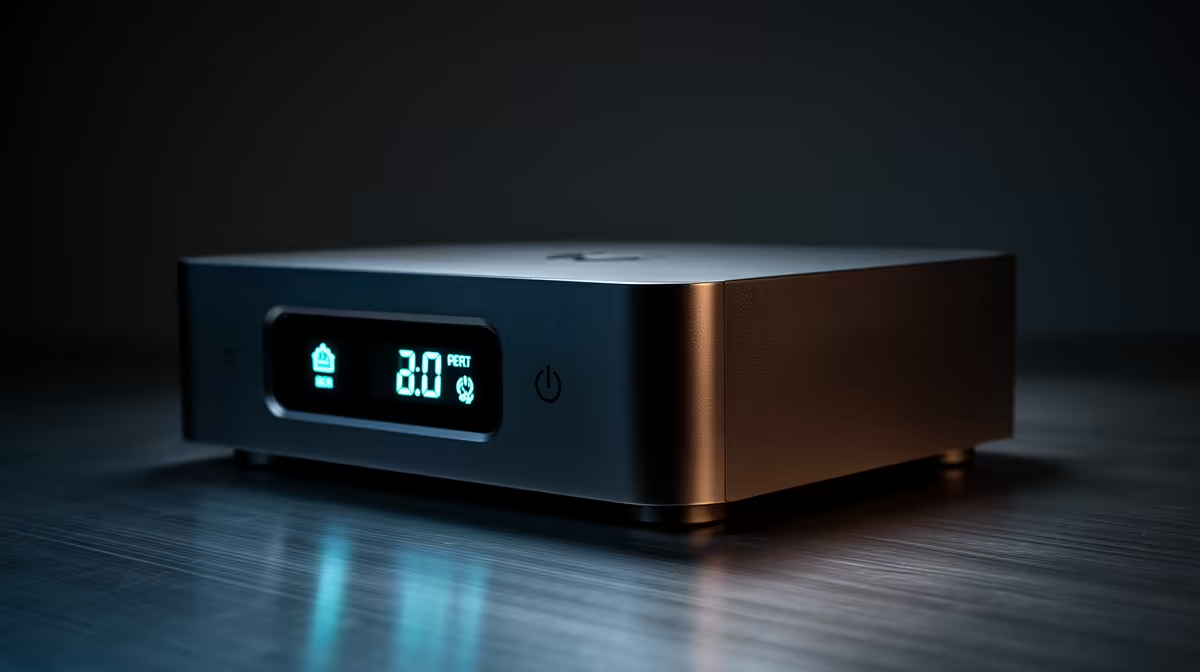
You’re deep in a ranked match… two squads left. Then, the lights flicker and die. Your R40,000 rig just hard-shutdown, potentially corrupting your OS or damaging components. A basic Uninterruptible Power Supply (UPS) helps, but what if you're not at your desk to shut it down safely? This is where a UPS with alerts delivering value becomes more than a battery… it becomes your PC’s guardian angel. 🛡️
Beyond a Simple Battery Backup
Let's be honest, any UPS can give you a few minutes to save your game and exit gracefully. But what happens when the power cuts while you’re making coffee or grabbing a snack? The UPS battery drains, and your PC eventually shuts down improperly anyway, defeating half the purpose.
The real evolution in power protection is communication. A modern UPS with alerts connects to your PC, usually via USB, and uses simple software to tell you exactly what’s happening. It’s the difference between a dumb battery and a smart power management system. This proactive approach is where you find the true value of a UPS with alerts.
How Smart UPS Alerts Protect Your Gear ⚡
So, what kind of communication are we talking about? A smart UPS doesn't just sit there silently. It actively informs you, giving you total control even when you’re not in the room.
The core benefit is getting notified about critical power events. Most quality units, including those from leading brands like Titan, offer software that can:
- Notify you of power loss: Get an on-screen or audible alert the second the mains power is cut.
- Warn you about low battery: Receive a second alert when the UPS battery is about to run out, giving you a final chance to act.
- Trigger an automatic safe shutdown: This is the key feature. You can configure the software to automatically hibernate or shut down your PC when the battery reaches a certain level (e.g., 20%).
This system ensures that even if you're away from your PC when the power goes out, your machine will be shut down safely every single time. An uninterruptible power supply with notifications isn't a luxury; for South African conditions, it's a necessity.
Automate Your Shutdowns 💡
Install the software that came with your UPS. In the settings, find the 'Power Event' or 'Battery Management' section. Set your PC to automatically hibernate when the UPS battery hits 20%. This saves your entire session to the hard drive, so you can resume exactly where you left off once power is restored.
Finding an Affordable Smart UPS
The term "smart" might sound expensive, but you don't need to break the bank. The technology that enables a UPS with alerts delivering value has become standard across the board. You can find excellent options under R1300 that include the essential USB connectivity and management software.
For a gaming rig or workstation, look for a line-interactive UPS rated at 1000VA or higher to handle the power draw of your GPU and CPU. For a home office PC or router, a smaller 650VA unit is often more than enough. The important part is ensuring it has that USB port and software support to unlock its full protective potential.
Protect Your Rig the Smart Way
A UPS with alerts offers peace of mind that a simple battery just can't match. Explore our full range of UPS solutions and give your setup the intelligent protection it deserves.