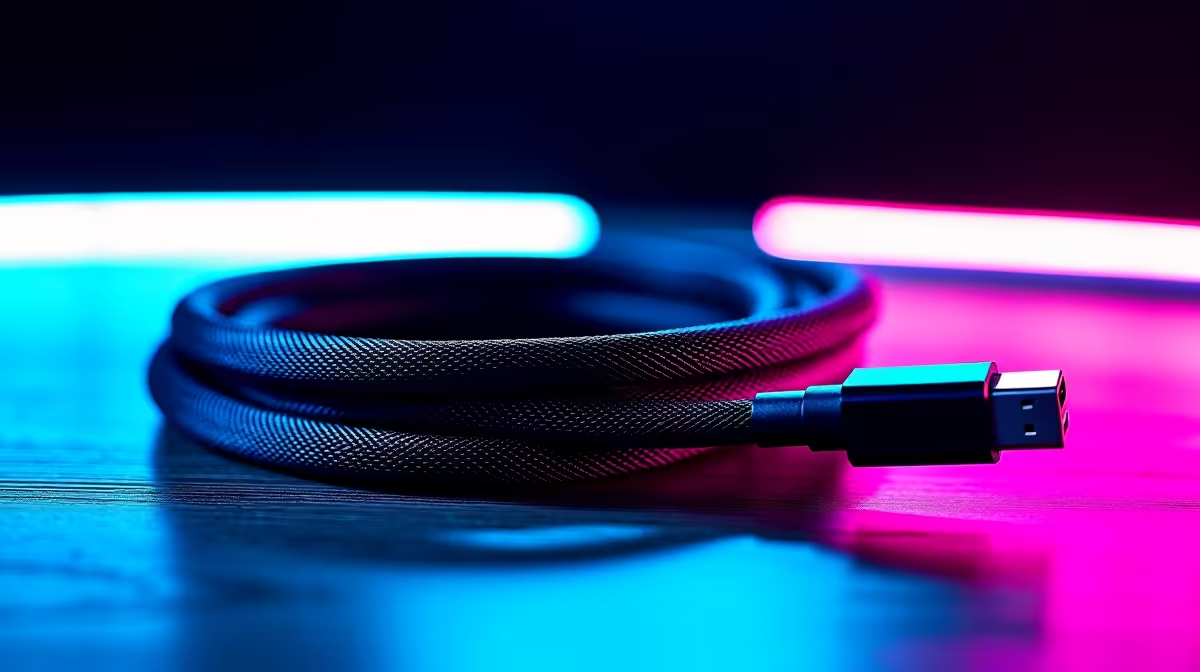
It’s the universal connector that promised to simplify our lives, yet we’ve all been there… grabbing a random USB-C cable only to find it charges your phone at a snail’s pace or refuses to connect your laptop to a monitor. The truth is, not all cables are created equal. Finding the best USB-C cables for your gadgets isn't just about convenience; it's about unlocking the full potential of your expensive tech. ⚡
Why Not All USB-C Cables Are Made Equal
The "C" in USB-C only refers to the physical connector shape… the small, reversible oval plug we all know. What it doesn't tell you is what the cable can actually do. Inside that simple-looking sheath are wires for power, data, and even video, but their capabilities vary wildly.
Using the wrong one can mean slow data transfers, charging that takes forever, or your 4K monitor being stuck in 1080p. In a worst-case scenario, a cheap, uncertified cable can even damage your device's charging port. That’s why investing in a proper cord from a range of comprehensive cable solutions is one of the smartest, most affordable upgrades you can make. It’s about protecting your gear and ensuring you get the performance you paid for.
Finding the Best USB-C Cable for Your Needs
To pick the right cable, you need to match it to your primary task. Forget the marketing jargon and focus on these three key areas:
For Charging Your Laptop, Phone, or Power Bank
Look for a cable that specifies its Power Delivery (PD) rating in watts (W). A standard phone might only need a 20W cable, but a modern laptop could require 65W, 100W, or even more. Using an underpowered cable will result in slow charging or a "not charging" warning. A high-wattage cable is backward compatible, making it a versatile choice for all your devices.
Pro Tip: Match Your Watts 💡
Check the tiny print on your charger brick to see its maximum wattage output (e.g., "100W"). Your cable should have a matching or higher rating to get the fastest possible charging speeds. A 100W cable will safely charge a 30W device, but not the other way around.
For Super-Fast Data Transfers
If you're moving large files to an external SSD or connecting to a docking station, data speed is king. Look for cables rated for at least 10Gbps (Gigabits per second). For ultimate performance, Thunderbolt 3 or 4 cables offer blistering speeds of up to 40Gbps. When you need reliability for your workflow, it pays to choose from quality options from brands like Promate, which are built to handle demanding data loads.
For Connecting to Monitors
Want to run an external display? Your cable needs to support "DisplayPort Alternate Mode" (DP Alt Mode). This feature allows the USB-C port to carry a native video signal. Most high-quality data cables include this, but the cheapest charging-only cables often don't. For high-resolution or high-refresh-rate gaming monitors, a Thunderbolt cable is once again the gold standard, providing the bandwidth needed for a crisp, smooth picture.
Durability: A Cable That Lasts 🔧
A cable is only as good as its construction. Constant plugging, unplugging, and coiling can take its toll. Look for features like a braided nylon exterior, which prevents tangling and resists abrasion far better than standard plastic. Also, pay attention to the strain relief—the flexible rubber or plastic bit where the cable meets the connector. This is the most common point of failure, and robust, reliable HP cables often feature reinforced connectors designed to withstand thousands of bends.
Ultimately, the best USB-C cable is one you don't have to think about. It just works, every single time.
Ready to Power Up Properly?
Stop guessing and get the right tool for the job. Explore our massive range of certified USB-C cables and unlock the true speed and power of your tech today. Shop now at Evetech for performance that leaves frustration in the dust.