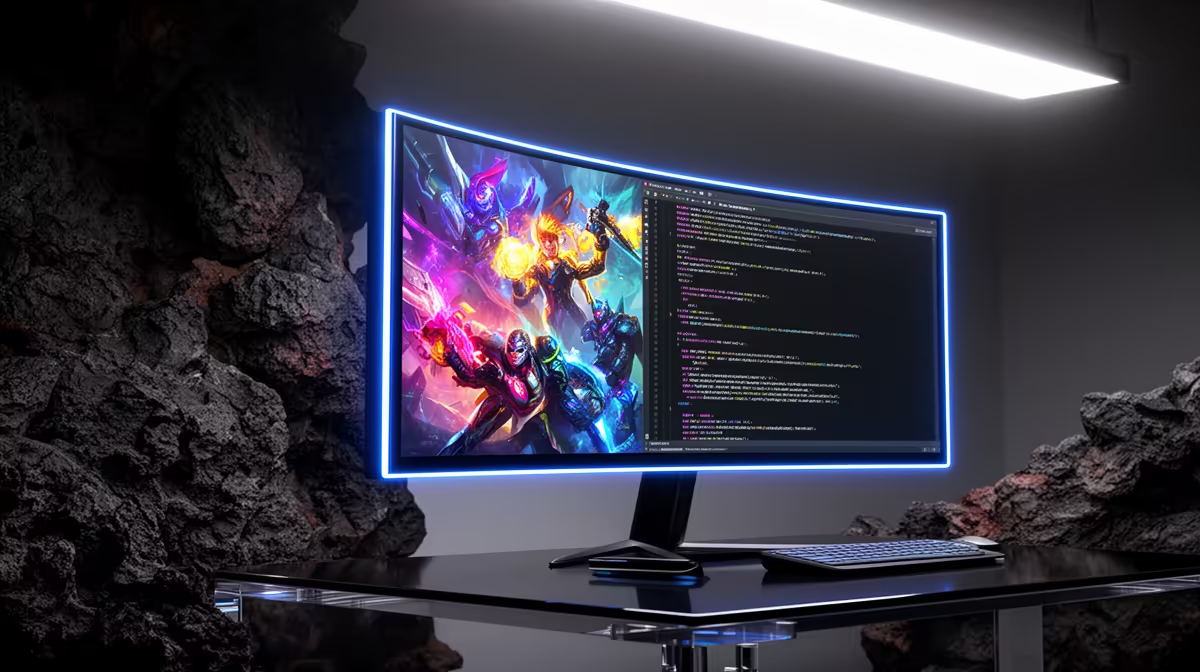
The MSI MAG 274F at R3,006 suits a creator desk where you want a fast 200Hz gaming monitor for playing, recording, and checking footage without paying for the priciest screen first. USB-C can make sense if your laptop or capture setup benefits from a cleaner cable route, but the monitor choice still needs to start with refresh rate, size, and the way you actually record.
A fast screen matters more than the port alone
For a balanced setup, the MSI MAG 274F at R3,006 gives you 200Hz, which is useful when you are gaming while OBS, console capture, or a second device is part of the desk. The higher refresh rate helps gameplay feel smoother while you keep recording controls visible nearby.
The ViewSonic VX2779A at R2,350 pushes the spec further with 240Hz, making it the sharper pick if high-frame-rate play matters more than resolution. For recording gameplay, that 240Hz headroom is handy because your own screen stays responsive even when the final exported clip is a lower frame rate.
If you want a larger-feeling work area, the AOC 27in QHD 200Hz at R3,200 is the strongest option here because QHD gives more space for game, chat, timeline, and capture controls. The Dell SE2726H at R1,797 still makes sense as a lower-cost 144Hz option, while the Dahua LM25 at R1,850 gives 200Hz for a tighter desk.
Creator desk setup for gaming and capture
On a South African creator desk, USB-C is mainly about reducing cable clutter from a laptop or compact recording station. Pair that idea with the MSI MAG 274F at R3,006 and its 200Hz refresh rate if the screen will handle both play and review work.
Ready to choose the right gaming monitor?
Use Dell SE2726H 144Hz at R1,797 when does monitor make sense both matters, then compare the desk fit against its listed spec.