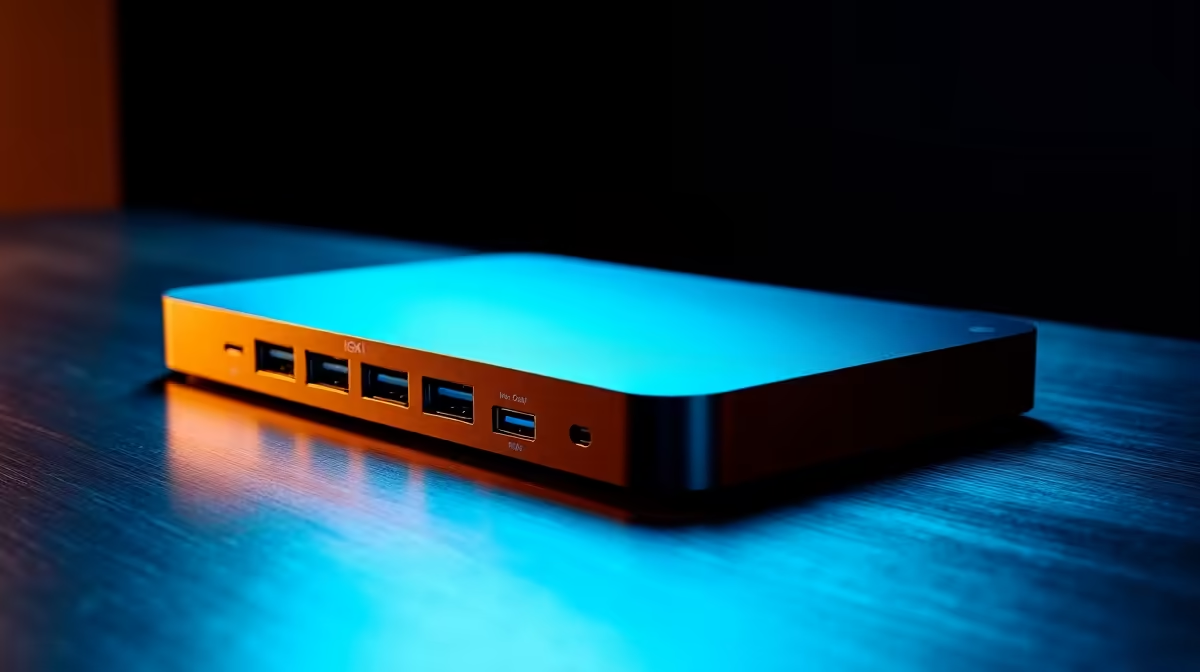
Is your desk a chaotic mess of cables? One for the monitor, one for the mouse, another for the keyboard, and don't forget the charger. If you're swapping between a work laptop and a gaming rig, it's a daily nightmare. This frustration is at the heart of the USB dock vs hub debate, and it's why so many South Africans are finally ditching their simple hubs for something far more powerful. Let's break it down.
What's the Real Difference Between a USB Hub and a Dock?
Honestly, it's like comparing a power strip to a full-blown distribution board.
A USB hub is simple. It takes one USB port and turns it into several. It’s perfect for connecting low-power devices like a keyboard, mouse, or flash drive. They're small, portable, and affordable. But that’s where their utility ends. If you're looking for a basic expansion for a few extra peripherals, you can find a simple hub or dock for under R1000 that gets the job done.
A USB docking station, on the other hand, is a proper command centre for your entire setup. 🚀 It uses a single, high-bandwidth cable (usually USB-C or Thunderbolt) to connect everything: multiple high-resolution monitors, wired Ethernet for lag-free gaming, SD card readers, audio jacks, and a host of USB ports... all while charging your laptop.
Why Power Users Are Ditching Hubs for Docks
The conversation around a docking station vs hub isn't just about more ports; it's about capability and convenience. This is where you see the real-world benefits that make the investment worthwhile.
One Cable to Rule Them All
Think about the daily grind. Unplugging five or six cables from your work laptop, then plugging them all back into your gaming PC... it's a drag. A docking station consolidates that entire routine into a single connection. You get home, click one cable into your machine, and your entire battle station—monitors, audio, and peripherals—springs to life. It’s clean, efficient, and saves wear and tear on your laptop's ports.
Power and Performance Unleashed ⚡
Most quality docks come with Power Delivery (PD). This means they don't just pass data; they charge your laptop at full speed. No more carrying a bulky power brick in your bag! Furthermore, a dedicated Ethernet port on a dock provides a far more stable, low-latency connection than Wi-Fi, which is crucial for competitive online gaming or downloading massive files. For a solid all-rounder that won't break the bank, there are some excellent docking stations available for under R2000.
Check Your Port's Power
Not all USB-C ports are created equal. To drive multiple monitors and get the most from a dock, your laptop's USB-C port needs to support "DisplayPort Alternate Mode" or be a Thunderbolt™ 3 or 4 port. Always check your device's specs before you buy!
Multi-Monitor Supremacy
This is a huge reason why users ditch hubs for real docks. A simple USB-A hub can't run an external monitor at all. A basic USB-C hub might handle one, often with limitations. A proper docking station can effortlessly drive two, three, or even four monitors at high resolutions and refresh rates. For streamers, content creators, and multitasking professionals, this is non-negotiable. Brands like Promate offer reliable docks built specifically for these demanding, multi-display setups. ✨
So, while a hub solves a small problem, a dock solves a much bigger one. It transforms your laptop from a portable device into the brain of a powerful, versatile desktop setup with just one click.