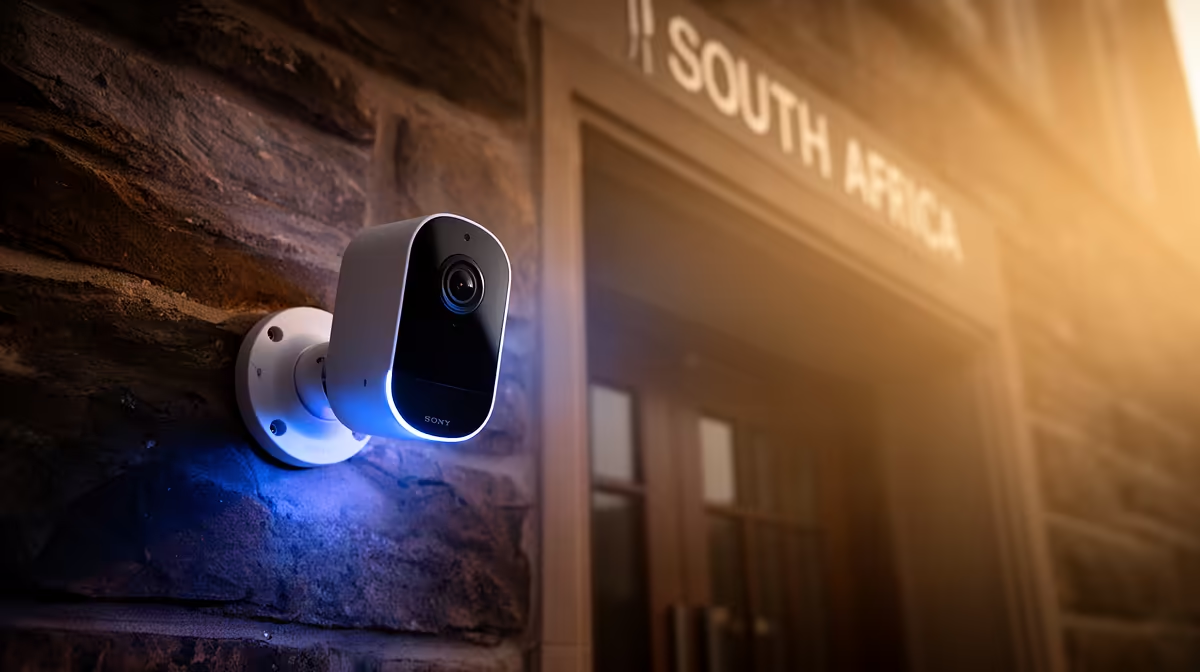
A video doorbell is overkill when a postgraduate researcher has no entrance-security problem and lives where installation is controlled by a landlord or residence. It can be useful for equipment deliveries, fieldwork absences or safer visitor checks when permission, privacy and connectivity are addressed.
Define the incident and the people allowed to view it
List missed deliveries, unknown visitors and access concerns from a normal month. Check mounting permission, power, Wi-Fi strength, lighting and whether the camera would capture neighbours or public areas unnecessarily. Decide retention and who may export a clip.
No video-doorbell model or verified selling price appears in the factpacks. The Tapo C212 indoor Wi-Fi camera at R451 is a verified indoor-camera reference, not a doorbell or outdoor-rated substitute. Confirm current environmental rating, installation, storage, app, account controls, update policy and warranty for any doorbell considered.
Use unique credentials and available multifactor protection, restrict shared access and keep research screens or participant information outside camera views. Do not expose administration directly to the internet. Test alerts while away from the property and create a safe delivery instruction that does not reveal long absences.
Buy only when the documented entrance problem justifies it. Research funding and attention should stay focused on computing, storage, fieldwork and data protection unless security risk is real.
Equipping a research workspace? > Compare Evetech PCs after separating computing needs from property security.